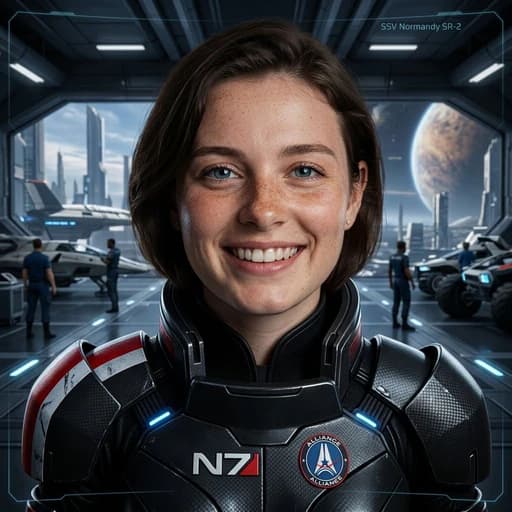
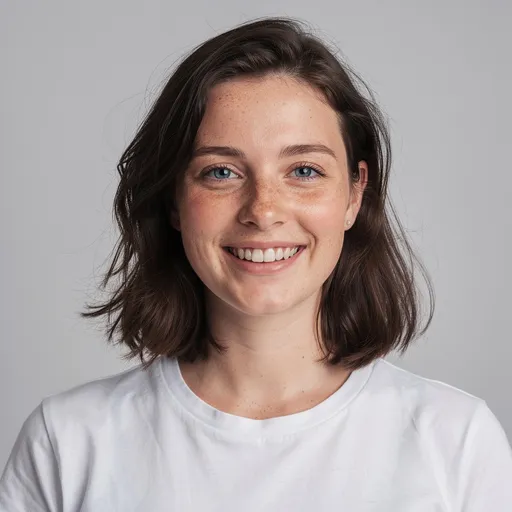
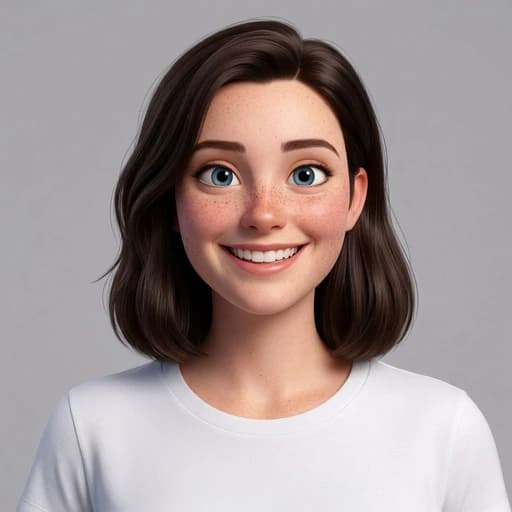
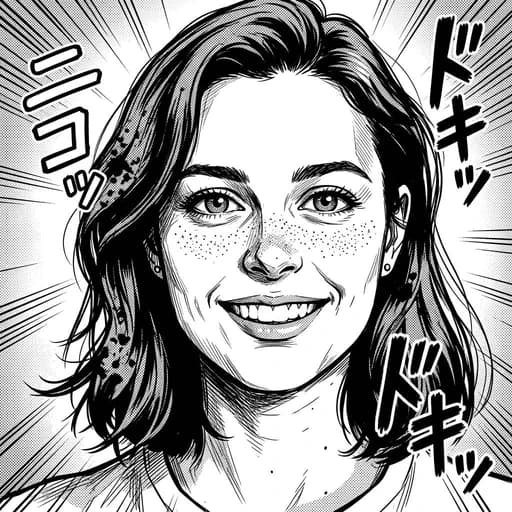
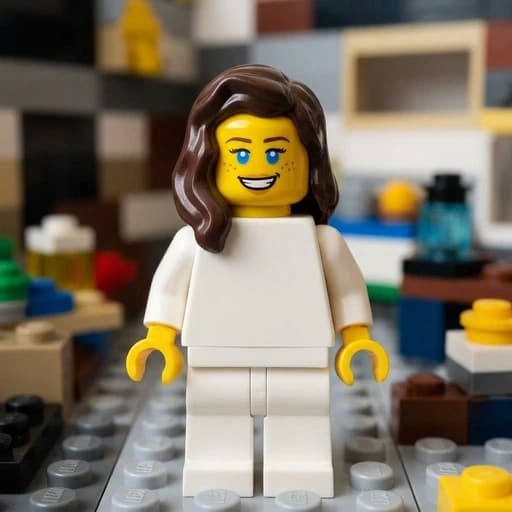
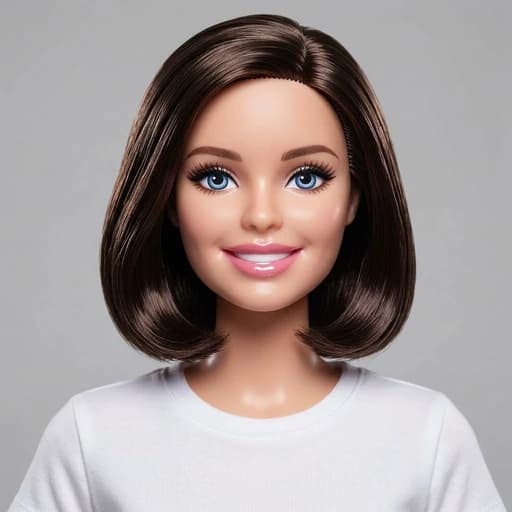
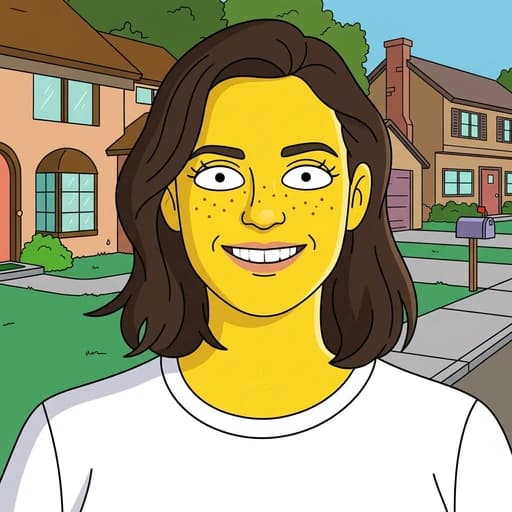
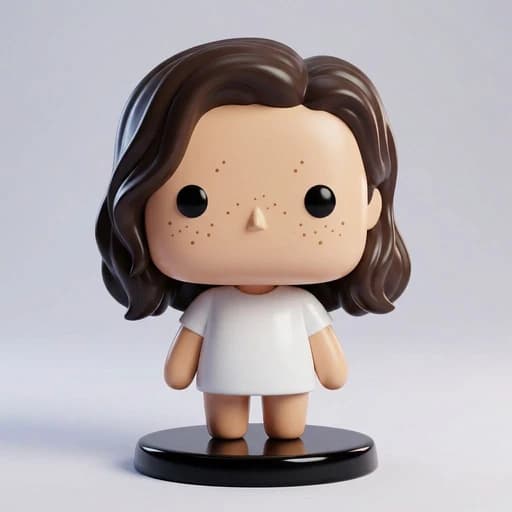
Turn your photo into a Mass Effect-inspired Character instantly with AI
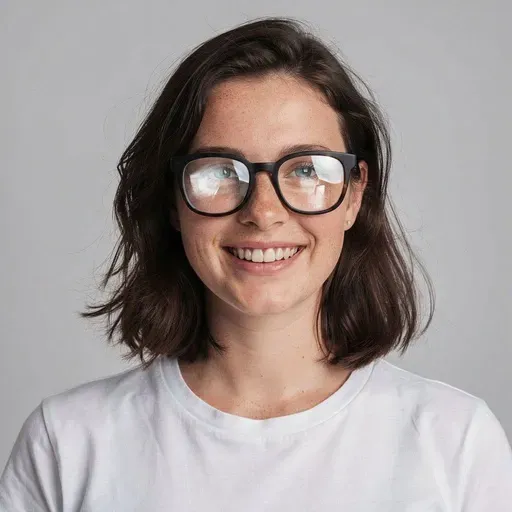
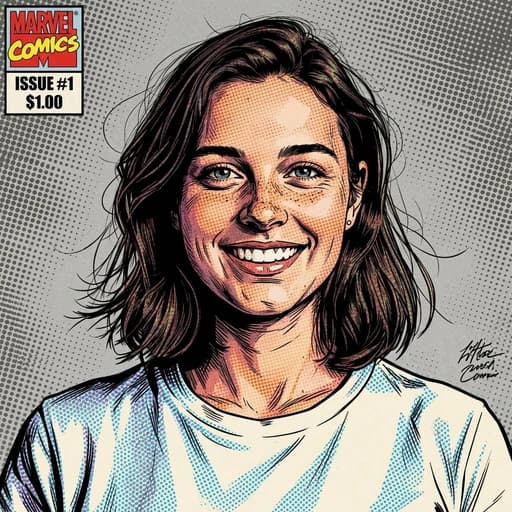
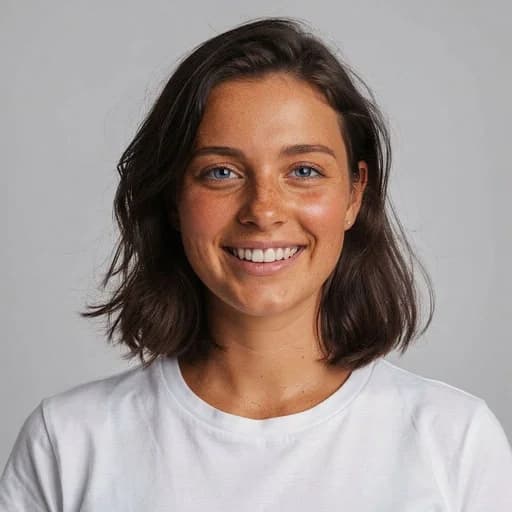
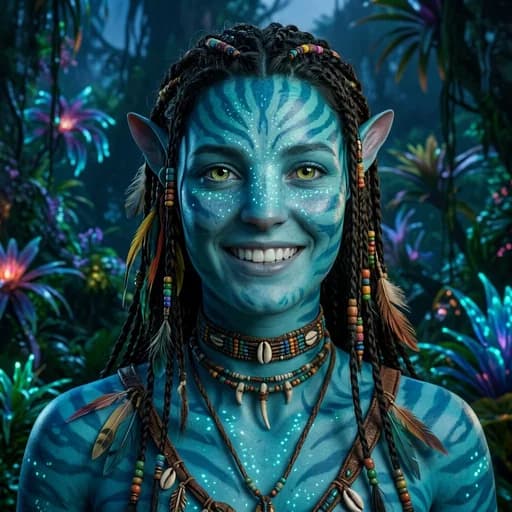
Before & After: Mass Effect AI Filter
Tap or drag the slider to see the result. Upload your photo above to try it free.
Before
After
Tap to compare
This filter creates an original, Mass Effect-inspired stylization of your photo using AI. PicTools.AI is not affiliated with, endorsed by, or sponsored by the rights holders of Mass Effect.
Mass Effect AI Filter FAQs
It's easy. Upload your photo to PicTools.AI. The AI analyzes your image and instantly transforms it into a Mass Effect-inspired character. No design skills or complex editing software required.
Upload your photo here and continue in the PicTools.AI app. The app shows the current trial and pricing options before any purchase.
Yes. PicTools.AI works entirely in your browser, so you can use the Mass Effect filter on your iPhone, Android, tablet, or computer. No app download needed.
Yes. You own the commercial rights to the generated Mass Effect-inspired image. You can use it for any purpose, including marketing, social media, advertising, and merchandise, provided you have the rights to the original photo. However, please be mindful of trademarks if your image closely resembles a specific protected character.
Clear images with good lighting work best. For the best results, close-up portraits or selfies are recommended as the AI can accurately map facial features to the new style.
PicTools.AI supports all major formats, including JPG, PNG, WebP, BMP, GIF, and TIFF. Just upload your photo to start—no conversion needed.
Yes. Your privacy is our priority. Images are processed securely for the sole purpose of generating your result, are not shared publicly, and are never used to train AI models. You can delete any image from your history at any time, which permanently removes it from our systems.
No. PicTools.AI is an independent platform. This filter is an artistic style inspired by the visual aesthetic associated with Mass Effect, but it is not endorsed by, sponsored by, or affiliated with any official brand or studio.