LEGO AI Filter
Turn your photo into a LEGO-inspired Minifigure instantly with AI
Upload your photo
Drag and drop, or choose a file from your device.
Before & After: LEGO AI Filter
Tap or drag the slider to see the result.


Before
After
Tap to compare
This filter creates an original, LEGO-inspired stylization of your photo using AI. PicTools.AI is not affiliated with, endorsed by, or sponsored by the rights holders of LEGO.
LEGO AI Filter FAQs
Upload your photo to PicTools.AI. The AI transforms it into a LEGO minifigure-style character — blocky features, plastic texture, and a classic LEGO look. No design skills needed.
You can try PicTools.AI with a limited free allowance. Continue in the app to check the allowance available to your account. More edits require a credit pack or subscription.
Yes. PicTools.AI works entirely in your browser — no app download needed. Upload your photo and get a LEGO-style result on any device.
Front-facing portraits and selfies work best. Clear lighting and a visible face give the AI the most to work with for a recognizable LEGO minifigure result.
No. PicTools.AI is an independent platform. This filter is inspired by the LEGO visual style but is not endorsed by, sponsored by, or affiliated with the LEGO Group.
See More LEGO AI Filter Examples ▾
LEGO AI Filter Examples
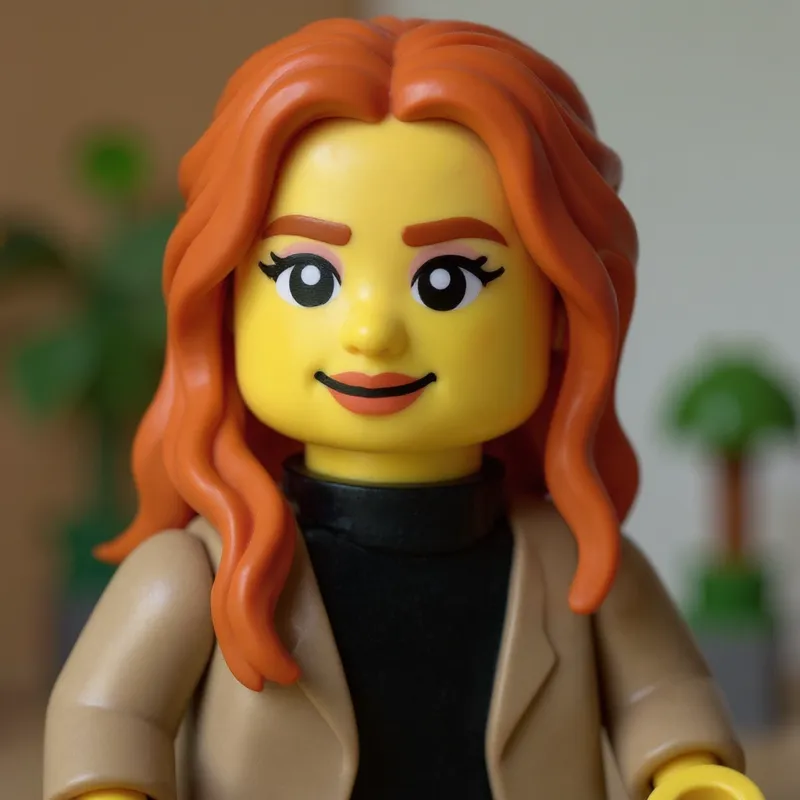
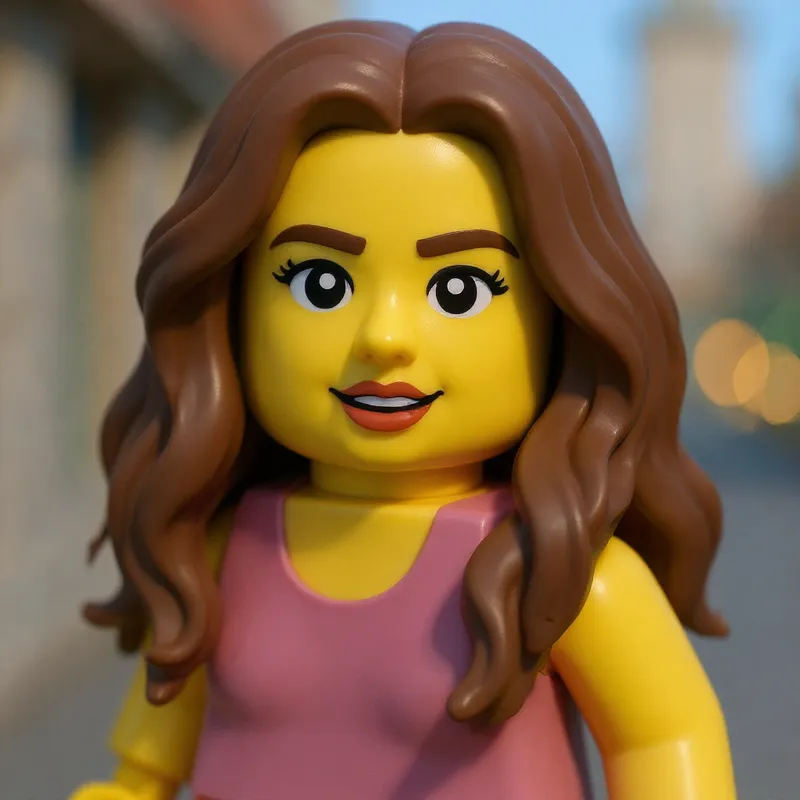
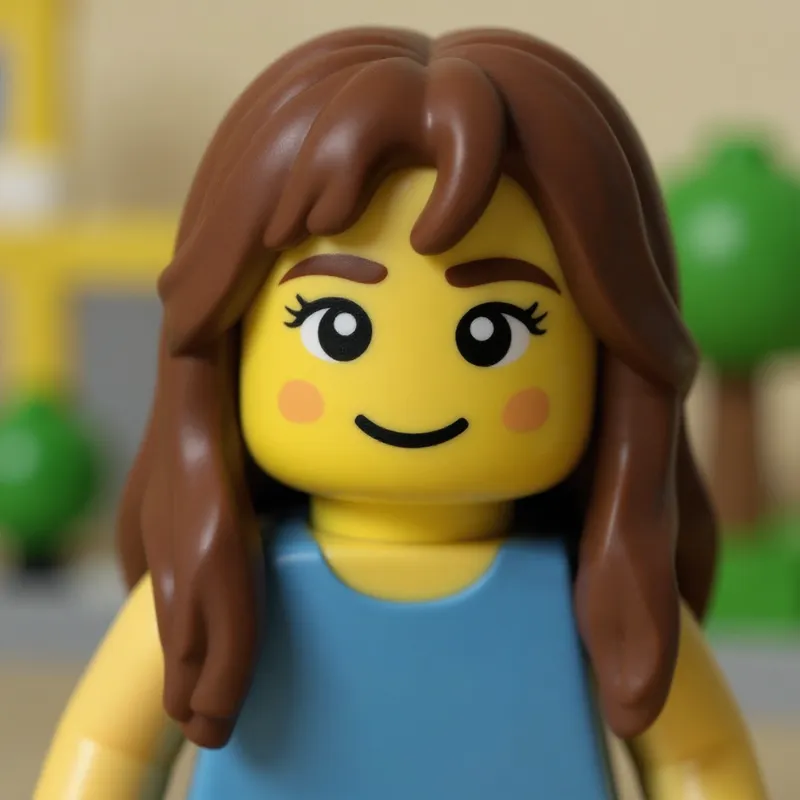
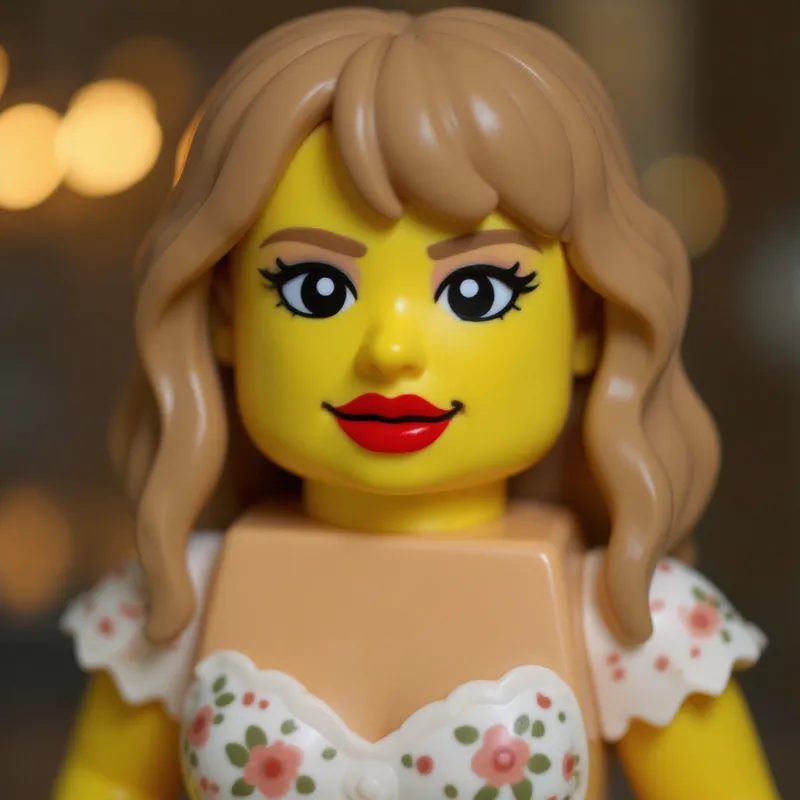
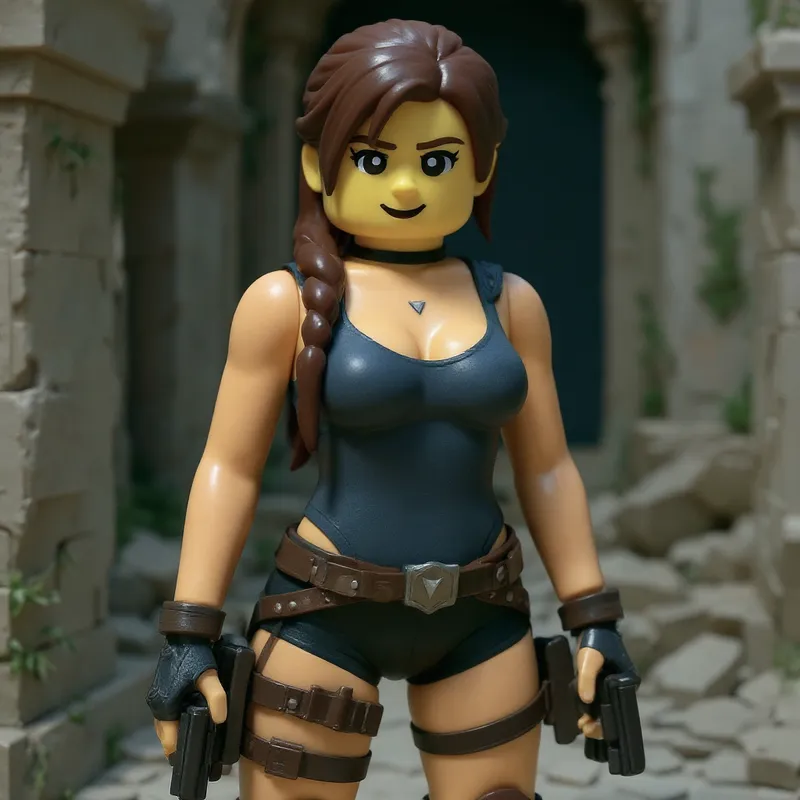
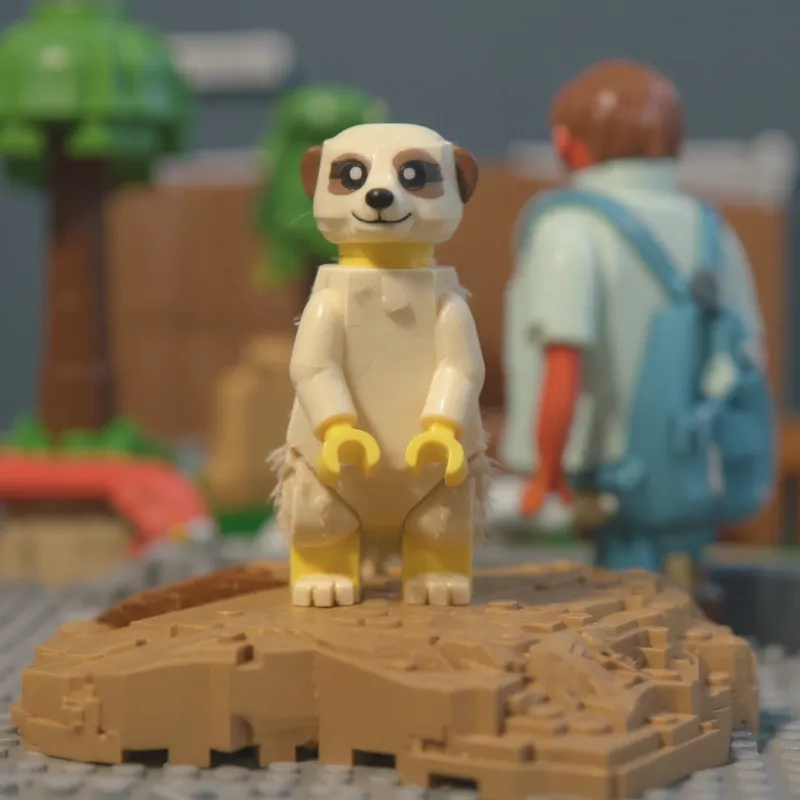
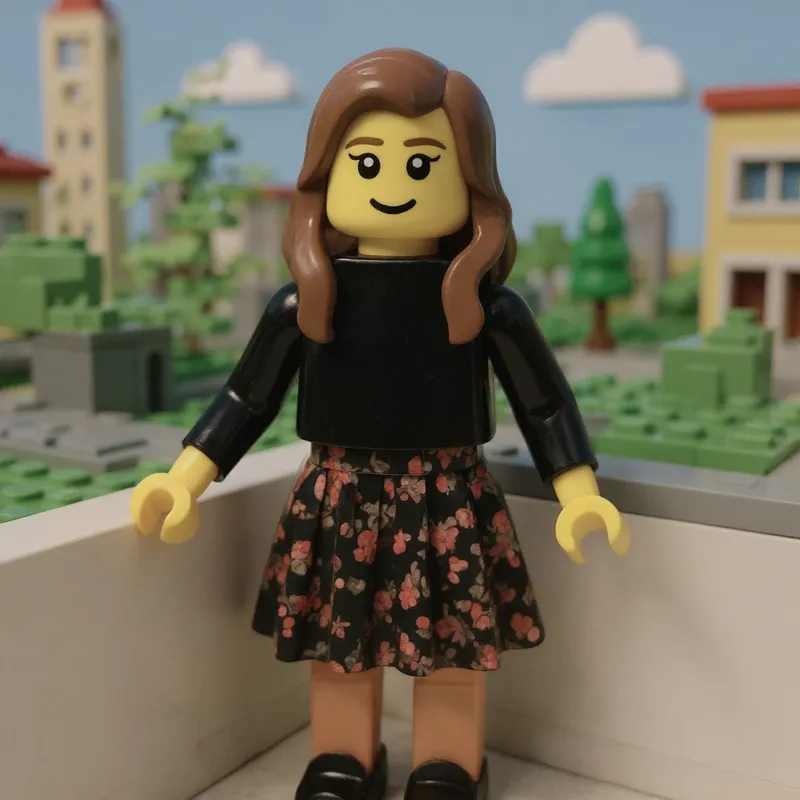
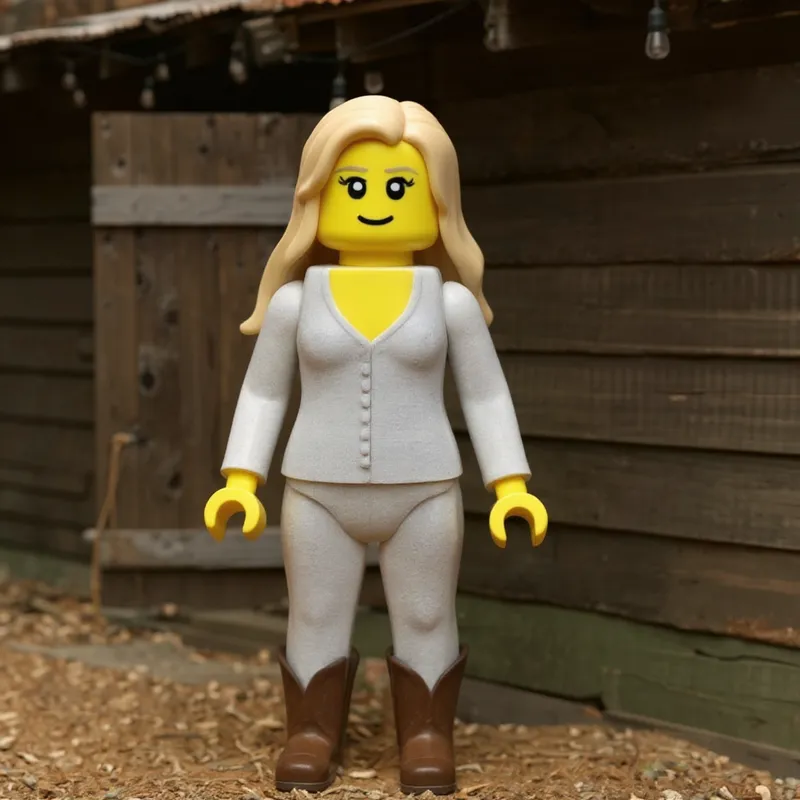
Photos transformed into LEGO-inspired Minifigure with our LEGO AI Filter