90s AI Filter
Restyle your photo with 1990s clothing, setting and film finish
Upload your photo
Drag and drop, or choose a file from your device.
Before & After: 90s Photo Filter
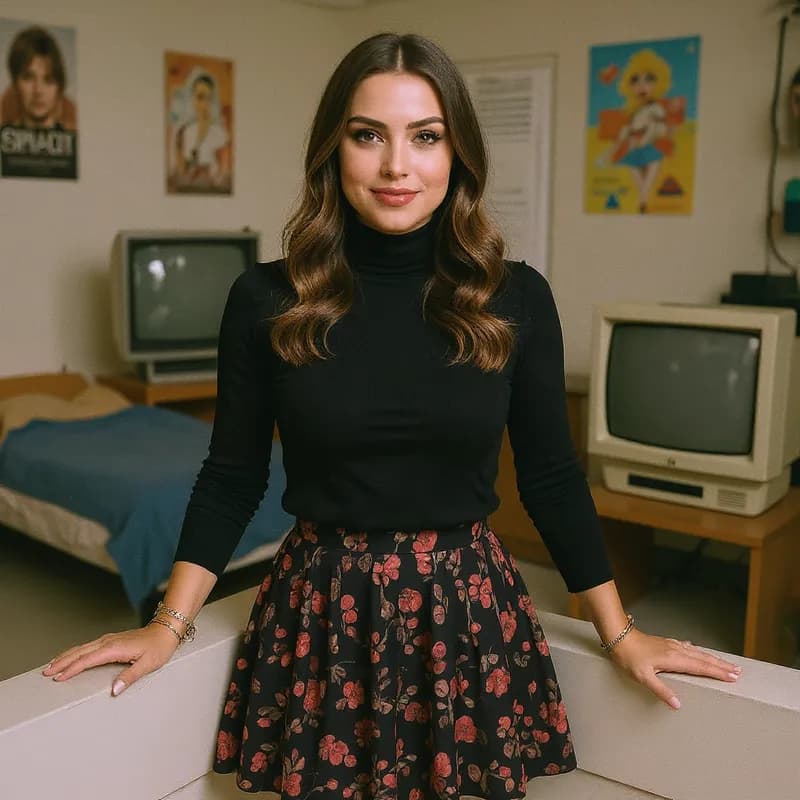
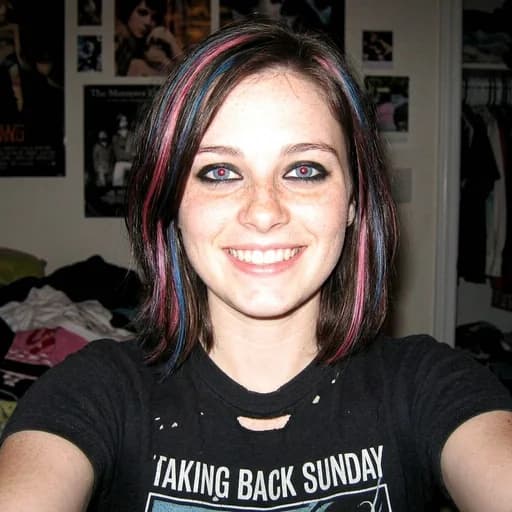
Example: left, current photo; right, 1990s scene and film finish. Drag to compare.


Before
After
Tap to compare
What this filter changes
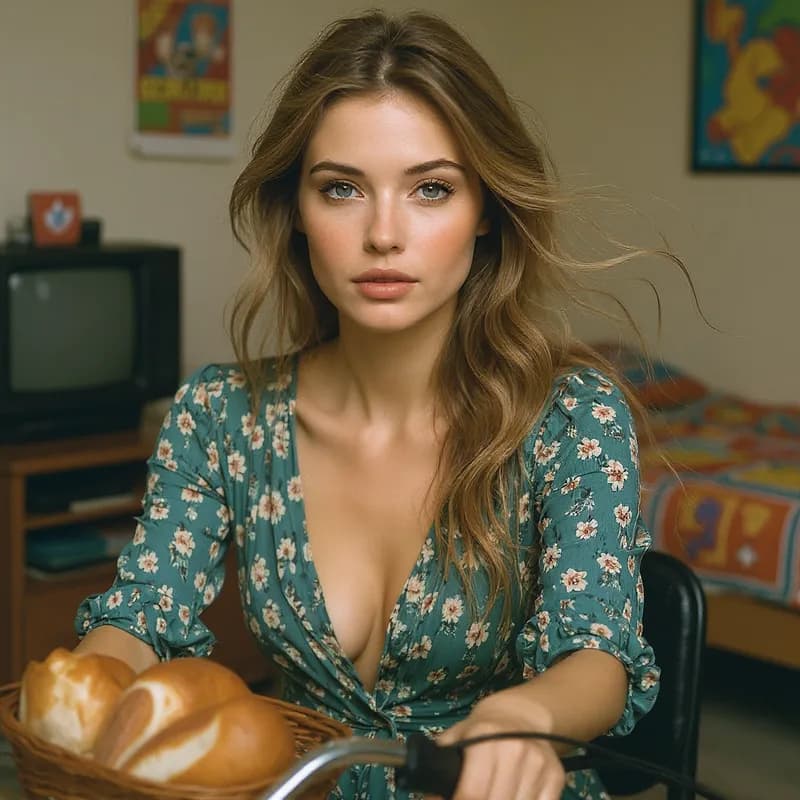
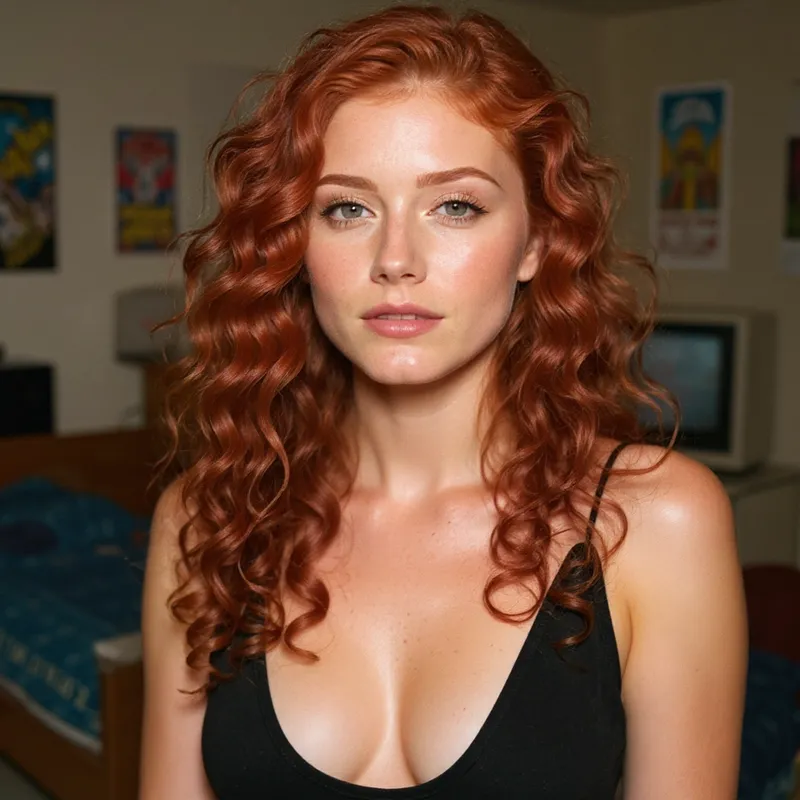
Restyle a photo with 1990s clothing, setting, film grain and faded colours. This generative filter changes the scene as well as its finish, and facial details may change too.
Try it for: Decade-themed mood boards. Explore wardrobe and setting ideas for a shoot.
How to use this filter
Upload here, then continue in the editor.
1. Upload a photo
Choose a portrait to restyle.
2. Apply the 90s filter
Generate 1990s clothing, setting and film finish in the editor.
3. Review and download
Check the scene and facial details, then download.
Tips & limitations
- Include clothing and surroundings to show the wider restyle.
- For grain or faded colour alone, use a conventional photo adjustment.
- Period details are artistic, not historically exact.
Last reviewed by PicTools.AI editorial.
90s AI Filter FAQs
Upload your photo to PicTools.AI. The AI creates a 1990s restyle that can change clothing and surroundings as well as grain, colour and photographic finish.
You can try PicTools.AI with a limited free allowance. Continue in the app to check the allowance available to your account. More edits require a credit pack or subscription.
It creates a full generative restyle. Clothing, hair, setting and small scene details may change alongside grain, soft focus and faded colour.
No. It can reinterpret the subject and scene as well as the photographic finish. Choose a vintage or film-grain effect if you want to preserve the original scene.
Yes. You own the commercial rights to the generated image and can use it freely for social media, personal projects, or content creation.
See More 90s Photo Filter Examples ▾
90s AI Filter Examples
Portraits restyled with 1990s clothing, settings and photo finish