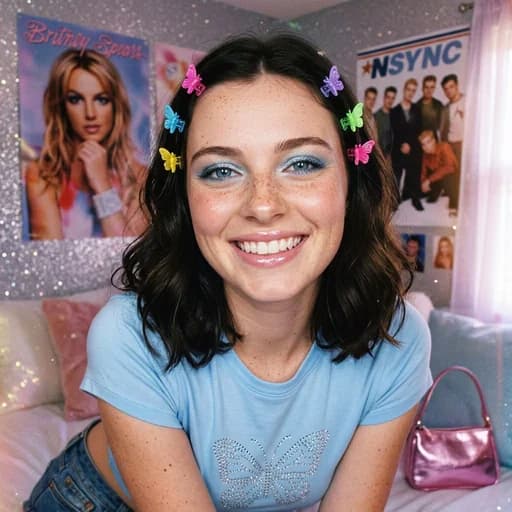
Instagram AI Filter
Get the viral Influencer Look instantly with AI
Upload your photo
Drag and drop, or choose a file from your device.
Before & After: Instagram AI Filter
Tap or drag the slider to see the result.


Before
After
Tap to compare
Instagram AI Filter FAQs
Upload your photo to PicTools.AI. The AI enhances it with a polished Instagram-style look — clean skin, balanced lighting, and a refined aesthetic ready for posting. No editing skills needed.
You can try PicTools.AI with a limited free allowance. Continue in the app to check the allowance available to your account. More edits require a credit pack or subscription.
It applies a curated aesthetic enhancement — smooth skin, warm or cool tones, and the polished, high-engagement style common in popular Instagram content.
Yes. PicTools.AI works entirely in your browser — no Instagram app or download needed. Enhance your photo and save it to post anywhere.
Portraits, lifestyle shots, and selfies work best. Good lighting and a clear subject give the AI the best base to apply the Instagram-style enhancement.
More than a one-tap filter
Filters give you a look in one tap. When you want full control, open the AI Image Editor and change anything by typing — remove objects, swap backgrounds, retouch and upscale. Editing a portrait or an old picture? The AI Photo Editor is tuned for exactly that. You only pay for what you use — credits never expire, no subscription.