AI Image Editor
Edit any photo just by typing — remove objects, swap backgrounds, retouch, restyle and upscale. Start free, pay only for what you use, and your credits never expire. No subscription, ever.
Upload your photo
Drag and drop, or choose a file from your device.
An AI image editor changes a photo from a plain-English instruction. Upload a picture, type what you want — “remove the person in the background”, “put this on a clean white studio backdrop”, “make it sharper” — and the AI rewrites only the pixels it needs to, leaving the rest of your photo untouched. No layers, no masking tools, no learning curve. PicTools.AI puts a whole toolkit behind that one prompt box: object removal, background replacement, retouching, outpainting, upscaling, colour and light fixes, style and filter looks, even turning a photo into an editable vector. The difference is how you pay for it. Most “free” AI editors stamp a watermark on your download, hide the good models behind a sign-up wall, and then push you into a monthly subscription for edits you only needed once. We don’t. You start free, you pay only for the edits you actually run, and the credits you buy never expire — no subscription, no “use it or lose it”, no surprise renewal.
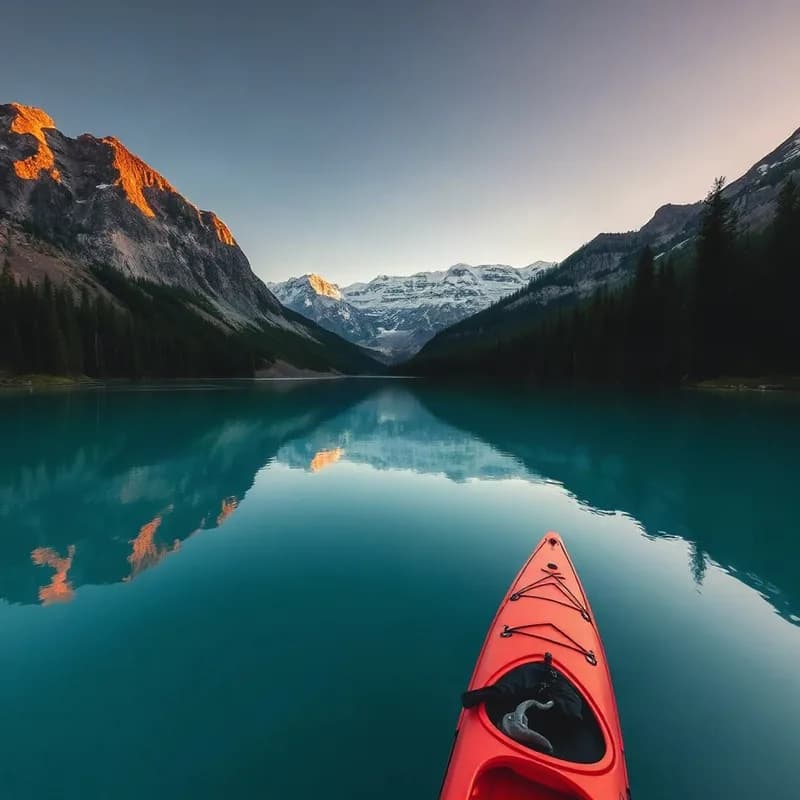
Original photo
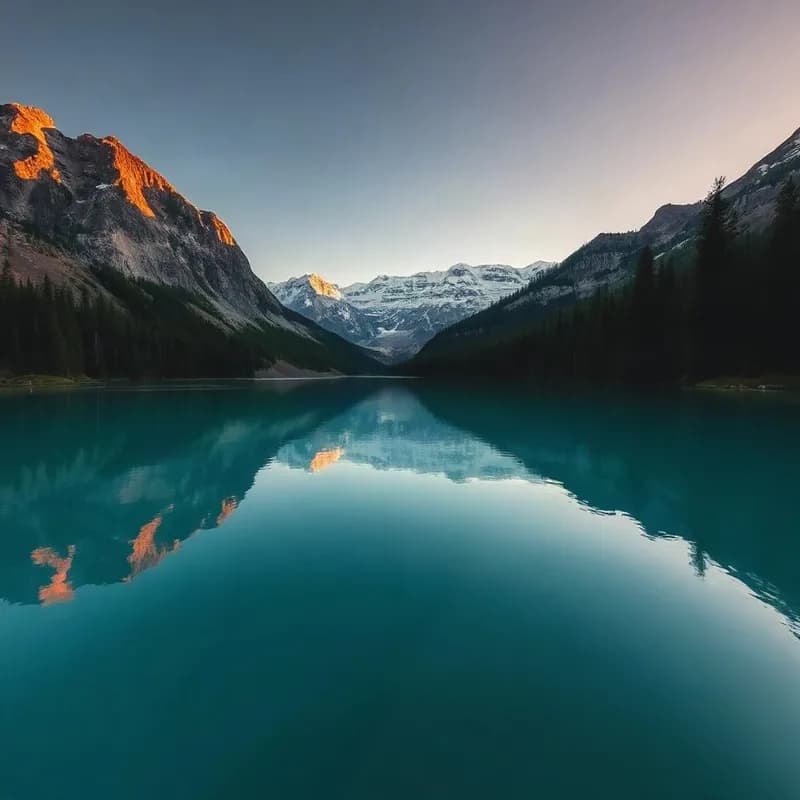
Edited by prompt
How the AI image editor works
Upload your photo
Drop in a JPG, PNG or WebP. Nothing to install, and you can open the editor and start before you ever create an account.
Describe the edit
Type what you want in plain English — remove something, change the background, fix the lighting, restyle it. Pick a look from the filters instead if that’s easier.
Download your result
Get the edited photo back in seconds. Simple edits are free; AI generations cost one credit — from credits you bought once that never expire.
One editor for every kind of photo
Because every tool shares the same prompt box and the same credit balance, you don’t juggle apps or pay five subscriptions — you pay per edit, whatever the job is.
Product & e-commerce photos
Drop products onto a clean white or lifestyle background, remove reflections and clutter, and upscale listing images to crisp, marketplace-ready resolution.
Social media content
Restyle, add or remove people, reframe a shot for stories or the feed, and run filter looks — without a monthly design plan you’ll forget to cancel.
Portraits & headshots
Retouch skin, swap outfits or hair colour, clean up the background and turn a phone selfie into a sharp, professional headshot.
Restore & rescue old photos
Repair scratches, sharpen a blurry scan and bring faded family pictures back to life — a one-off job that should never need a subscription.
Explore more photo tools
Remove Object
Brush over anything unwanted and the AI rebuilds the background behind it.
Replace Object
Swap an object or area for something new by describing it in a prompt.
Change Background
Drop your subject onto a clean studio backdrop or any scene you type.
AI Image Upscaler
Enlarge and sharpen a photo to crisp, high-resolution detail.
Photo Extender
Grow the canvas and let the AI paint in the missing surroundings.
Image Reframe
Reshape a photo for any ratio without cropping the subject.
AI Headshot
Turn a selfie into a polished, professional headshot.
AI Photo Filters
One-tap style looks — anime, Pixar, cyberpunk and dozens more.
Image to Vector
Convert a photo into a real, editable SVG that stays sharp at any size.
Honest pricing — pay per use, not per month
Everyone knows “free” AI editors aren’t really free. Ours is the straightforward version: start free, pay a credit per AI edit, and keep your credits forever.
Pay only for what you use
A credit per AI edit — not a monthly bill for tools you touched once. Start free and top up when you need to.
Credits never expire
Buy a pack once and the balance stays until you spend it. No monthly reset, no “use it or lose it”.
No subscription, ever
No recurring charge, no auto-renewal, nothing to remember to cancel. Clean, watermark-free downloads on paid edits.
AI Image Editor FAQs
You can open the editor, upload a photo and make manual edits for free, with no sign-up. AI edits (removing objects, changing backgrounds, upscaling and so on) use one credit each, and you get a couple of free credits to try them. After that you simply top up — only for what you use.
No. PicTools has no subscription. You buy a one-time pack of credits and spend them whenever you like. There is no monthly fee, no auto-renewal and nothing to cancel — which is exactly why most of our users choose us over the “free-then-subscribe” editors.
Never. Credits you buy stay in your account until you use them — no monthly reset, no “use it or lose it”. Buy 30, 75 or 300 at a time and come back in six months with the balance intact.
Because “free” usually isn’t. Free editors tend to watermark every download, lock the better AI models behind a sign-up, cap your resolution, or quietly funnel you into a subscription. Pay-per-use is the honest version: a tiny price per edit, clean watermark-free downloads, and no recurring charge for tools you only needed once.
Edits you pay a credit for download clean, with no watermark. Free trial outputs carry a small mark; a single credit removes it and gives you the full-resolution file.
Remove or replace objects, change or remove the background, retouch portraits, change hair colour or outfits, restore old photos, upscale and sharpen, extend or reframe the canvas, apply style filters, and turn a photo into an editable vector — all from the same prompt box and the same credit balance.
Either. The fastest way is to type what you want in plain English and let the AI do it. If you prefer, you can brush a region to remove, pick a one-tap filter, or use the manual adjust tools — whatever suits the edit.
Upload JPG, PNG, WebP, HEIC and more. Paid results download at full resolution, and the upscaler can take an image up to high-resolution, print-ready sizes.
Yes. Images you create and pay for are yours to use commercially — listings, ads, social, print. No extra licence fee.
Your photos stay tied to your account and are used only to produce your edit. Manual edits happen in your browser; AI edits are sent to our servers to run the model. You can delete your images and your whole account at any time.
Most edits are one credit. Credit packs start at 30 credits for $9, and the popular pack is 75 credits for $21 — a one-time purchase, credits never expire. No subscription required.
No. It runs entirely in your browser on desktop and mobile — open the editor, upload a photo and start. There is also an installable app if you want it on your home screen.