AI Replace Object
Brush over anything and describe what should be there instead — AI generative fill swaps it in, matched to the lighting and perspective of your photo.
Upload your photo
Drag and drop, or choose a file from your device.
AI replace — also called generative fill or magic replace — lets you swap one thing in a photo for another just by describing it. Brush over the object you want changed, type what should appear there instead, and the AI generates it directly into that spot, matched to the lighting, shadows and perspective of the rest of the image. Turn a plain mug into a vase of flowers, swap an outfit, change a sign's text, put a different car in the driveway or drop a product onto an empty table. Because the new element is generated in place rather than pasted on top, it sits in the scene with the right scale and light instead of looking like a sticker.
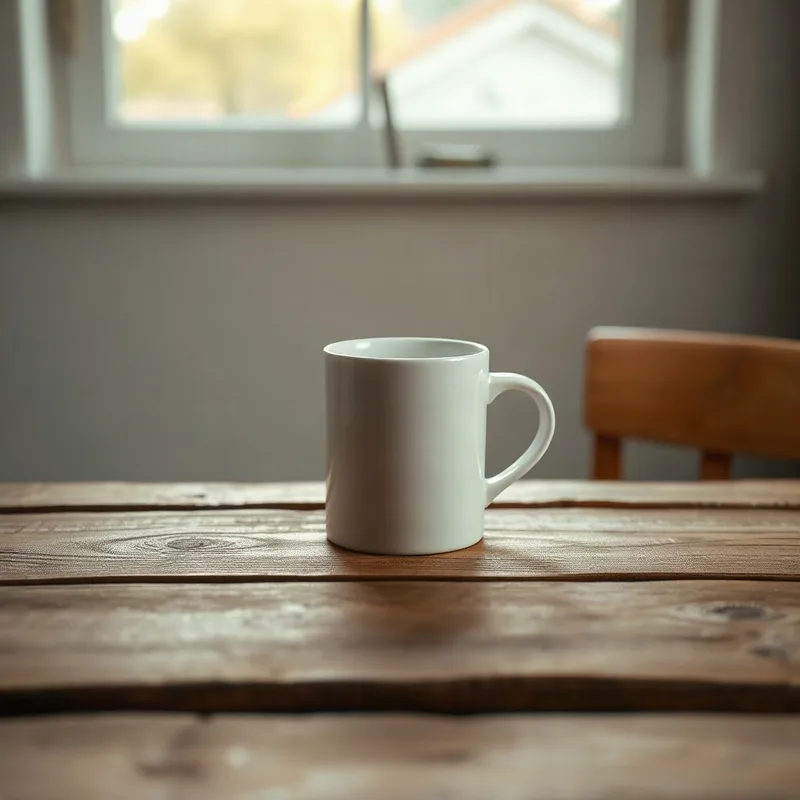
Original
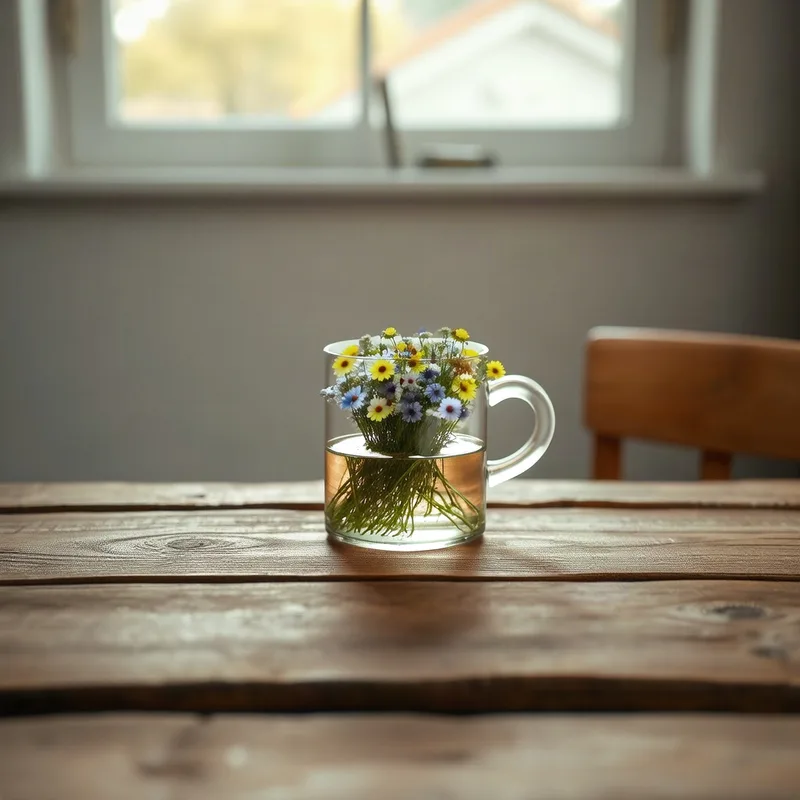
"a vase of wildflowers"
How AI replace works
Upload your photo
Drag in a JPG, PNG or WebP. Nothing to install, and you can start before you create an account.
Brush & describe
Paint over the area you want to change, then type what should go there — "a vase of flowers", "a red sports car", "a leather sofa".
AI fills it in
The model generates the new element inside the brushed region, blended with the surrounding light and perspective. Download the result.
What you can replace
Because the new object is generated in place, it takes on the scene’s scale and lighting instead of looking pasted on.
Swap objects & products
Turn one item into another — a mug into a vase, a plain box into your product, an empty plate into a meal.
Change outfits & details
Brush a shirt, hat or accessory and describe a new one to try a different look without a reshoot.
Fix or change signs & text
Replace a label, a sign or on-image text with new wording that fits the surface and lighting.
Fill empty space
Add an object into a blank area — a lamp on a side table, a boat on the water, a plant in the corner.
Explore more photo tools
AI Object Remover
Just want it gone instead of swapped? Brush over it and the AI erases it and rebuilds the background.
AI Photo Editor
Edit the whole photo by typing — change the background, outfit or lighting in plain words.
AI Image Upscaler
Push the finished edit to full HD — sharper detail and clean edges for print or posting.
AI Replace Object FAQs
Upload the photo, brush over the area you want to change, and type what should appear there instead. The AI generates the new element inside that region, matched to the lighting and perspective of the rest of the image.
Yes — "AI replace", "generative fill" and "magic replace" all describe the same thing: generating new content into a brushed region from a text prompt, blended with the surrounding scene.
No — because it is generated in place rather than overlaid, it takes on the scene’s scale, shadows and lighting, so it sits in the photo naturally instead of looking like a sticker.
Quite specific — colour, material and style all help ("a worn brown leather armchair", "a bunch of yellow tulips"). Clear, concrete prompts give the most predictable results.
You can try it free. Each replace uses one credit; sign up to get welcome credits with no credit card required.