AI Photo Filters
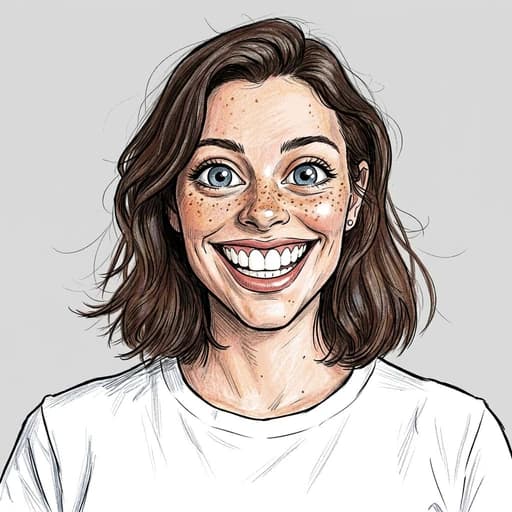
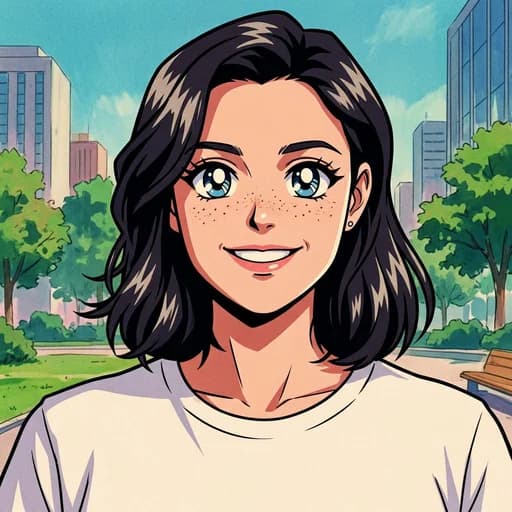
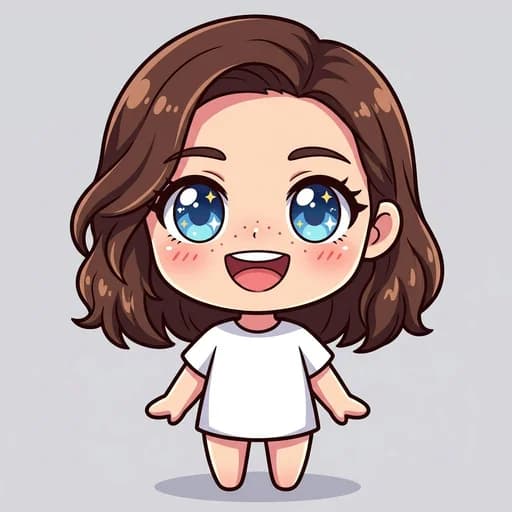
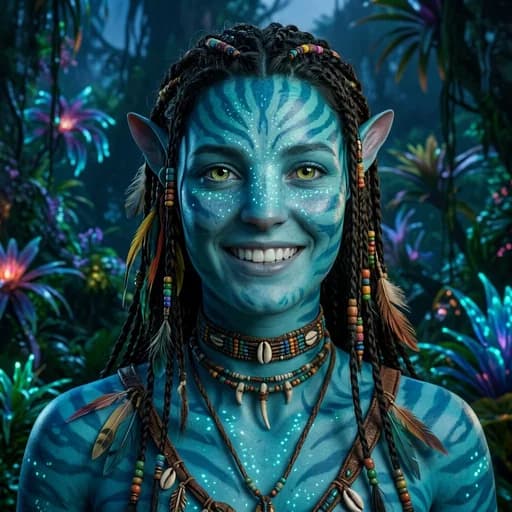
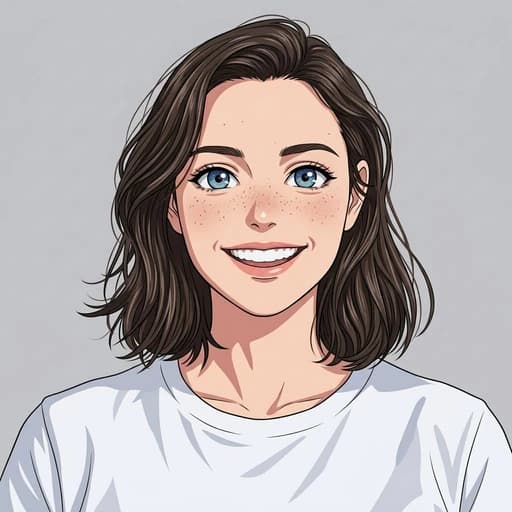
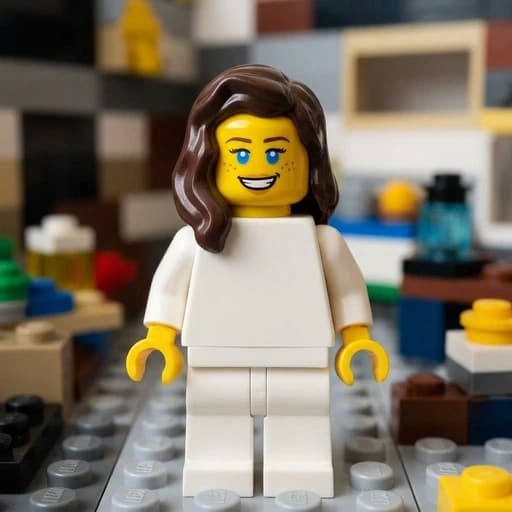
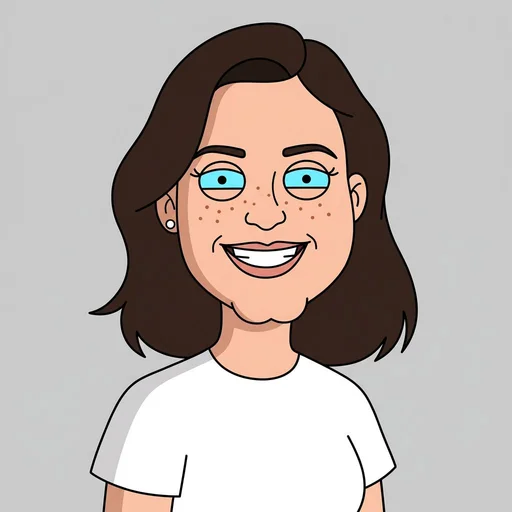
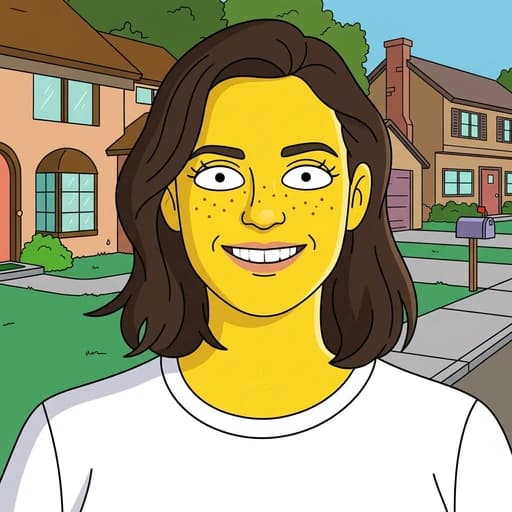
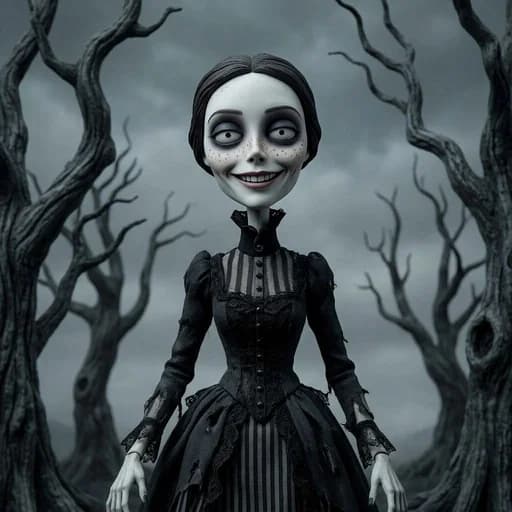
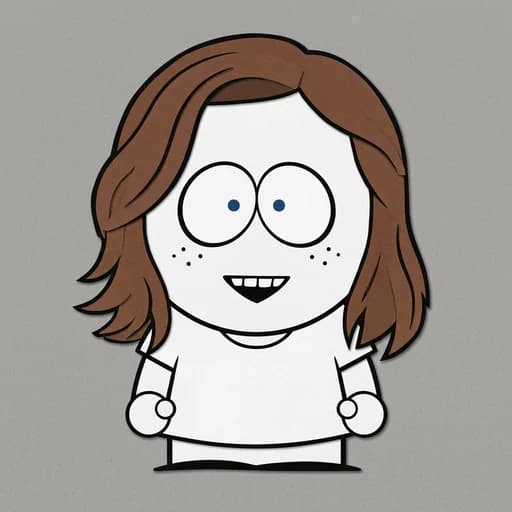
Transform your photos with the best AI photo filters online. Choose from cartoon, beauty, hair, art, and aesthetic styles, then try any filter free in one click.
AI Vector Generator
Turn any photo or logo into a clean, editable SVG — real vector paths that scale to any size.
130+ AI Photo Filters
Cartoon











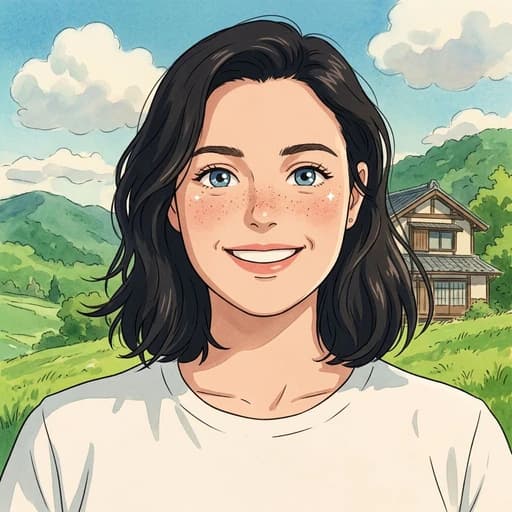
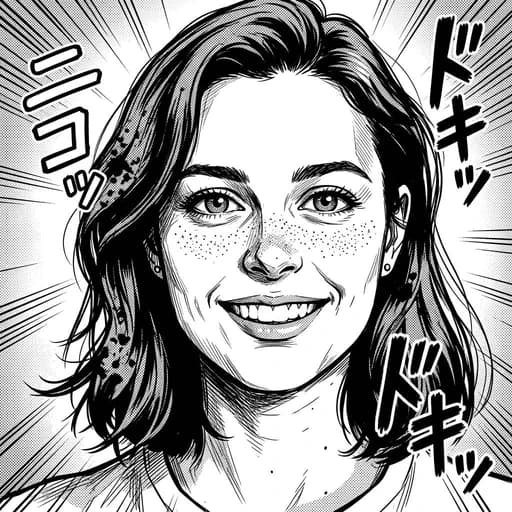
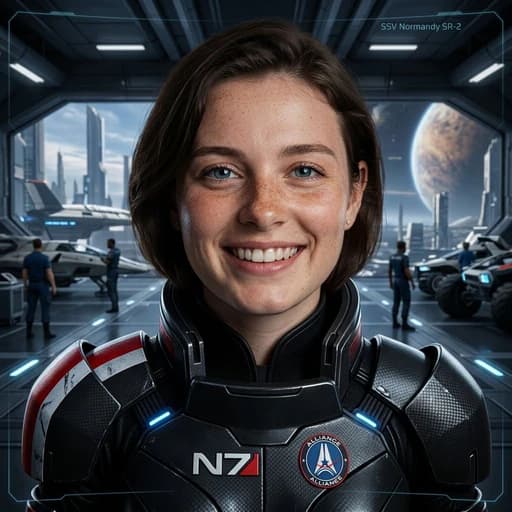
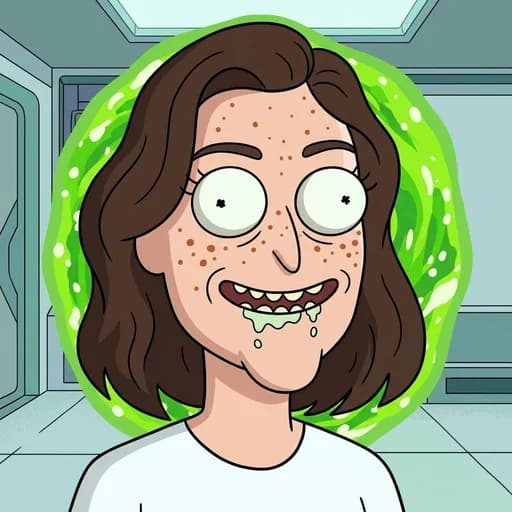
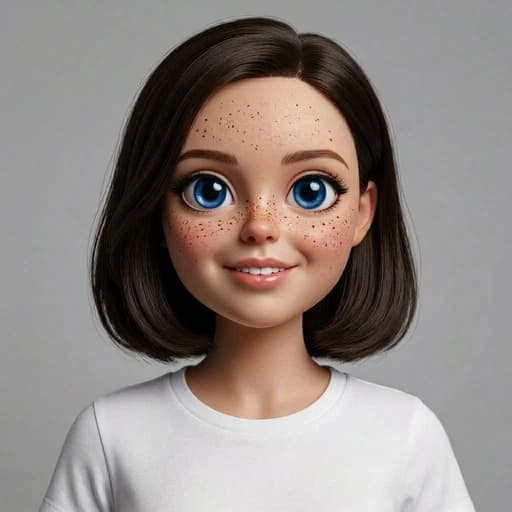
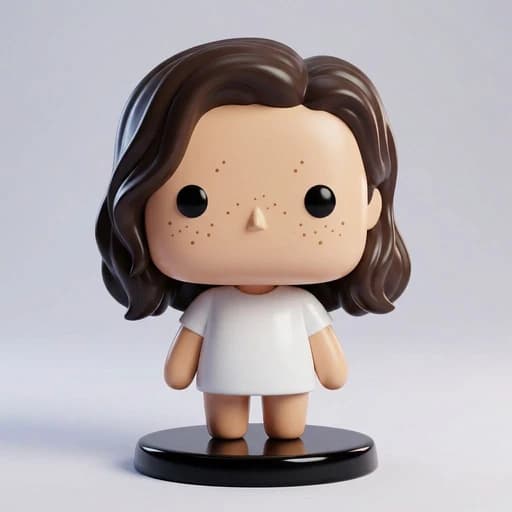
Fun

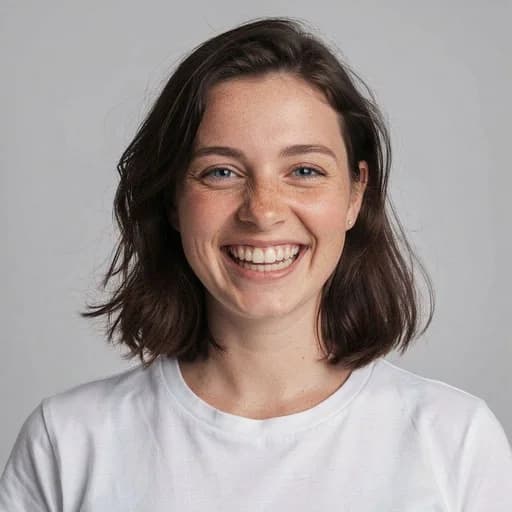
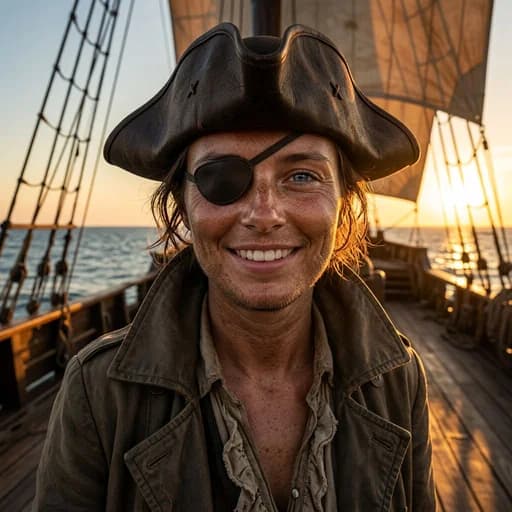
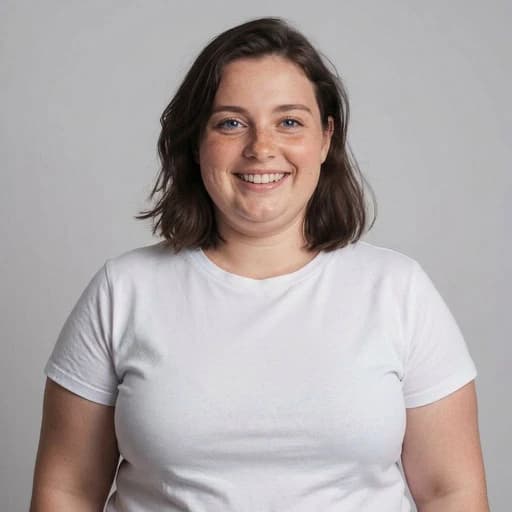
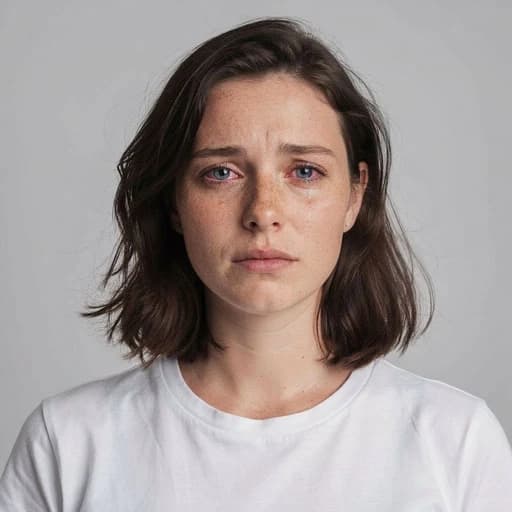
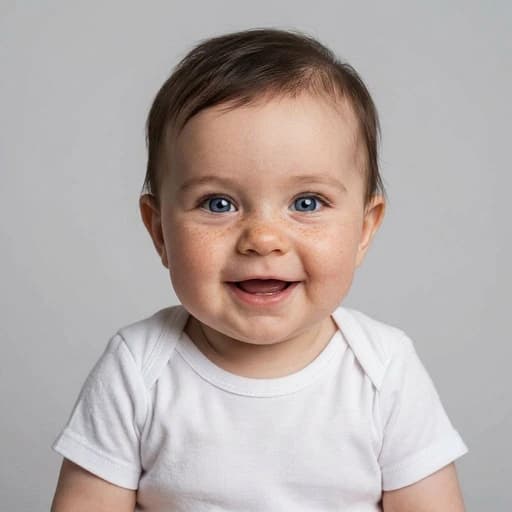
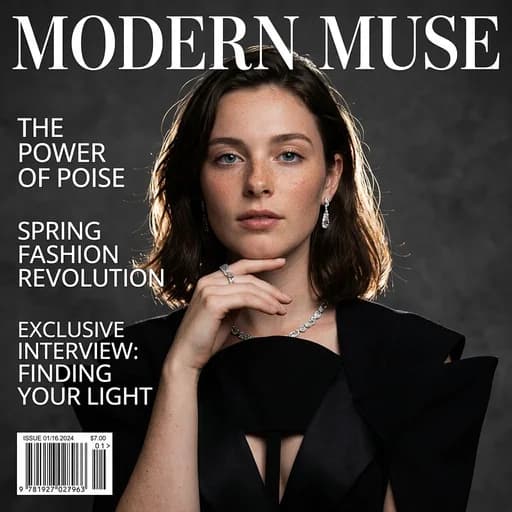
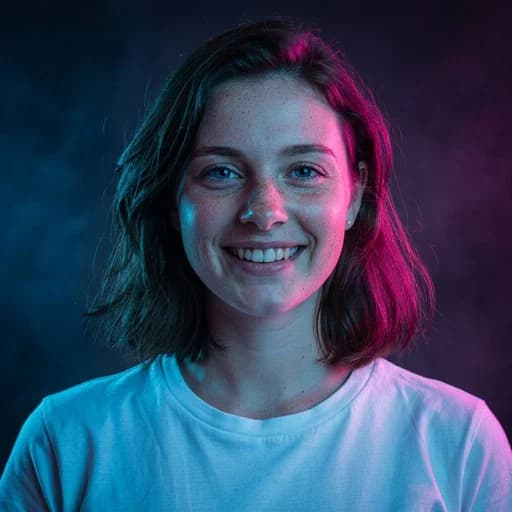
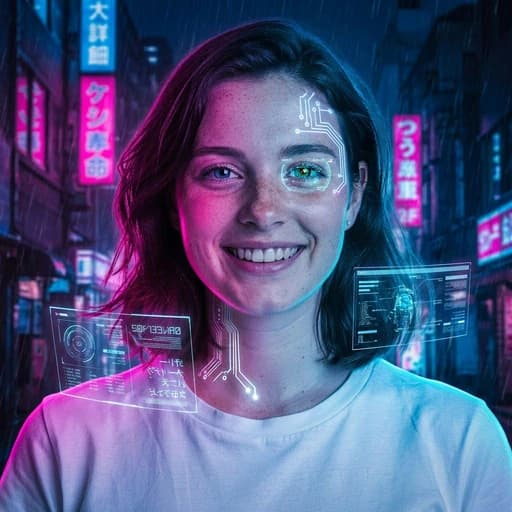
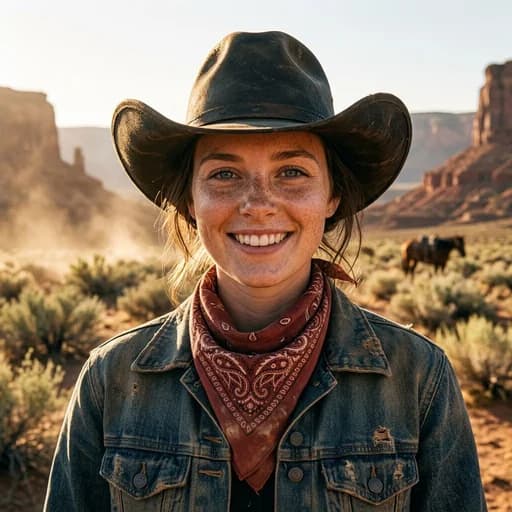
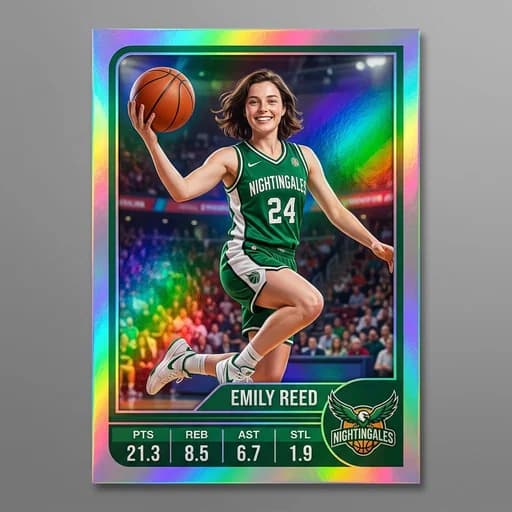
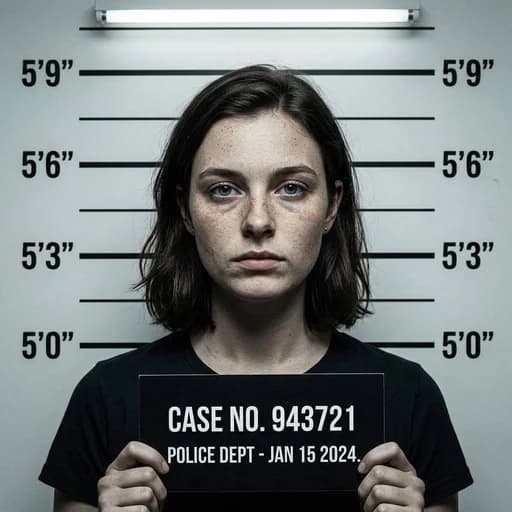
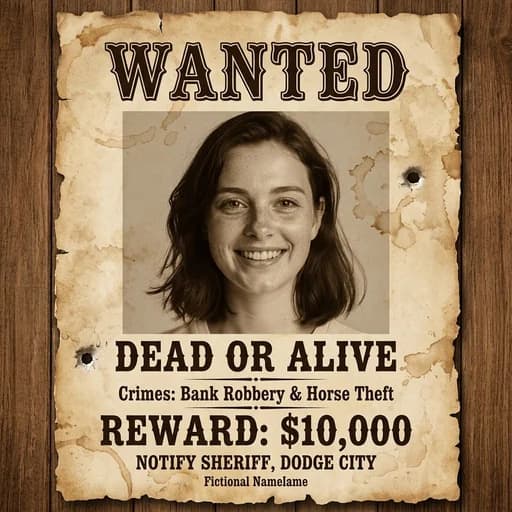
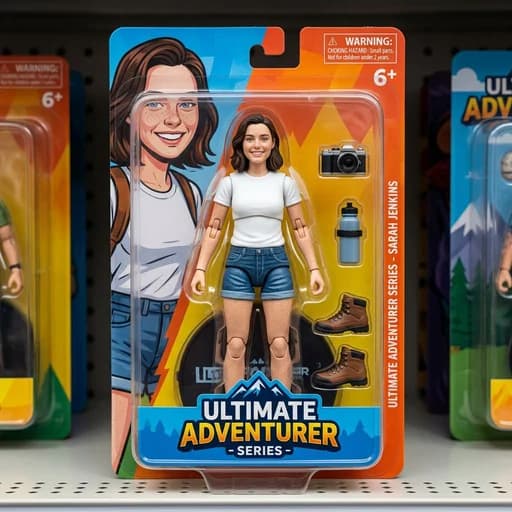
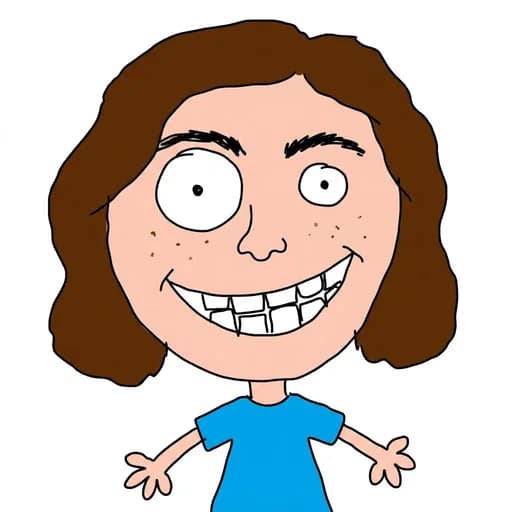
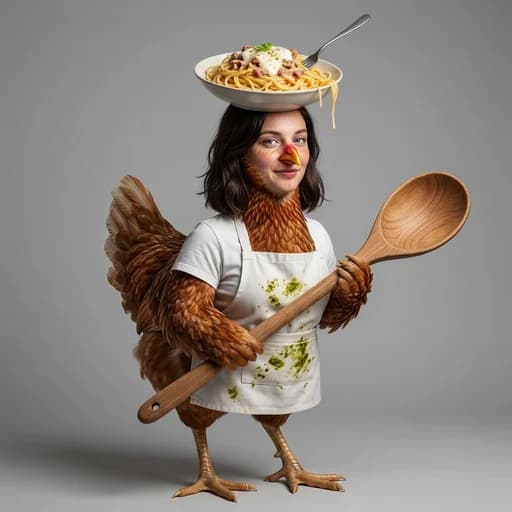
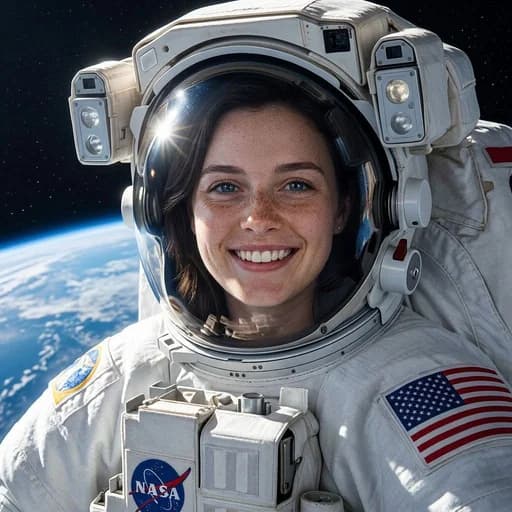
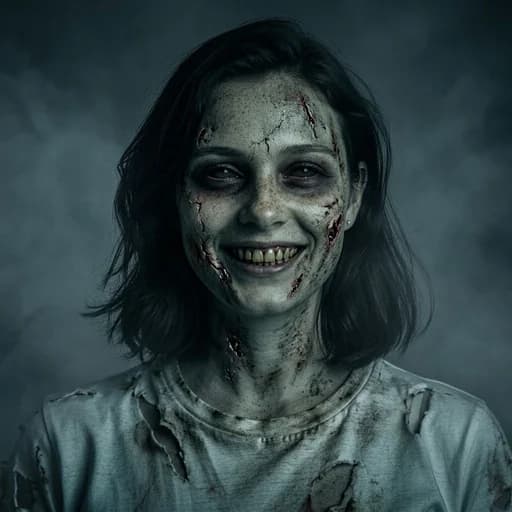
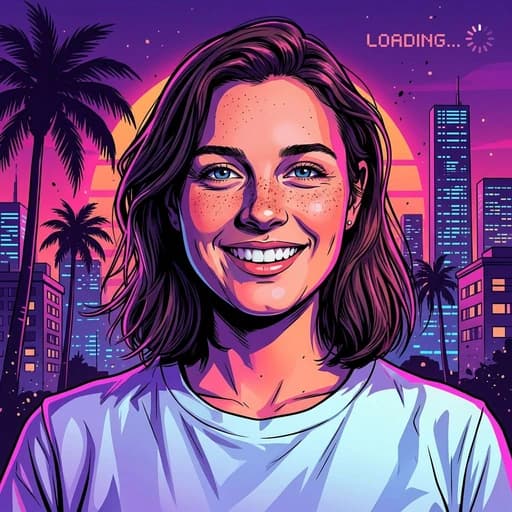
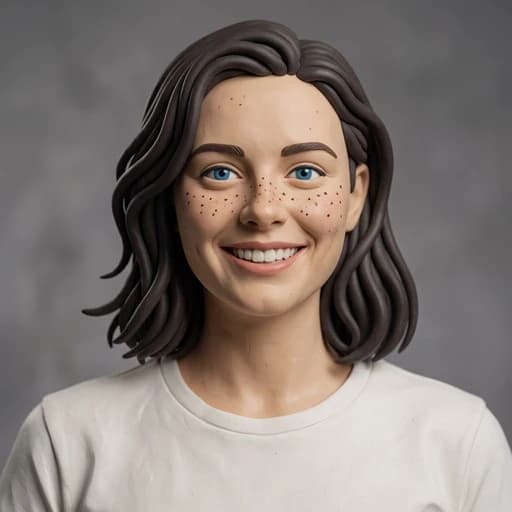
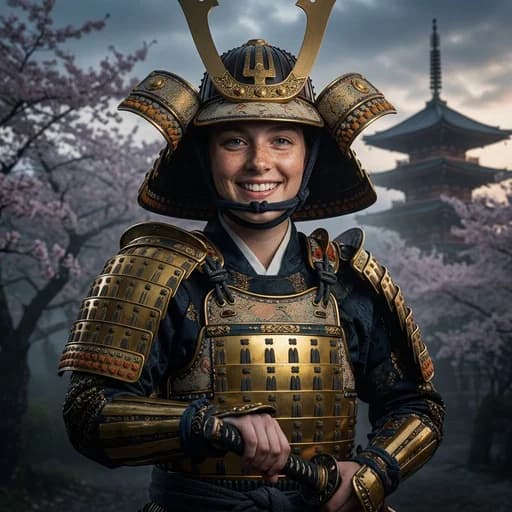
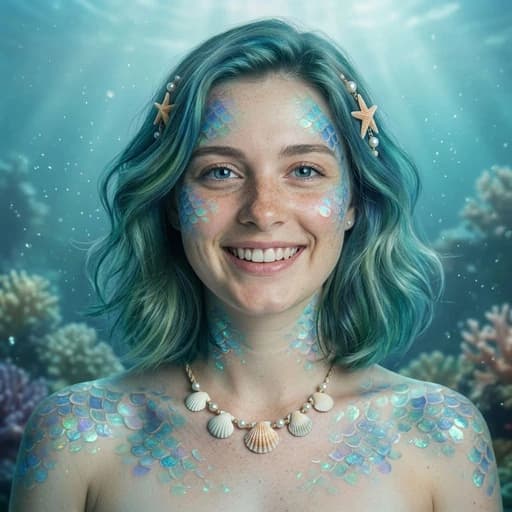
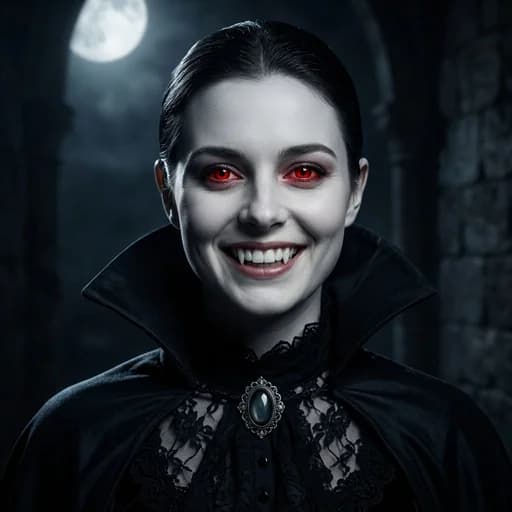
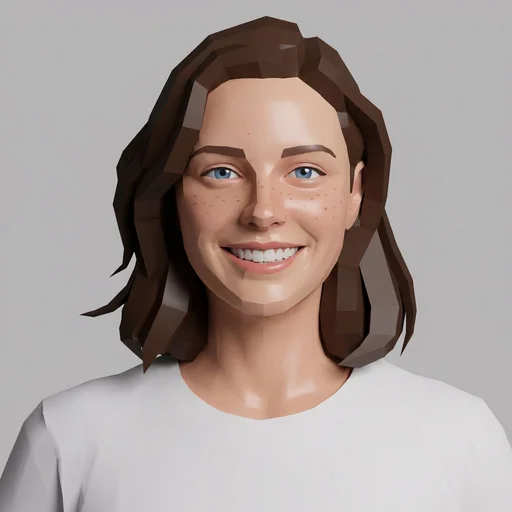
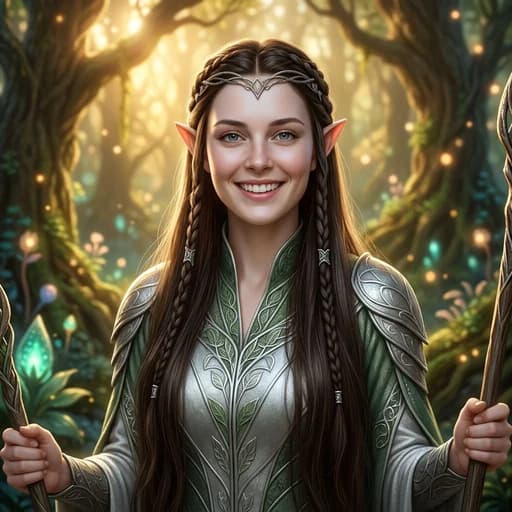
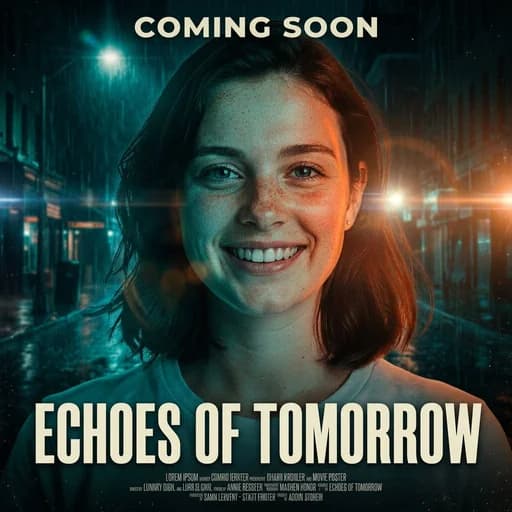
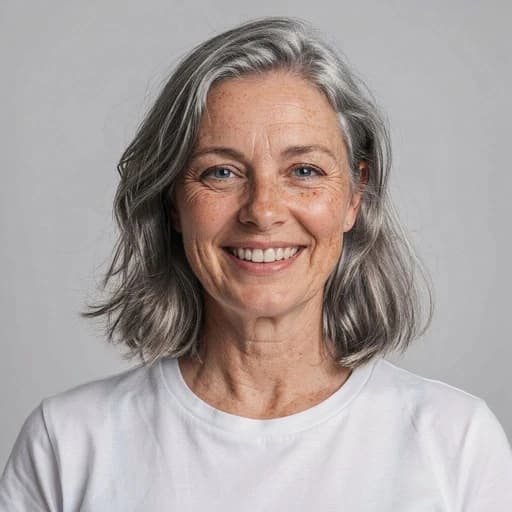

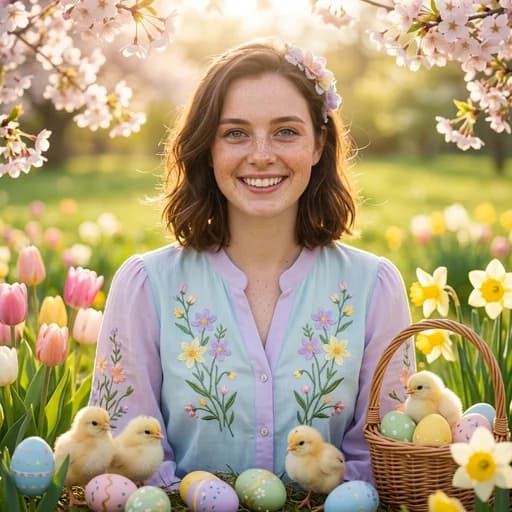
Aesthetic


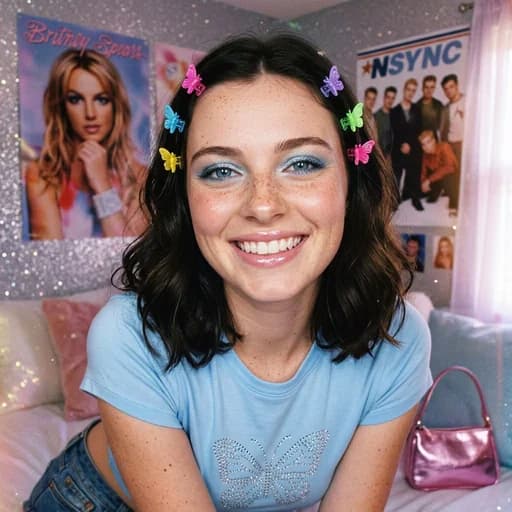

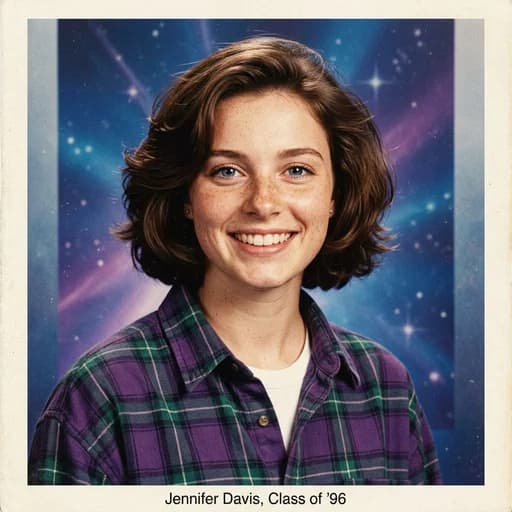
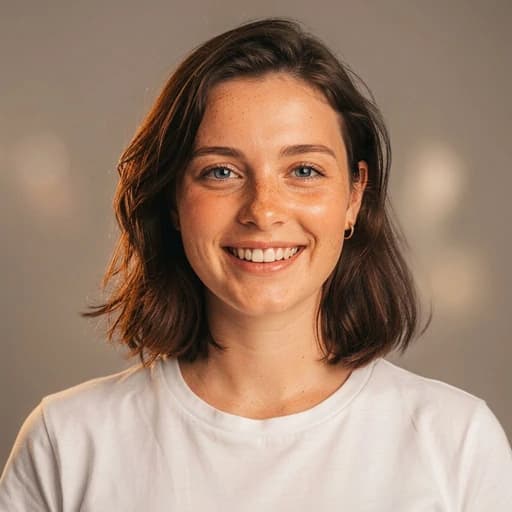
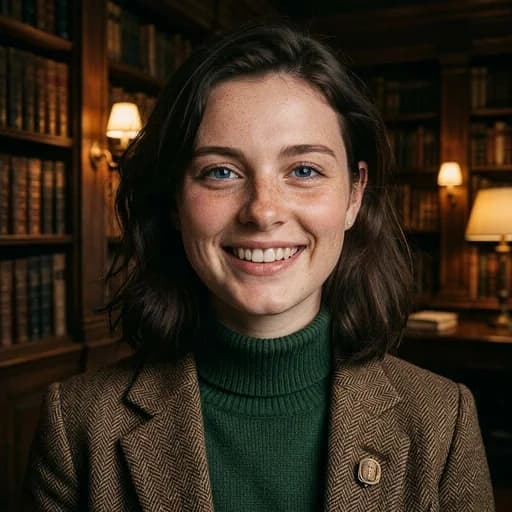
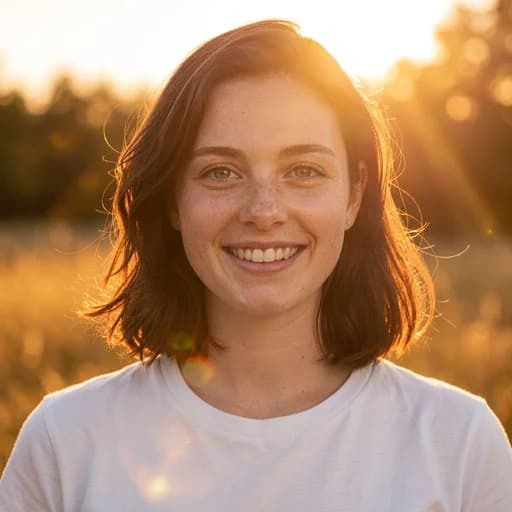
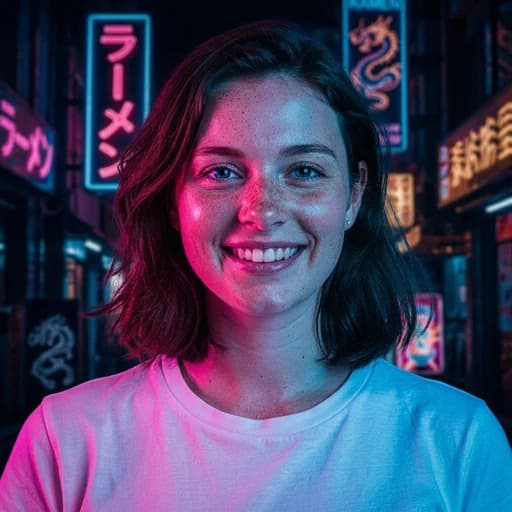
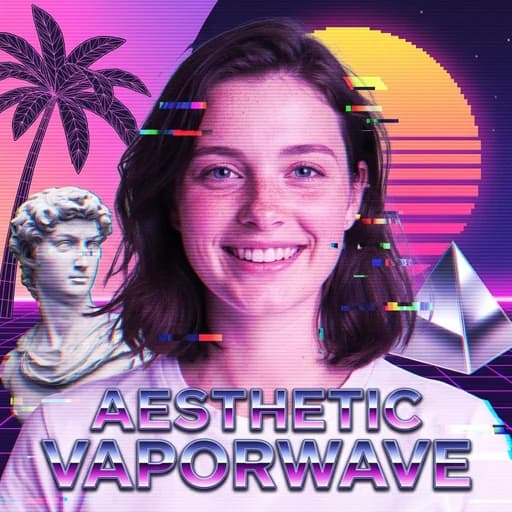

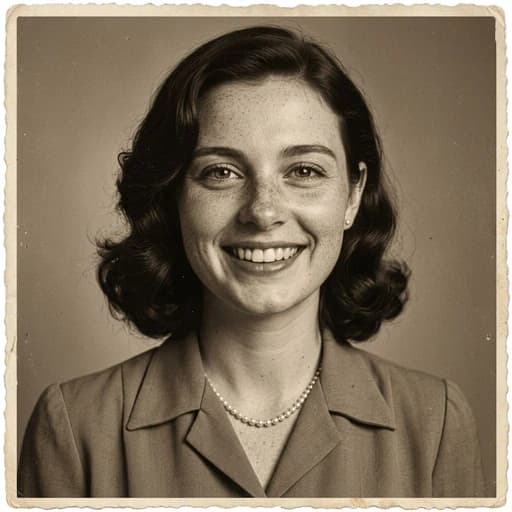
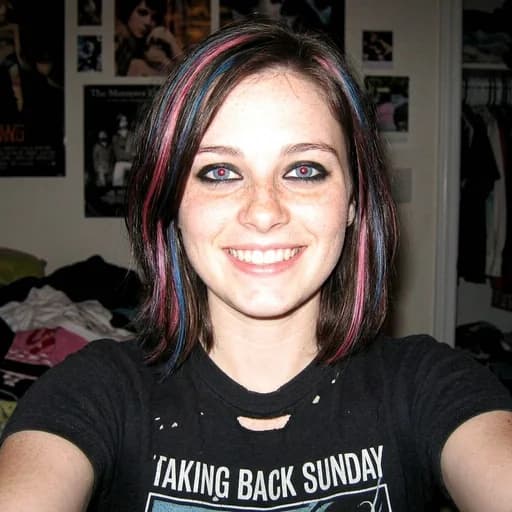
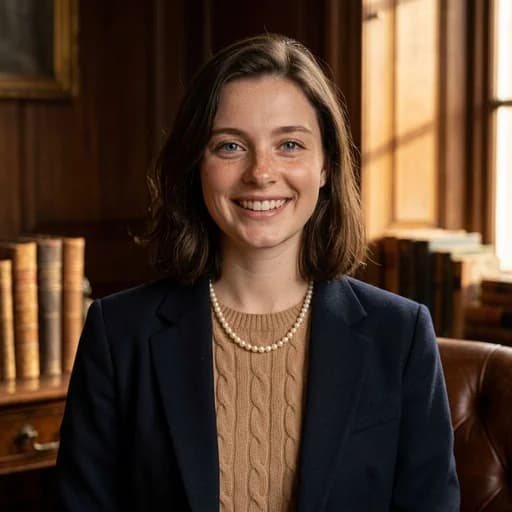
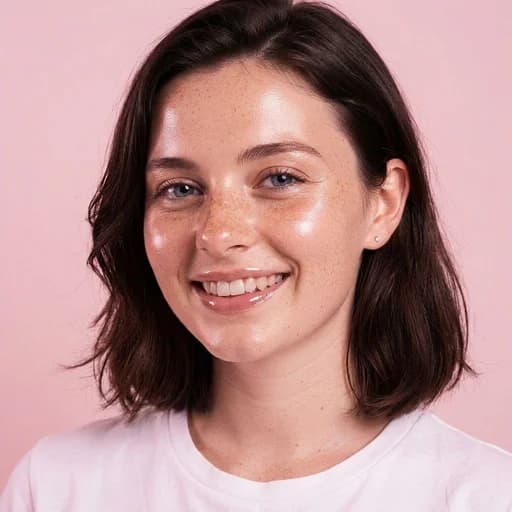

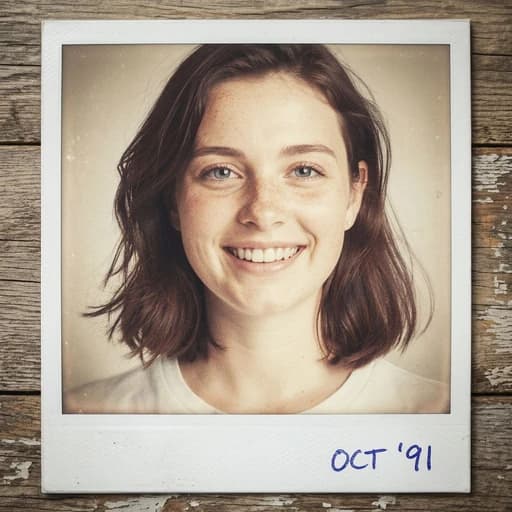
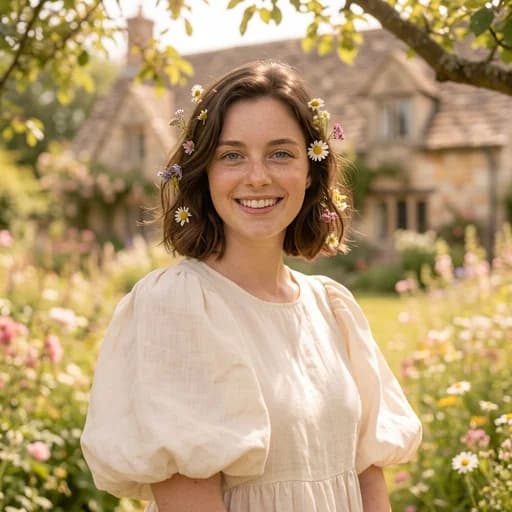
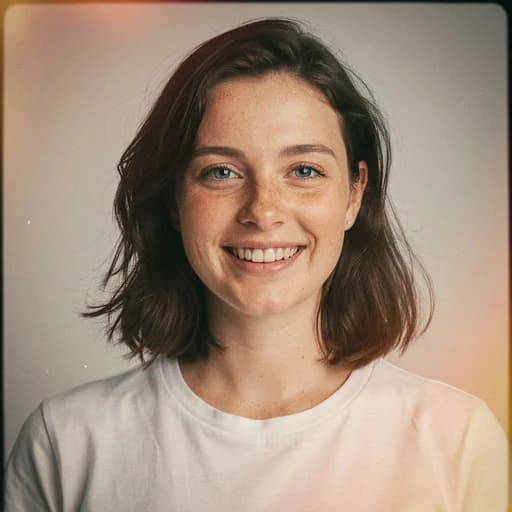
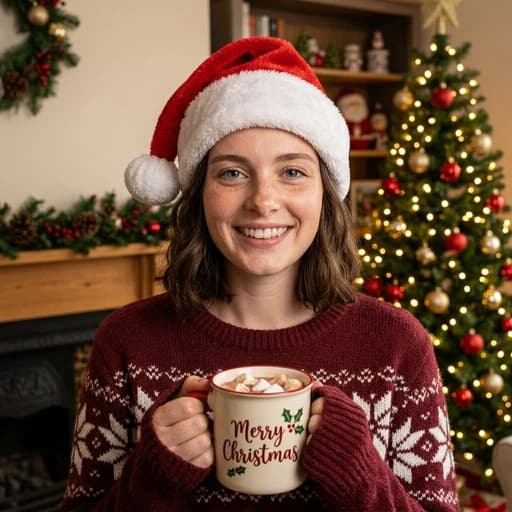
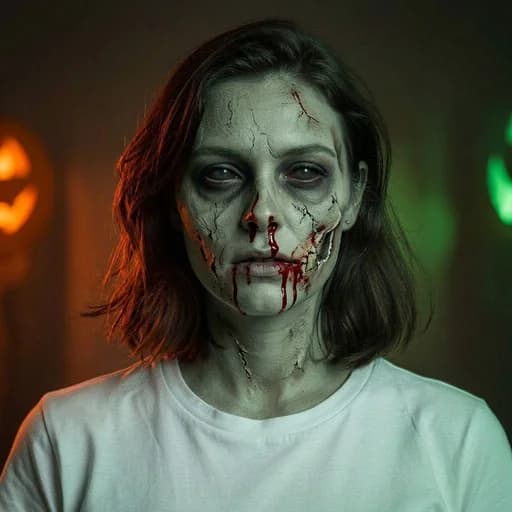
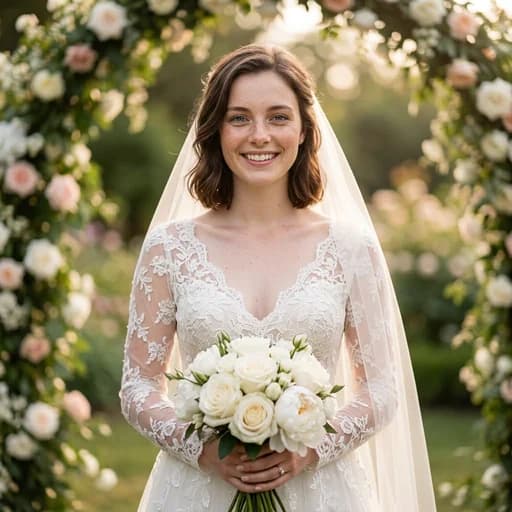
Art

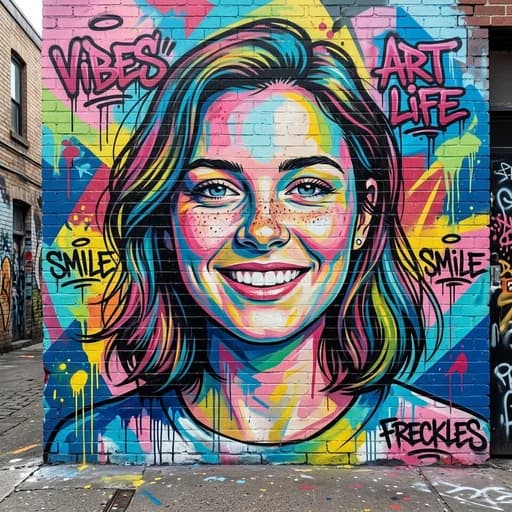
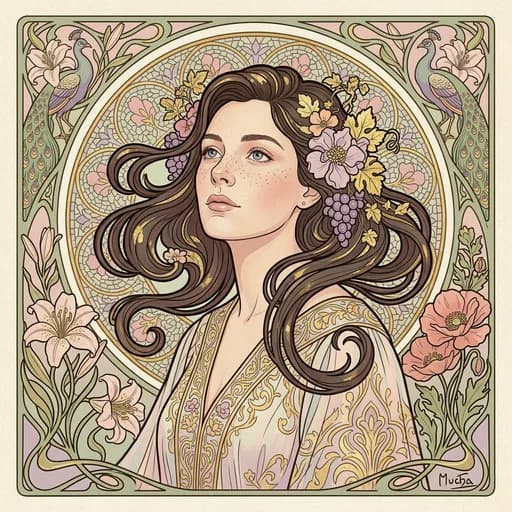

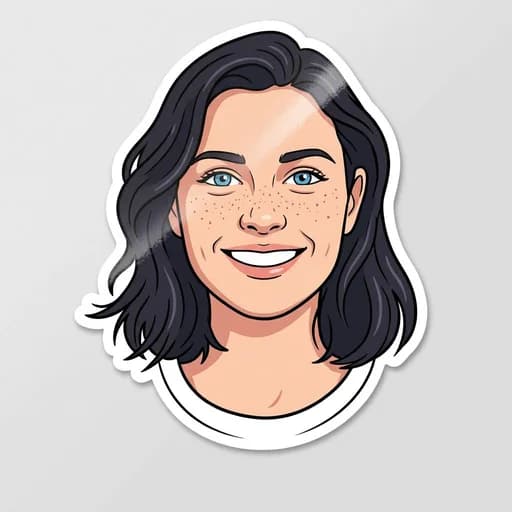
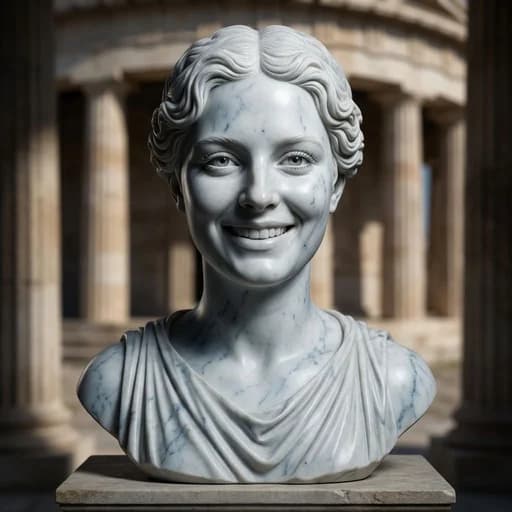
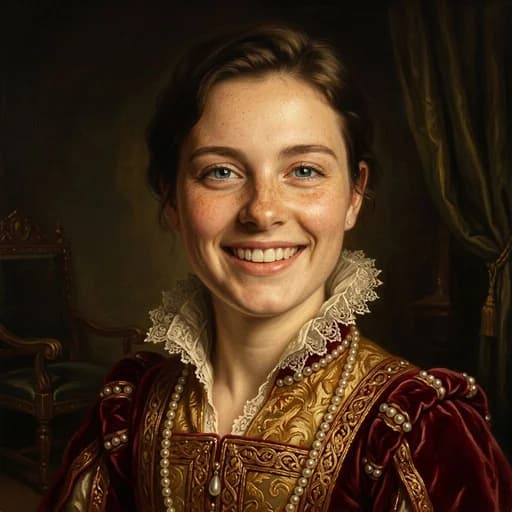
Fix

Beauty
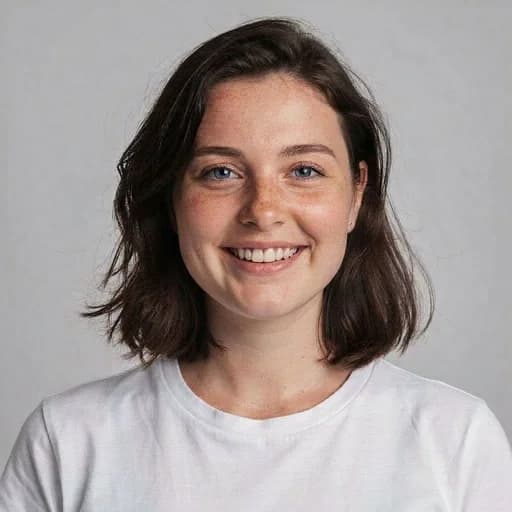
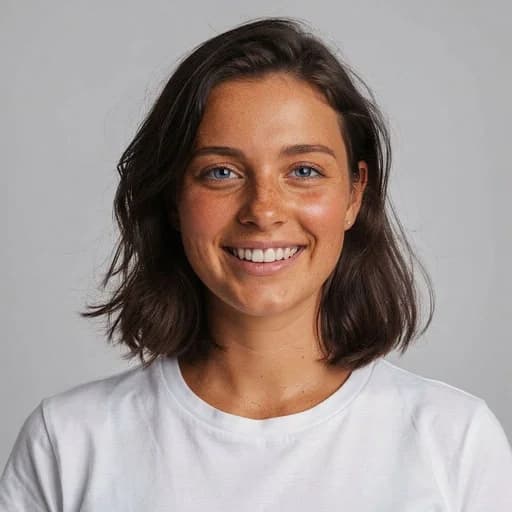
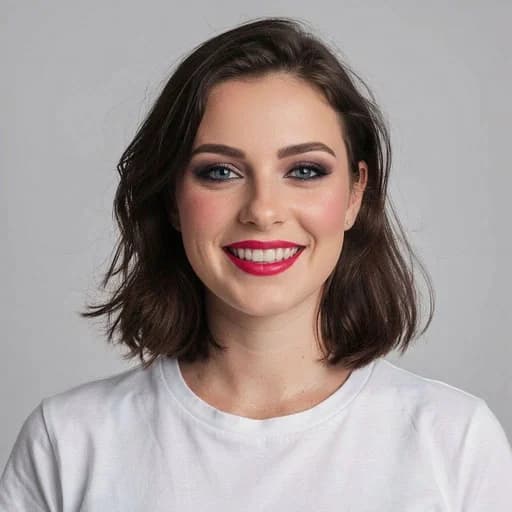
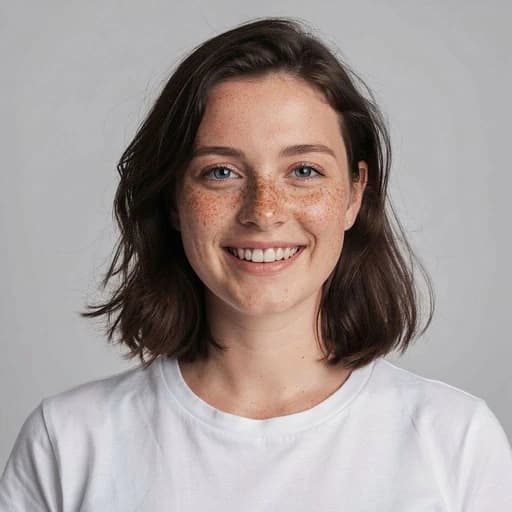
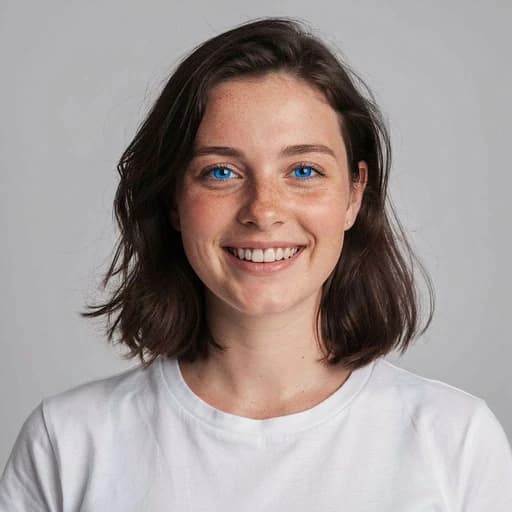
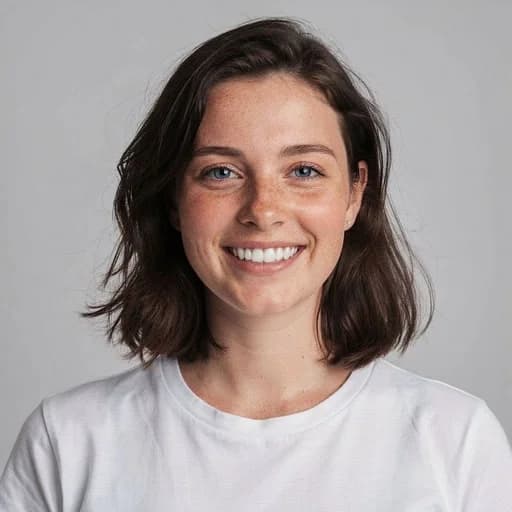
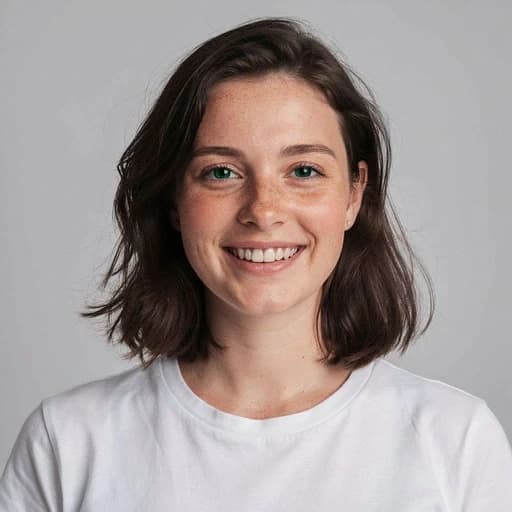
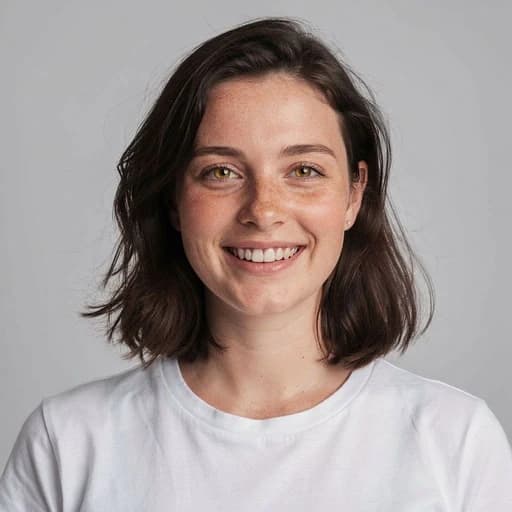
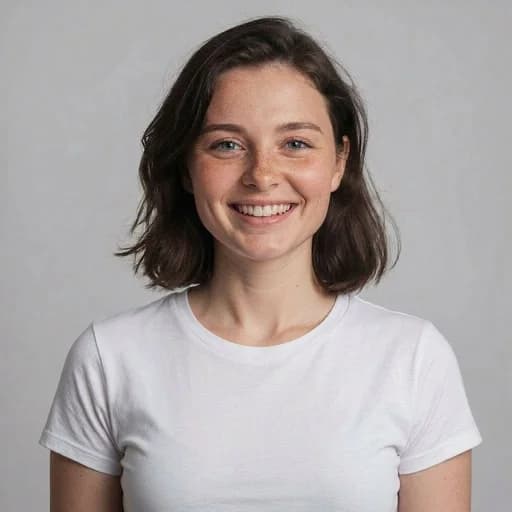

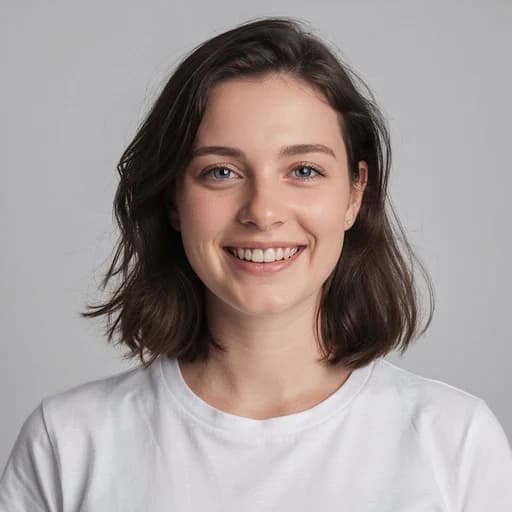
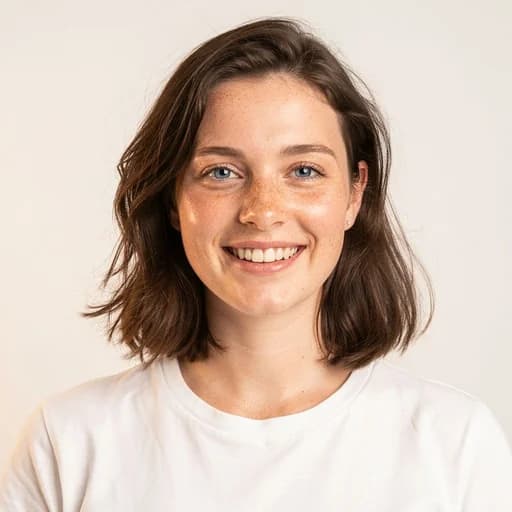
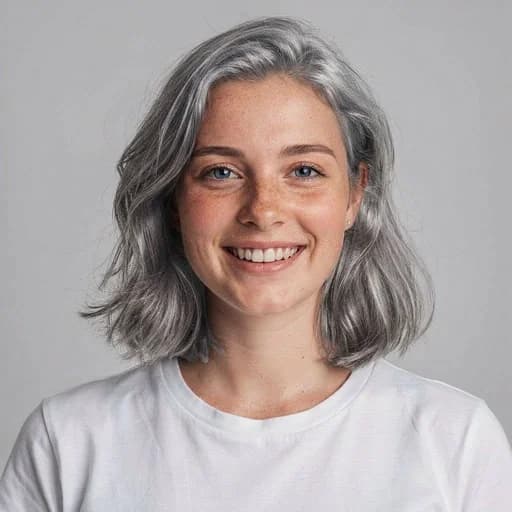
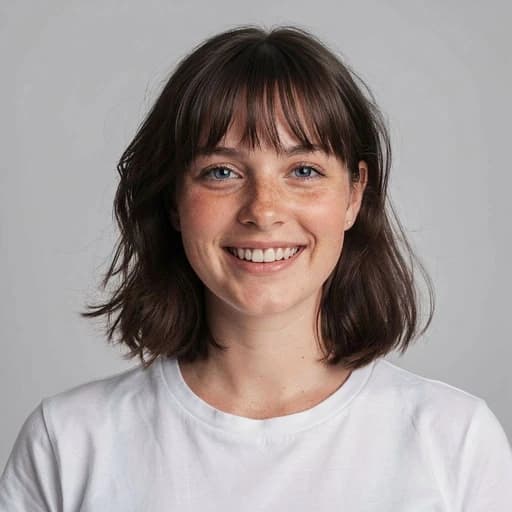
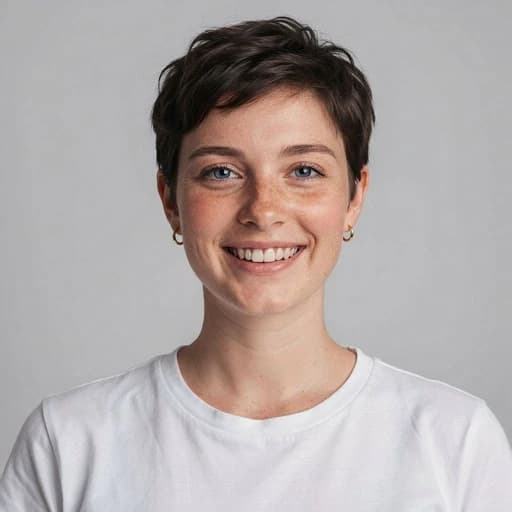
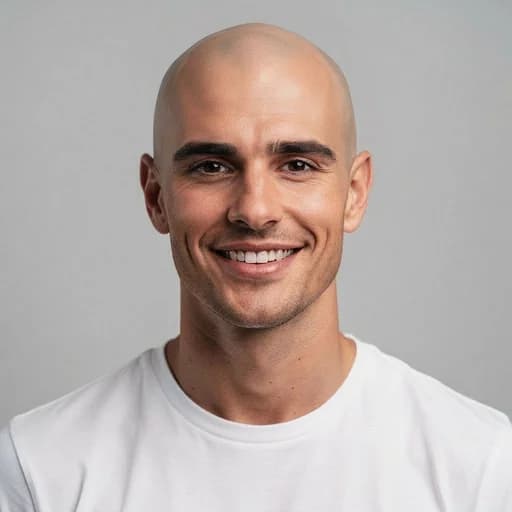
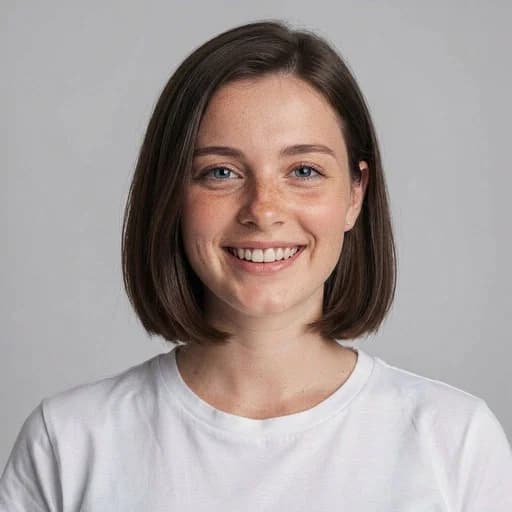
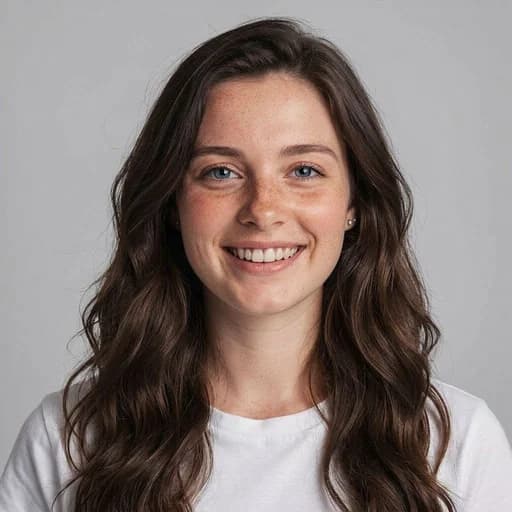
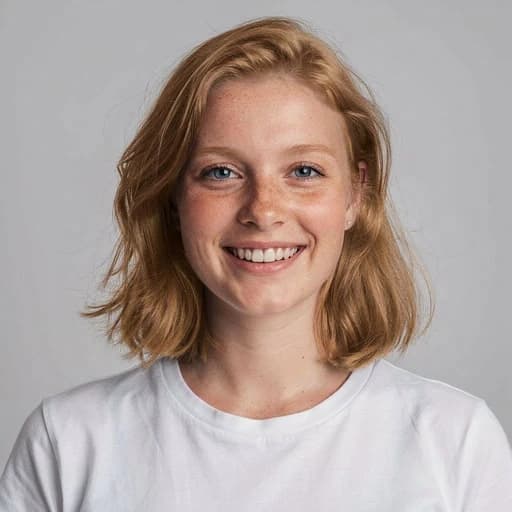
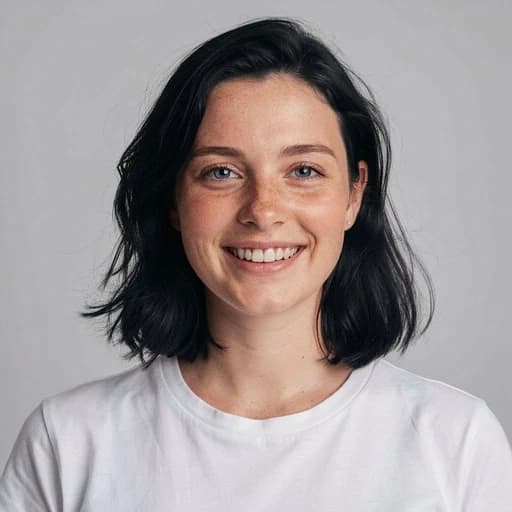
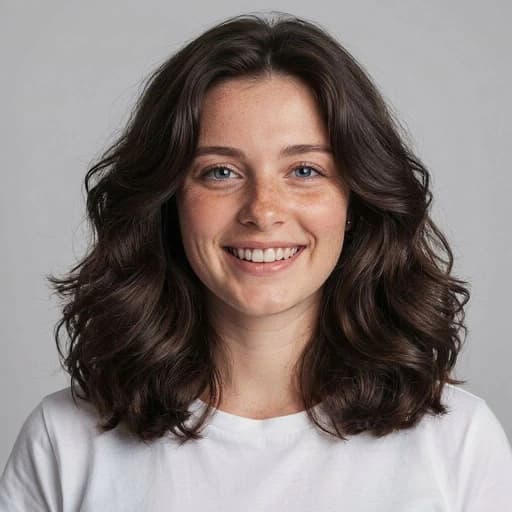
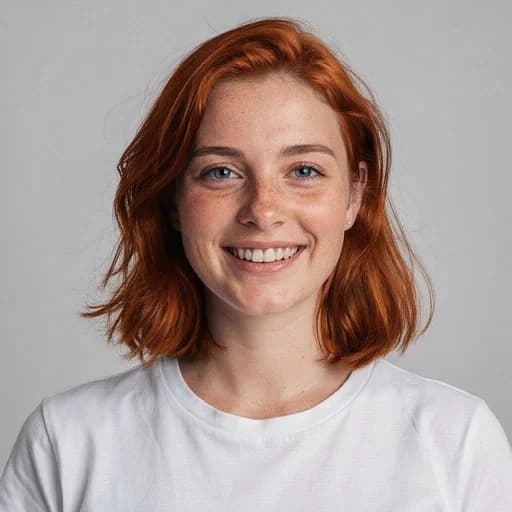
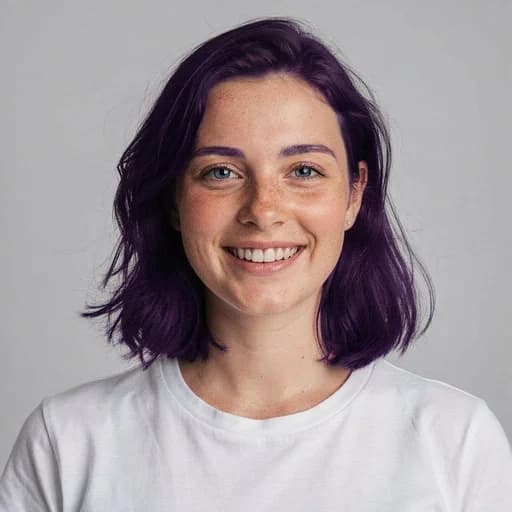
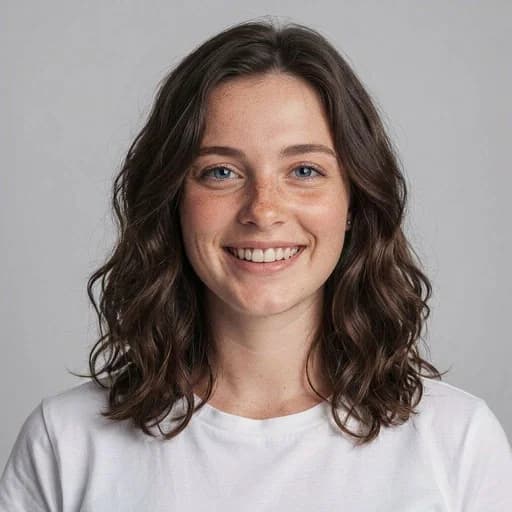
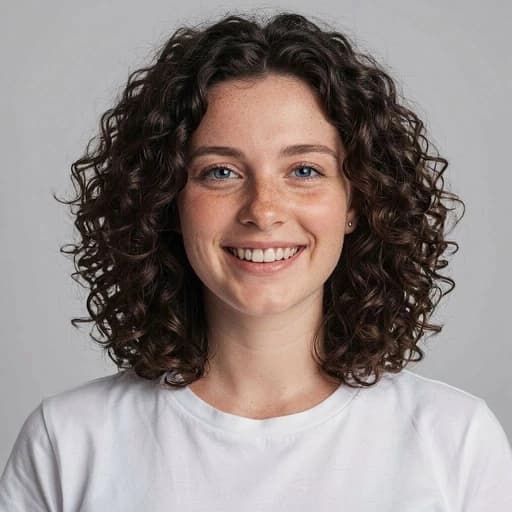
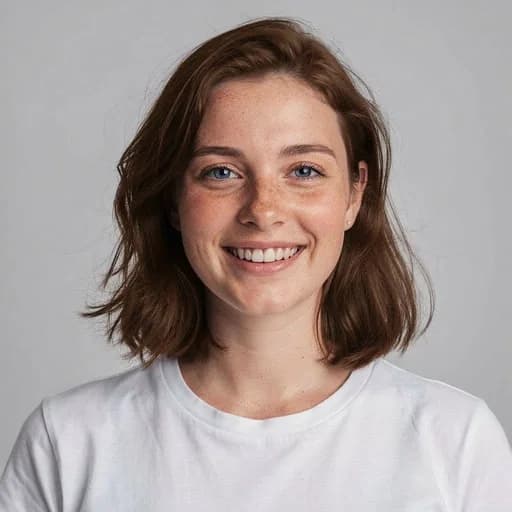

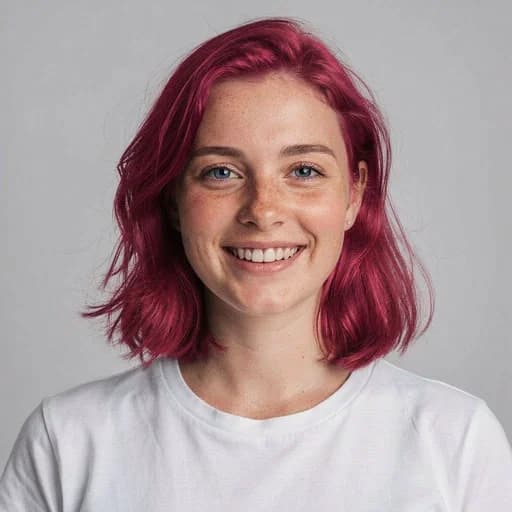
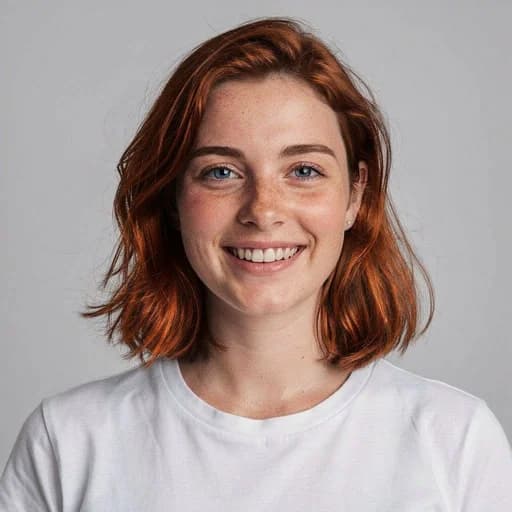
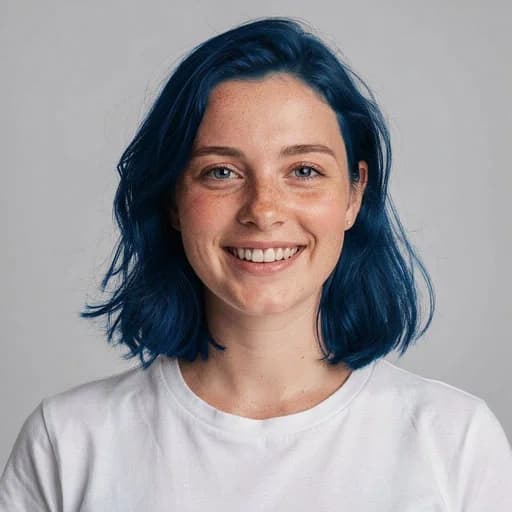
One AI filter for every style
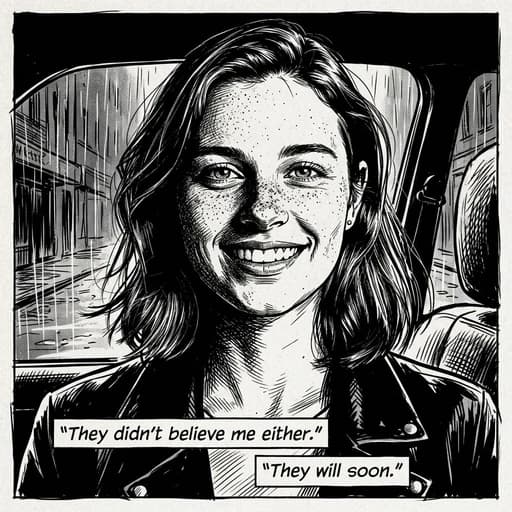
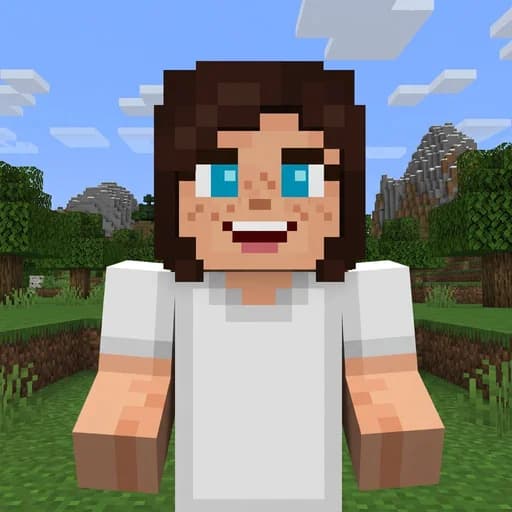
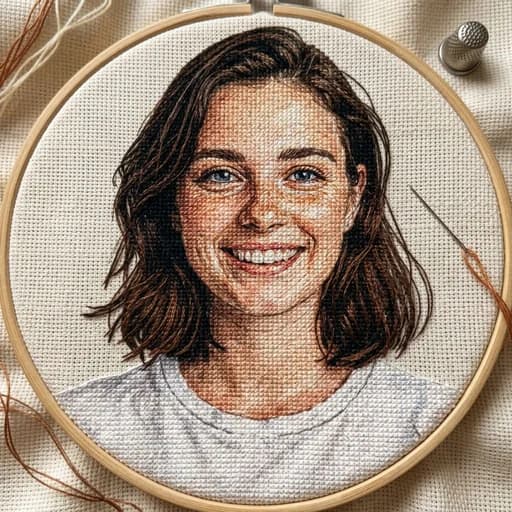
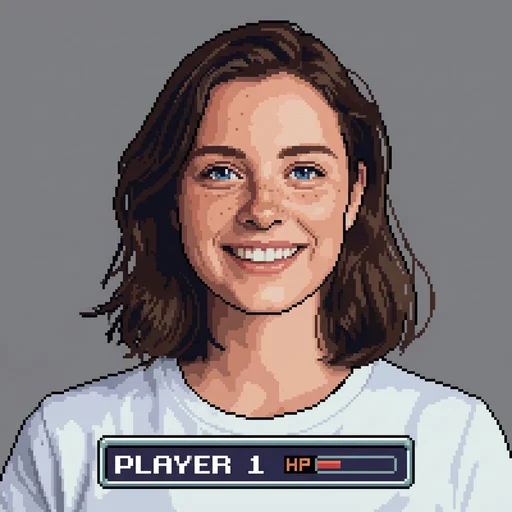
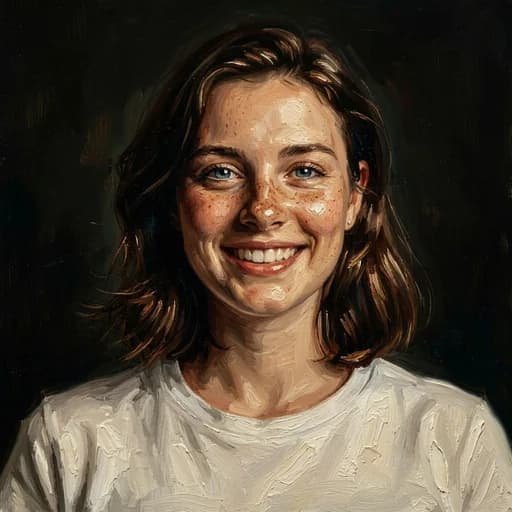
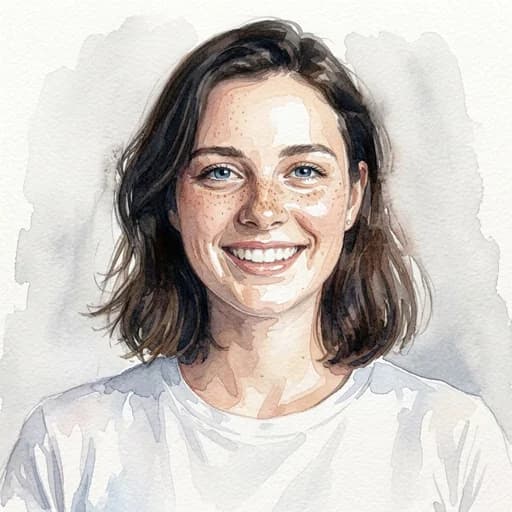
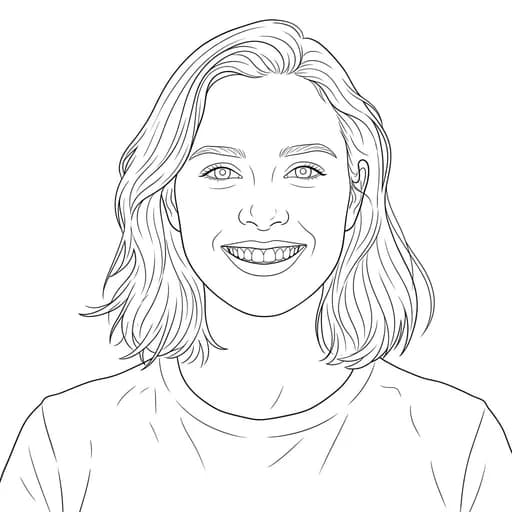
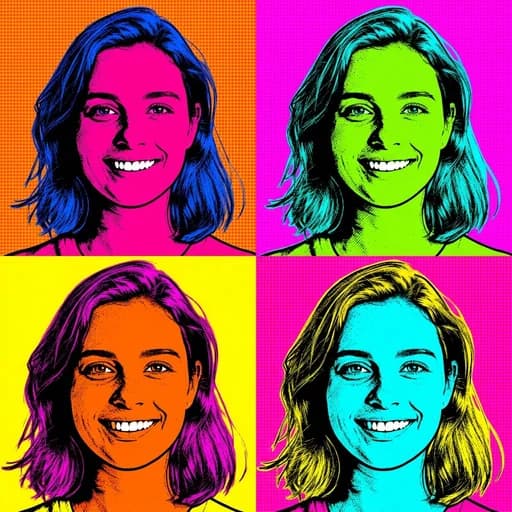
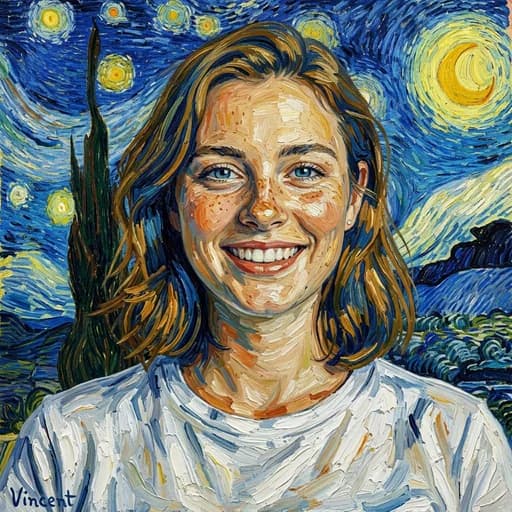
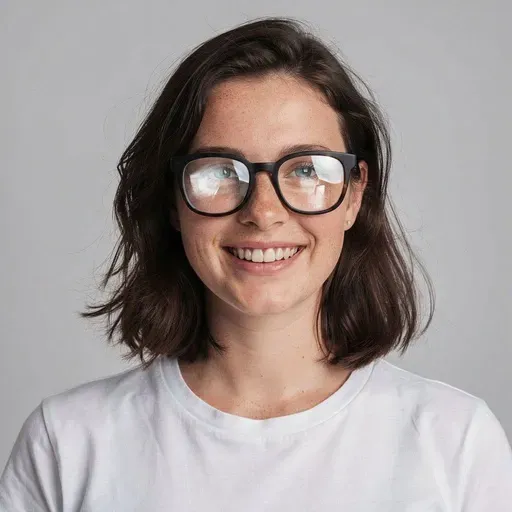
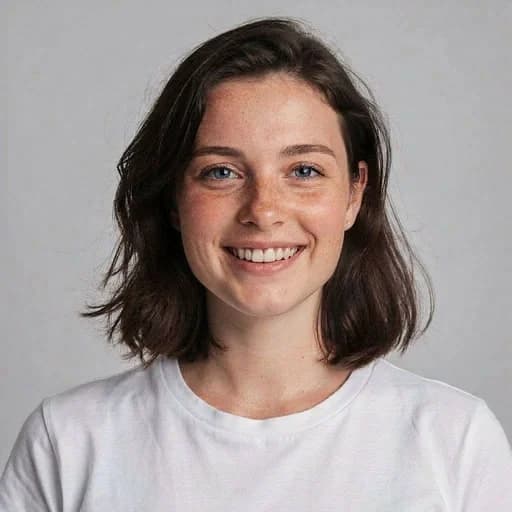
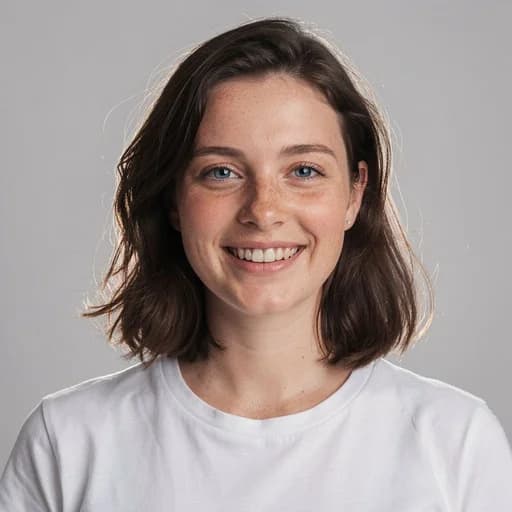
An AI photo filter does more than tint your picture — it uses AI to redraw your photo in a whole new style while keeping you recognizable. Pick an AI filter above, upload any photo, and get a finished result in seconds. From cartoon and anime looks to viral aesthetics, beauty retouching, hair-color changes and classic art styles, there are 130+ AI filters to try, and your first ones are free with no credit card.
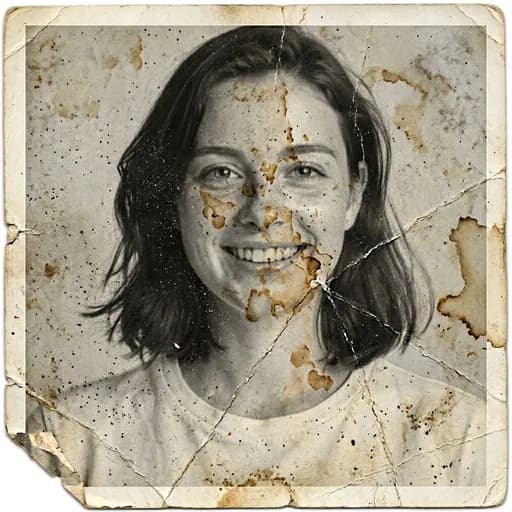
Popular picks include Disney- and Pixar-inspired animation, the Anime and Studio Ghibli-inspired looks, the viral 90s yearbook filter, Marvel-style hero portraits and the Vintage aesthetic. Every AI photo filter runs online in your browser — nothing to install — and you can download or keep editing the result right after it is generated.
AI Photo Filters FAQs
First, select a filter from the gallery to start. Then, upload your photo and click 'Apply AI Filter'. Your artwork will be ready in seconds.
You can try PicTools.AI with a limited free allowance. Continue in the app to check the allowance available to your account. More edits require a credit pack or subscription.
Some of our most popular filters include Disney and Pixar-inspired animation styles, the Anime look, and the Vintage aesthetic. We offer over 130 options to explore.
AI photo filters use artificial intelligence to transform your photos into different artistic styles or apply realistic effects. Unlike traditional filters that just adjust colors, AI can completely reimagine your image, from animation styles to changing hair color, aging effects, or turning photos into sketches.
Yes. Your images are never used to train AI models or sold to third parties. They are only accessible through your account, and you can permanently delete them at any time.
PicTools.AI is designed to maintain high quality. However, some artistic styles may soften details intentionally to achieve a painted or drawn look.
Yes. You own everything you create with PicTools.AI and can use it for personal or commercial projects. Marketing, websites, social media, you name it.
PicTools.AI supports JPG, PNG, WebP, BMP, GIF, and TIFF. You can upload any common format without converting it first.