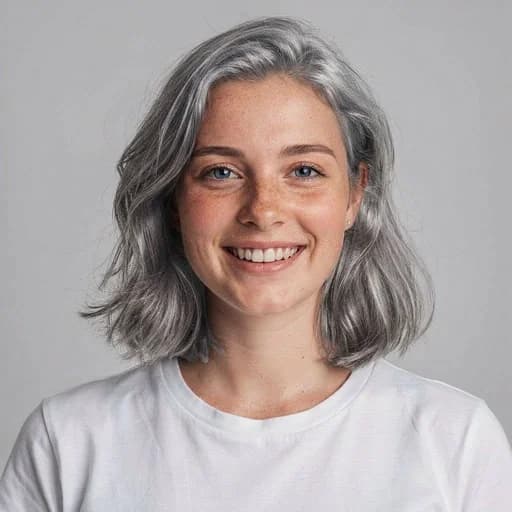
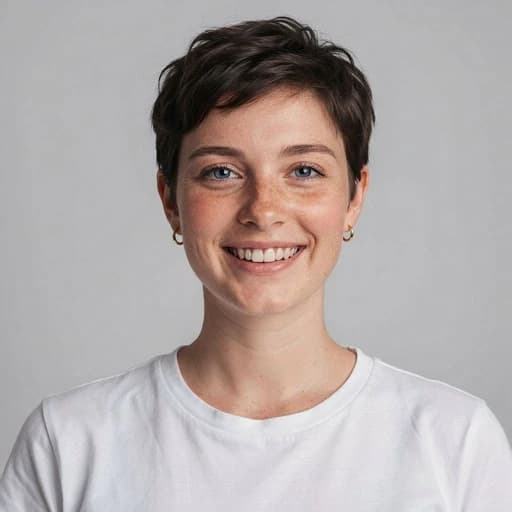
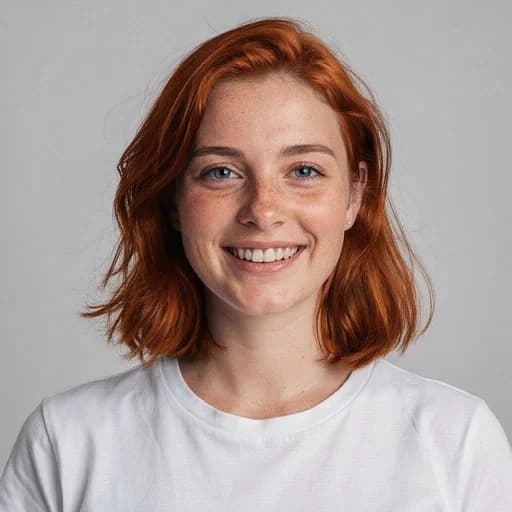
Blonde Hair AI Filter
See your new look by applying the Golden Blonde Effect with AI
Upload your photo
Drag and drop, or choose a file from your device.
Before & After: Blonde Hair AI Filter
Tap or drag the slider to see the result.


Before
After
Tap to compare
Blonde Hair AI Filter FAQs
Upload your photo to PicTools.AI. The AI changes your hair to blonde while keeping your face, skin tone, and the rest of the photo exactly the same. No editing skills needed.
You can try PicTools.AI with a limited free allowance. Continue in the app to check the allowance available to your account. More edits require a credit pack or subscription.
Yes. The AI applies a realistic blonde hair color to your photo — matching your hair length and texture so the result looks as natural as possible.
Yes. The AI works on all hair colors, including dark brown and black. It applies a believable blonde tone that blends with your natural hair length and texture — not a flat digital overlay.
Yes. The filter works on all hair types and lengths, including short and medium men's hairstyles. Upload a clear portrait to see how blonde hair would look on you.
The filter applies a full blonde color transformation. For a more natural look, the AI blends the color to avoid a flat result — closer to a highlighted or sun-kissed tone than a solid block of color.
Clear portraits with fully visible hair work best. Good lighting and a photo where the hair is clearly separated from the background produce the most natural color change.
See More Blonde Hair AI Filter Examples ▾
Blonde Hair AI Filter Examples
Photos transformed with the Blonde Hair AI Filter
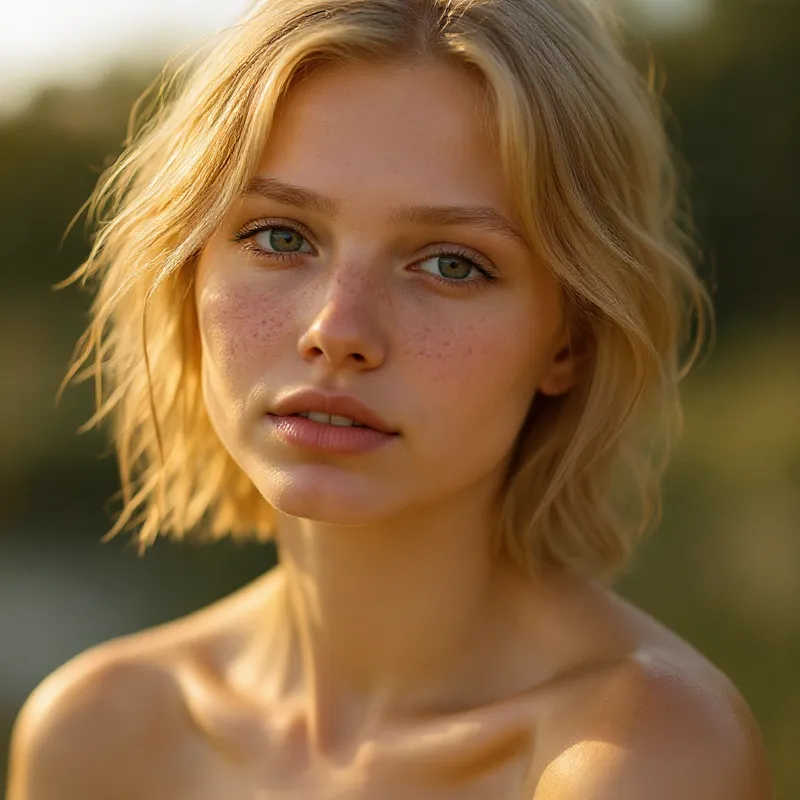
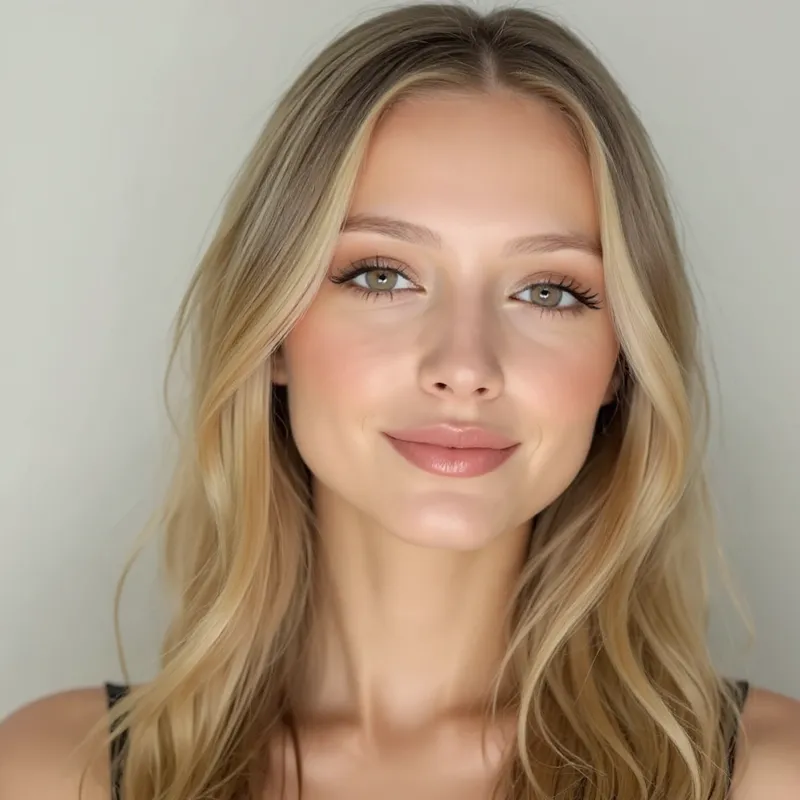
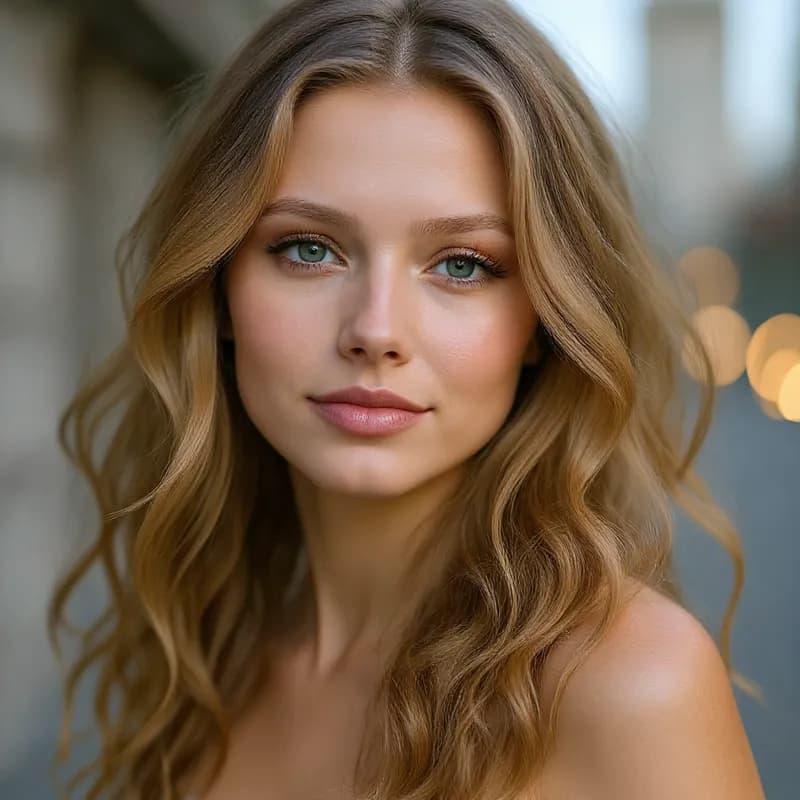
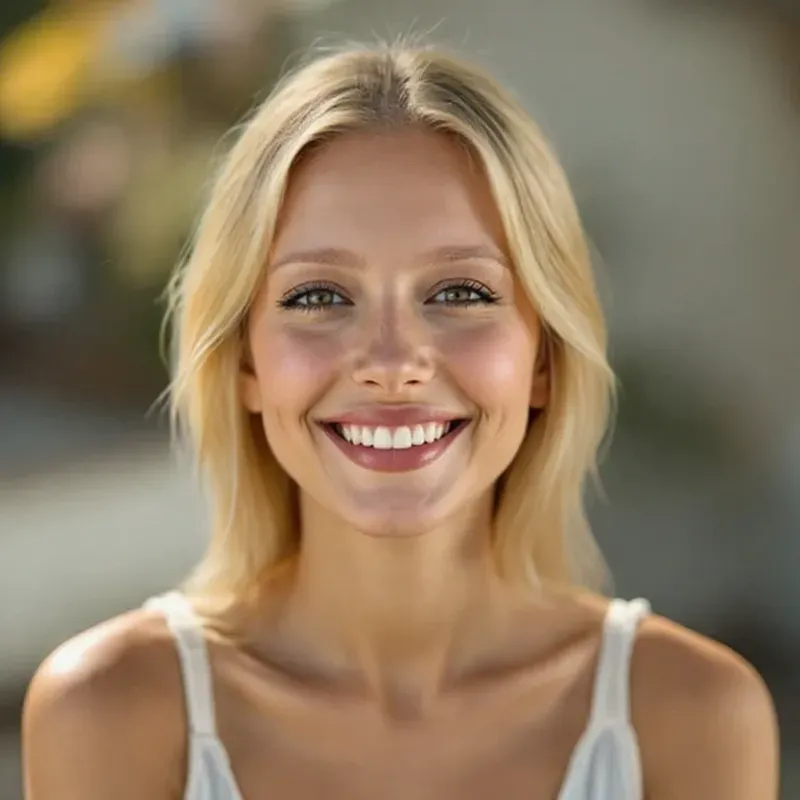
More than a one-tap filter
Filters give you a look in one tap. When you want full control, open the AI Image Editor and change anything by typing — remove objects, swap backgrounds, retouch and upscale. Editing a portrait or an old picture? The AI Photo Editor is tuned for exactly that. You only pay for what you use — credits never expire, no subscription.