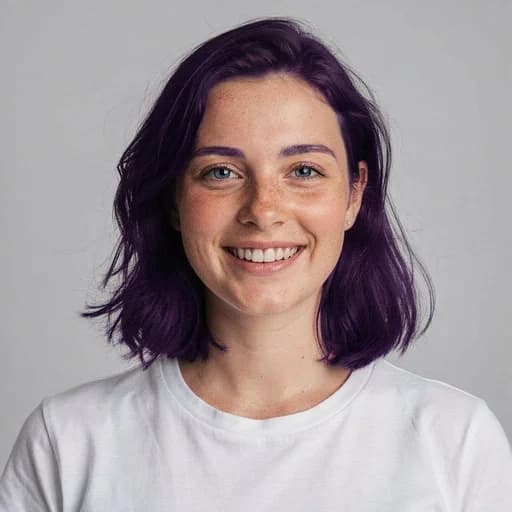
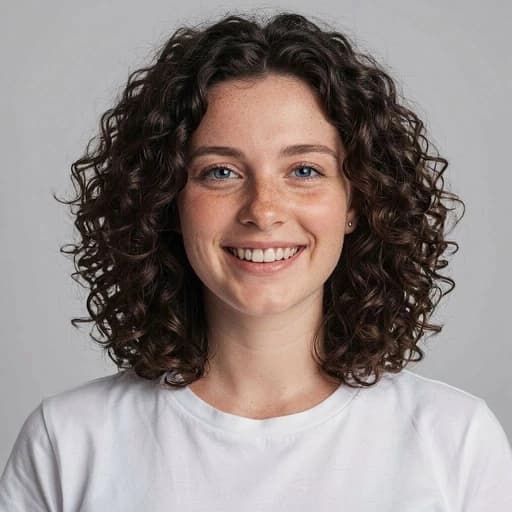
Short Hair AI Filter
See a short-hair version of your portrait with AI
Upload your photo
Drag and drop, or choose a file from your device.
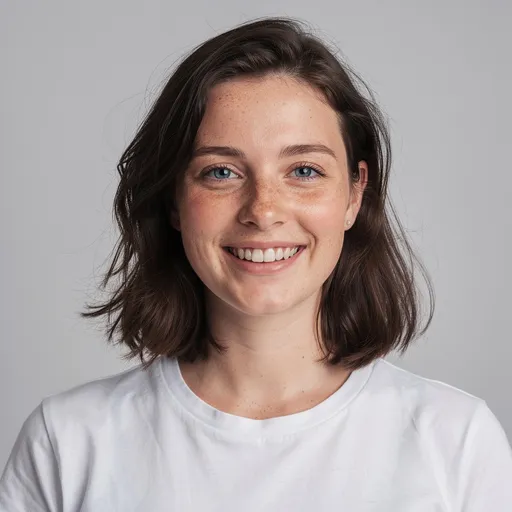
Before & After: Short Hair Filter
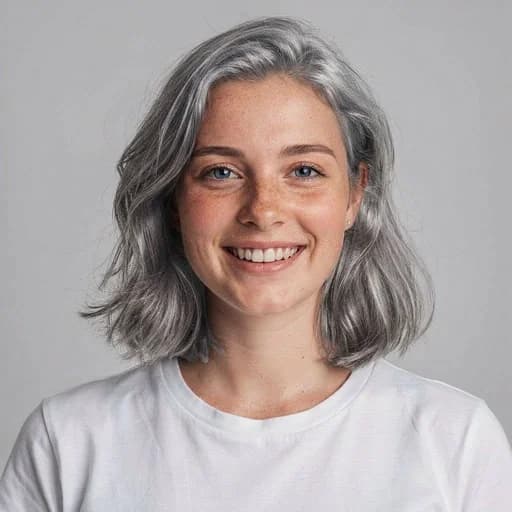
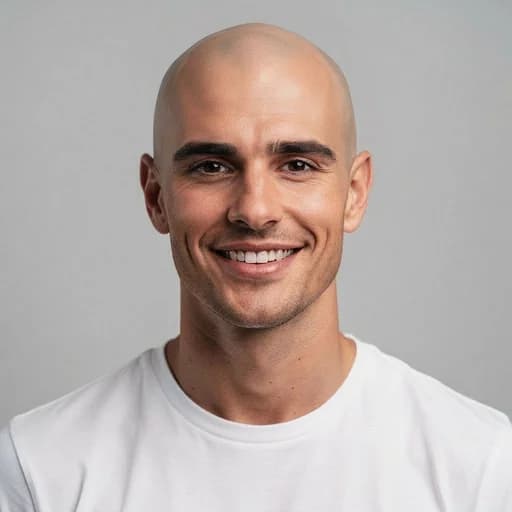
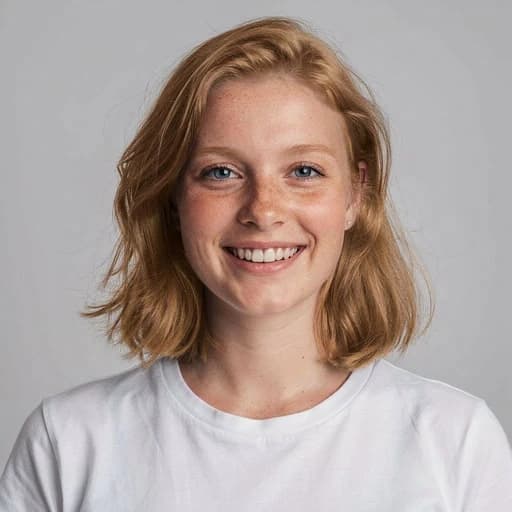
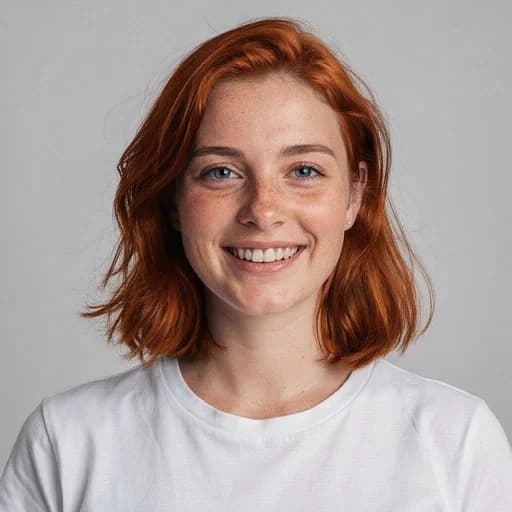
Example: left, original hairstyle; right, shorter cut. Drag to compare.
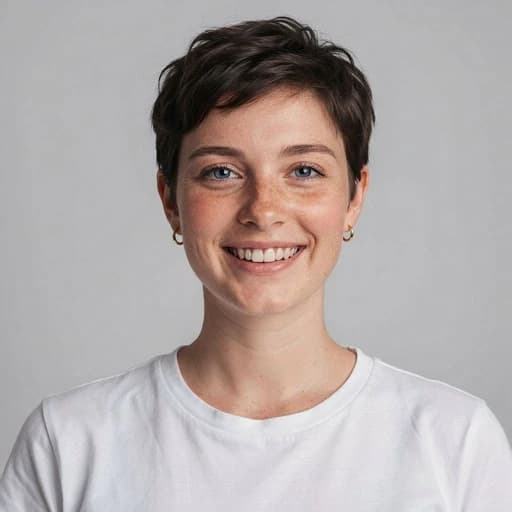
Before
After
Tap to compare
What this filter changes
Explore one AI interpretation of a shorter hairstyle. Facial details may also change; use the result as inspiration, not a prediction of a salon haircut.
Try it for: Hairstyle mood boards. Compare with real cuts when talking to a stylist.
How to use this filter
Upload here, then continue in the editor.
1. Upload a clear portrait
Show the current hairstyle clearly.
2. Apply the short hair filter
Generate a shorter hairstyle in the editor.
3. Review and download
Check the cut and facial details, then download.
Tips & limitations
- There is no picker for a specific cut or length.
- Real hair texture, density and styling can differ from the generated look.
Last reviewed by PicTools.AI editorial.
Short Hair AI Filter FAQs
Upload a portrait to PicTools.AI. The AI generates a short-hair variation from that image, which you can compare with the original before downloading.
You can try PicTools.AI with a limited free allowance. Continue in the app to check the allowance available to your account. More edits require a credit pack or subscription.
No. The filter creates one AI interpretation of short hair rather than offering a picker for an exact cut or length.
It is intended to change the hairstyle, but generative edits can also alter facial details, colour, clothing or background. Compare the full result with the original.
No. Hair texture, density, growth patterns and styling affect a real haircut. Use the result as creative inspiration rather than an exact salon prediction.
See More Short Hair Filter Examples ▾
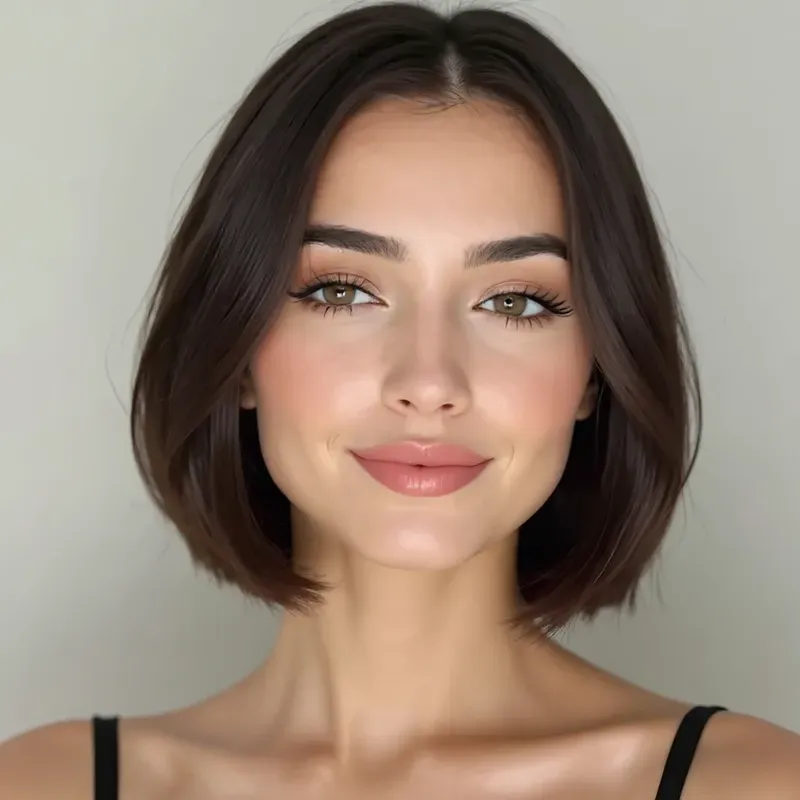
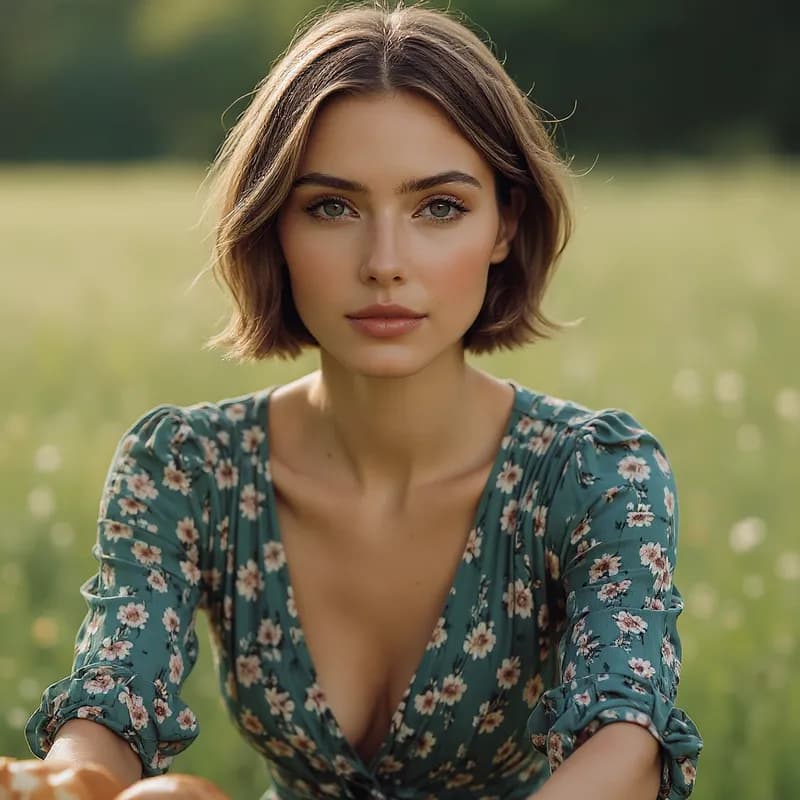
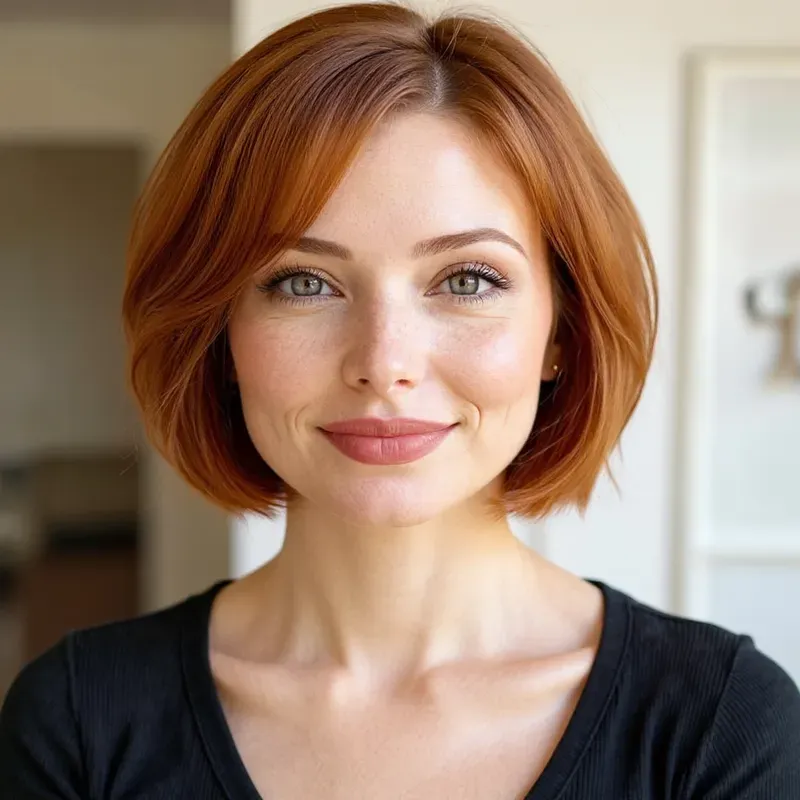
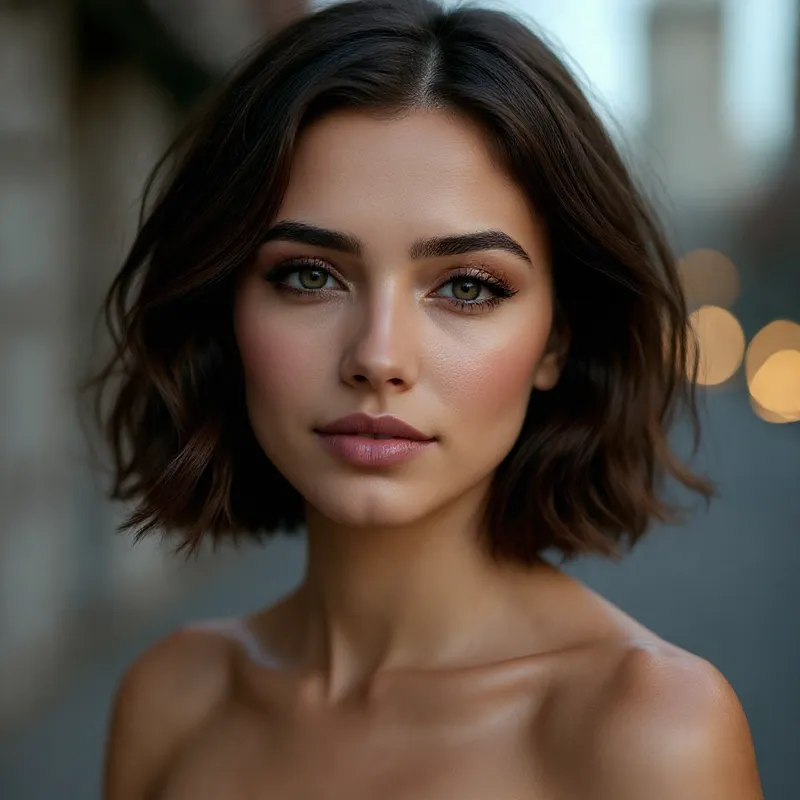
Short Hair AI Filter Examples
Portraits restyled with short hair using AI
More than a one-tap filter
Filters give you a look in one tap. When you want full control, open the AI Image Editor and change anything by typing — remove objects, swap backgrounds, retouch and upscale. Editing a portrait or an old picture? The AI Photo Editor is tuned for exactly that. You only pay for what you use — credits never expire, no subscription.