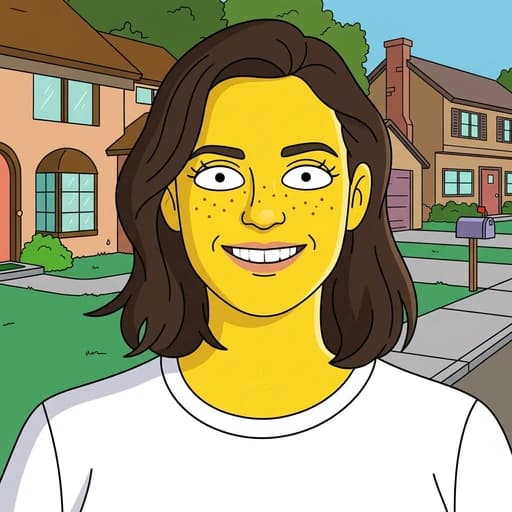
Star Wars Filter AI
Turn your photo into a Star Wars-style character with AI
Upload your photo
Drag and drop, or choose a file from your device.
Before & After: Star Wars Filter
Example: left, original photo; right, Jedi-style portrait. Drag to compare.

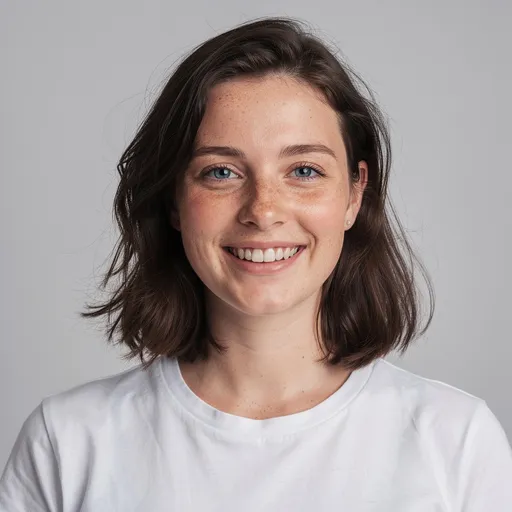
Before
After
Tap to compare
What this filter changes
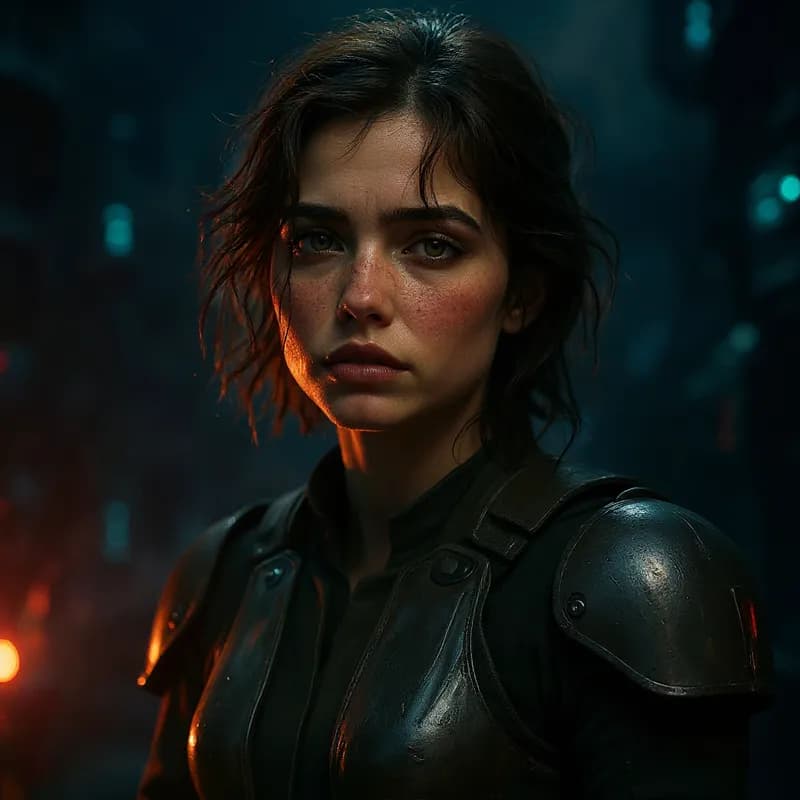
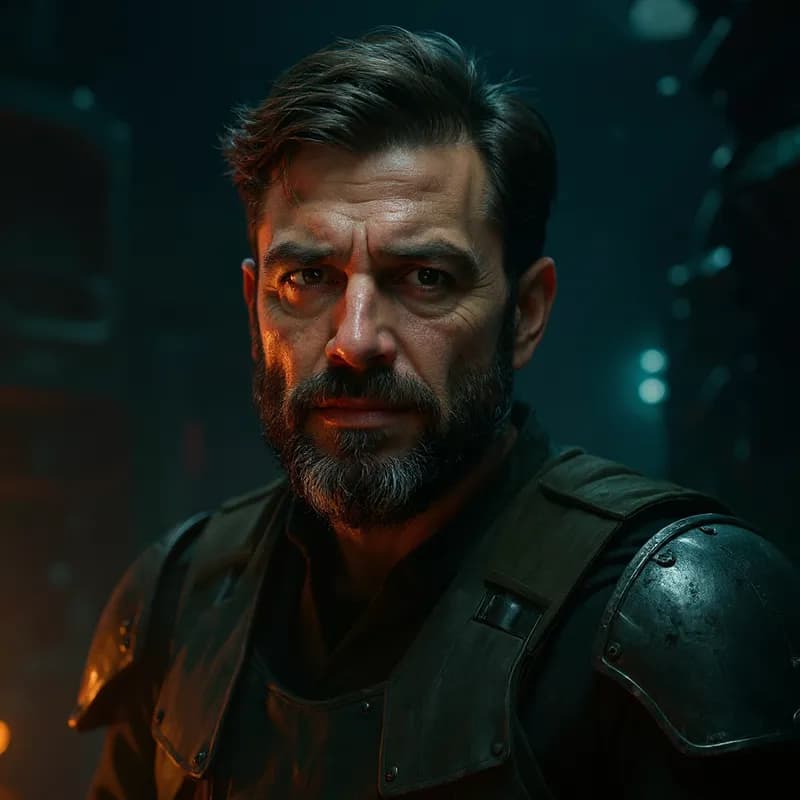
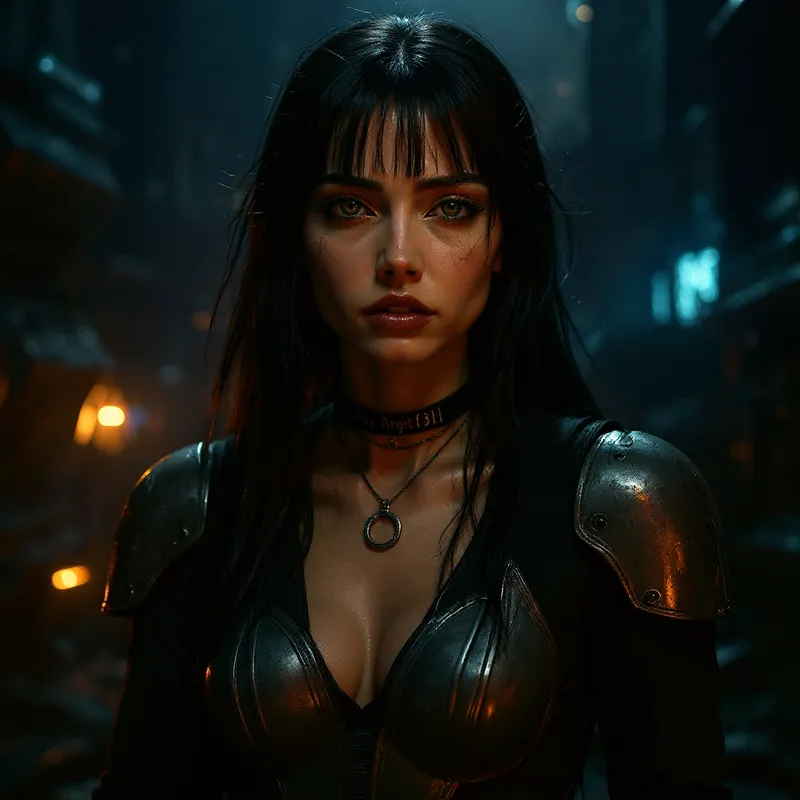
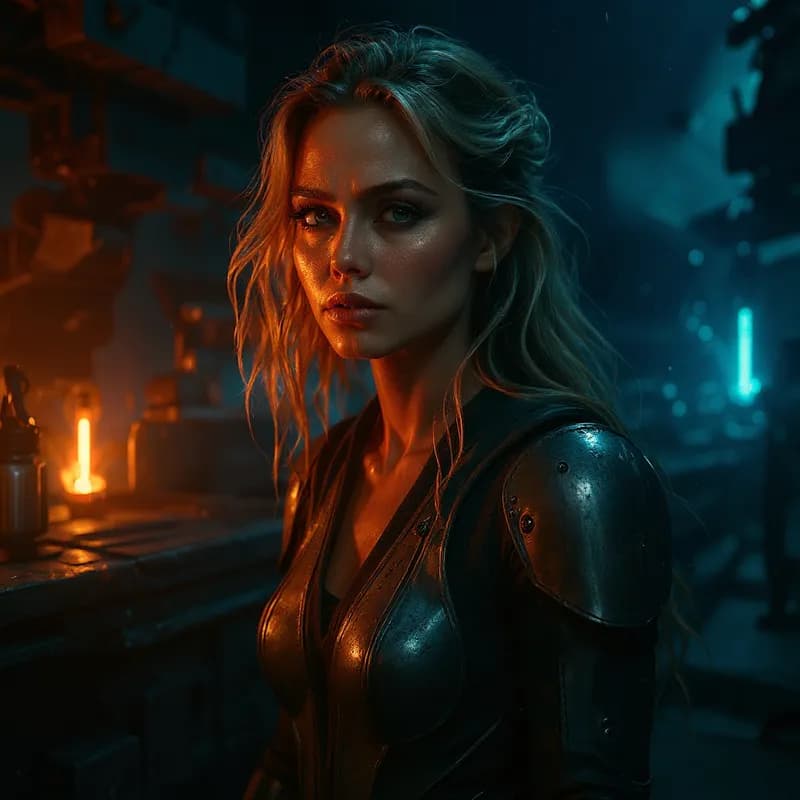
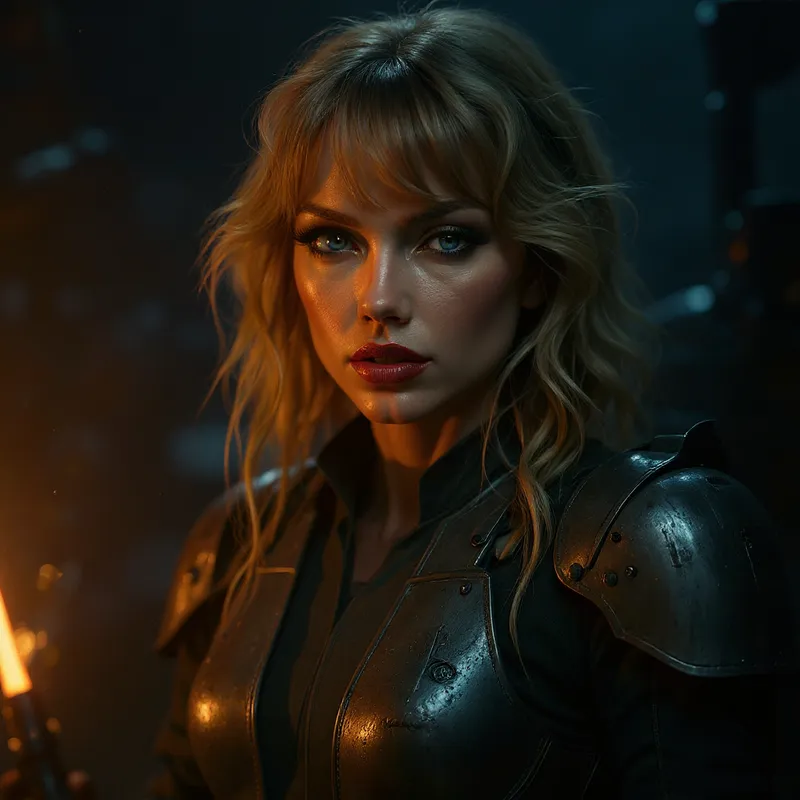
Generate a Jedi-style portrait with robes or armour, cinematic lighting and a galactic setting. This unofficial fan-style edit can reinterpret your face and surroundings rather than reproduce a specific character.
This filter creates an original, Star Wars-inspired stylization of your photo using AI. PicTools.AI is not affiliated with, endorsed by, or sponsored by the rights holders of Star Wars.
How to use this filter
Upload here, then continue in the editor.
1. Upload a photo
Use a well-lit portrait or full-body photo.
2. Apply the Star Wars filter
Generate Jedi-style attire and a galactic scene in the editor.
3. Review and download
Check the face, costume and props, then download.
Tips & limitations
- A close crop emphasises the face; a wider shot gives the costume more space.
- Generated hands and props may need a closer check.
Last reviewed by PicTools.AI editorial.
Star Wars Filter FAQs
Upload your photo to PicTools.AI. The AI transforms it into a Star Wars-inspired character — Jedi robes, dramatic galaxy lighting, and a cinematic sci-fi look. No design skills needed.
You can try PicTools.AI with a limited free allowance. Continue in the app to check the allowance available to your account. More edits require a credit pack or subscription.
Yes. The AI can generate saga-inspired attire, cinematic lighting and a galactic setting from your photo. Costume and prop details vary between results.
Clear portraits give the AI a visible subject to reinterpret. A close portrait emphasizes the face, while a full-body photo gives more space to outfit and setting.
No. PicTools.AI is an independent platform. This filter is inspired by the Star Wars aesthetic but is not endorsed by, sponsored by, or affiliated with Lucasfilm Ltd. or The Walt Disney Company.
See More Star Wars Filter Examples ▾
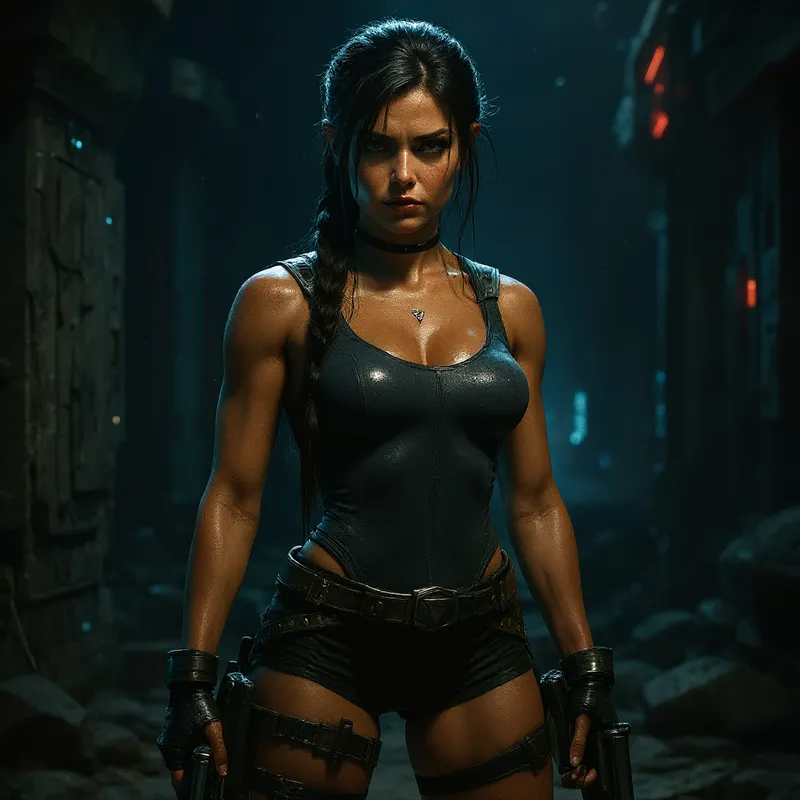
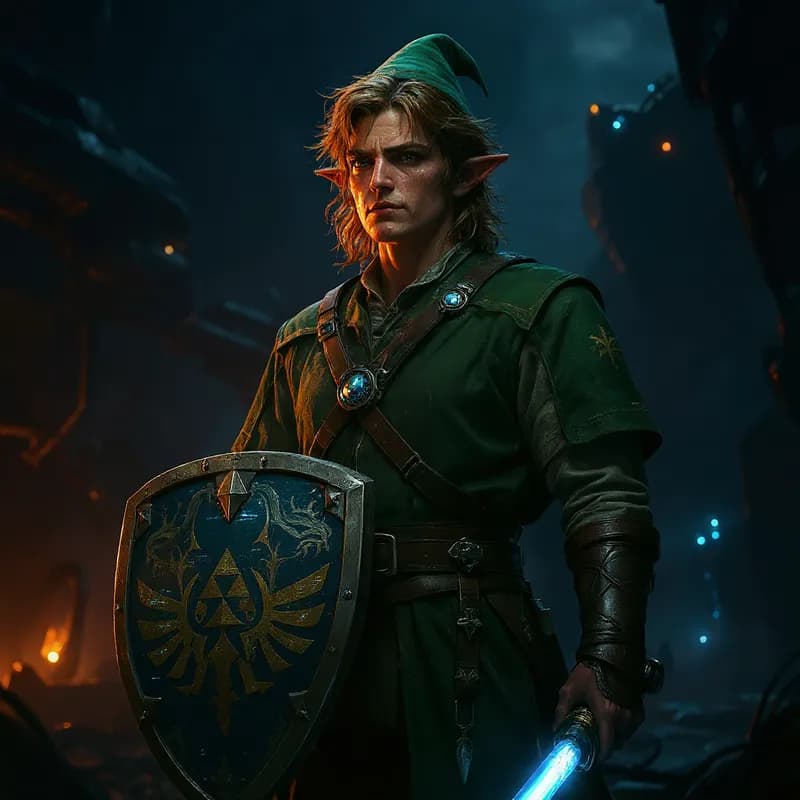
Star Wars Filter Examples
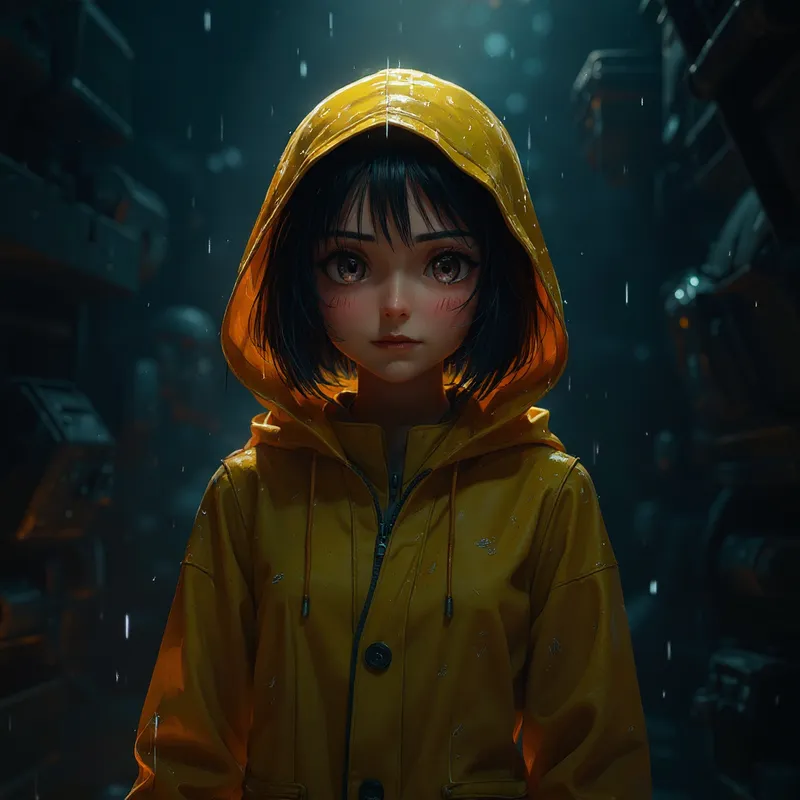
Photos turned into Star Wars-style characters with AI
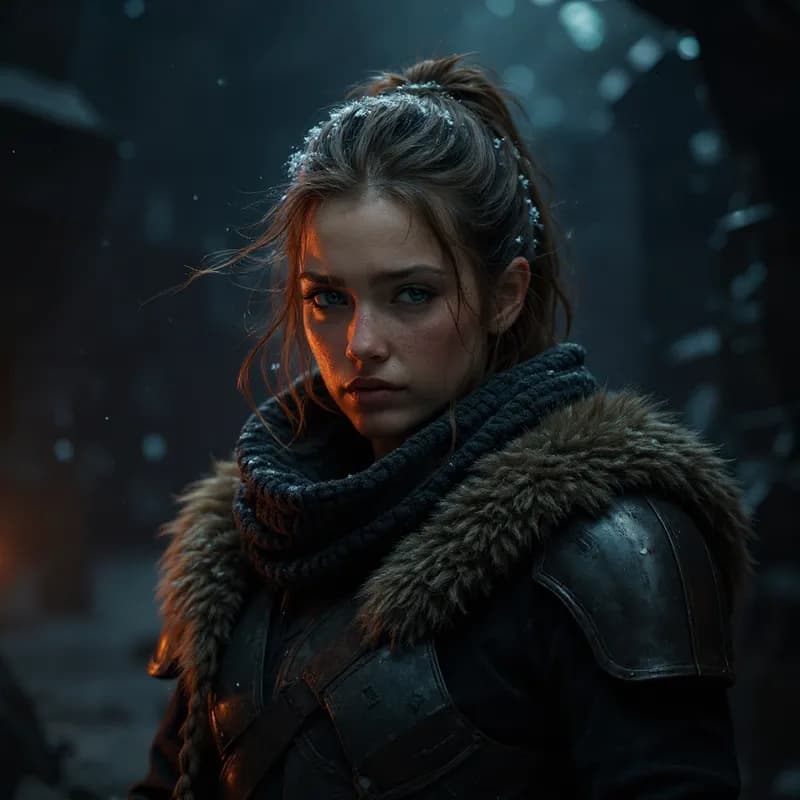
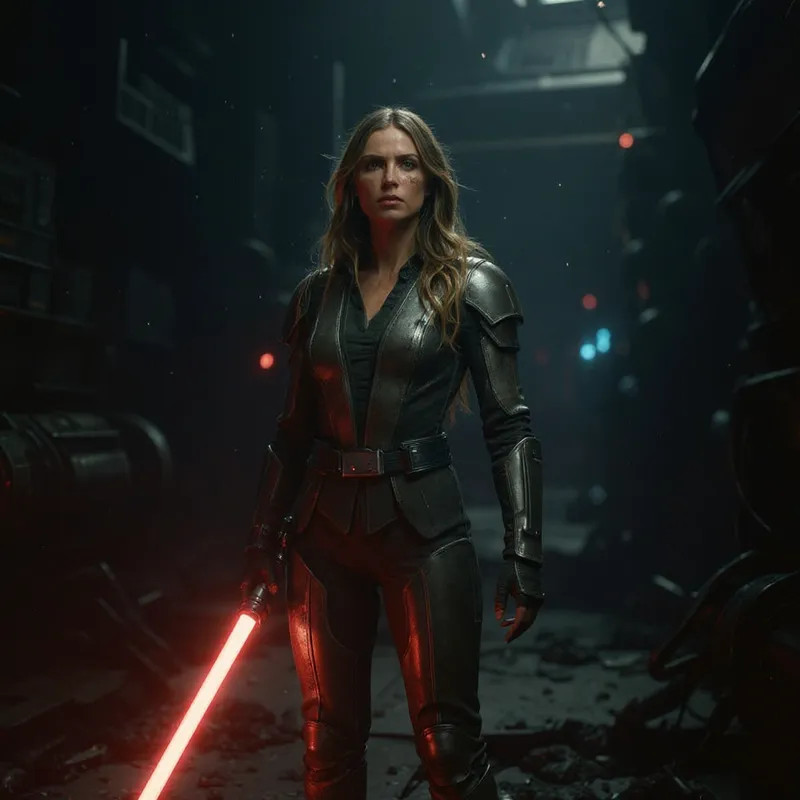
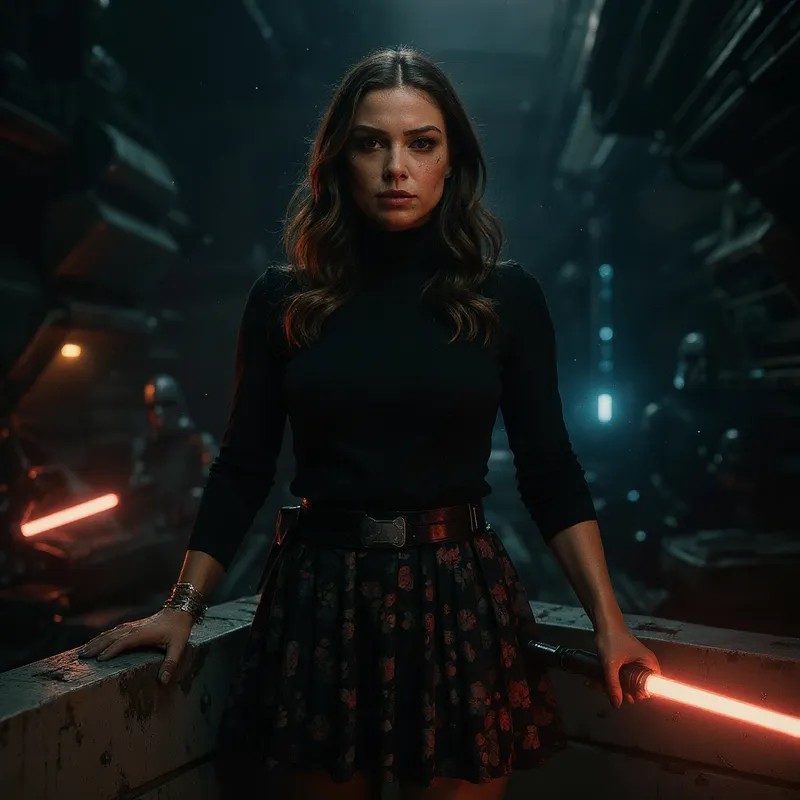
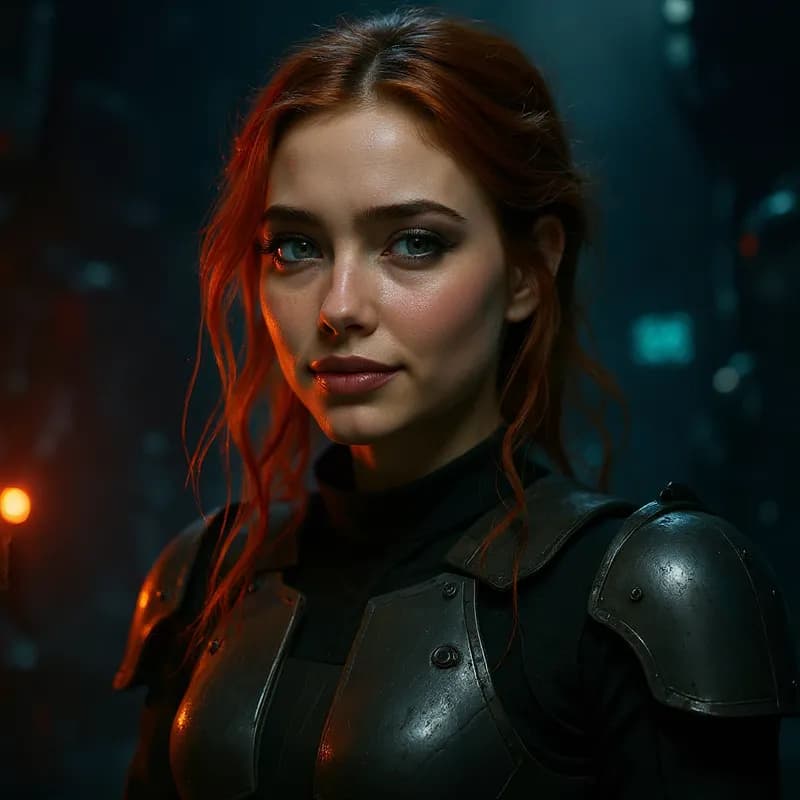
More than a one-tap filter
Filters give you a look in one tap. When you want full control, open the AI Image Editor and change anything by typing — remove objects, swap backgrounds, retouch and upscale. Editing a portrait or an old picture? The AI Photo Editor is tuned for exactly that. You only pay for what you use — credits never expire, no subscription.