Anime Filter Online
Turn your photo into a clean anime illustration with AI
Upload your photo
Drag and drop, or choose a file from your device.
Before & After: Anime Filter
Example: left, original portrait; right, anime illustration version. Drag to compare.


Before
After
Tap to compare
What this filter changes
Turn your photo into an anime-style illustration. In the example above, the portrait is redrawn with clean outlines, cel shading and large, bright eyes, while the hair, freckles and white T-shirt carry over.
Try it for: Anime-style profile pictures. Use the illustration as an avatar for social or gaming profiles.
How to use this filter
Upload here, then continue in the editor.
1. Upload a portrait
A head-and-shoulders portrait, like the example, where the freckles, hair and T-shirt carried over.
2. Generate the anime version
The filter opens already selected in the editor; generate to get the illustration.
3. Check the line work
Look at the eyes, hair and outlines against your original photo.
Tips & limitations
- In this example the eyes are drawn larger and the shading is simplified, so the likeness follows the anime style rather than the photo.
Last reviewed by PicTools.AI editorial.
Anime Filter FAQs
Upload a portrait to PicTools.AI and apply the Anime filter. In the example above, the photo becomes an anime illustration with clean outlines, cel shading and large eyes.
You can try PicTools.AI with a limited free allowance. Continue in the app to check the allowance available to your account. More edits require a credit pack or subscription.
In the example above, the hair, freckles, smile and T-shirt carry over into the illustration, drawn with larger eyes and simpler shading. Compare the result with your photo.
The Anime example is a clean illustration on a plain background; the 90s Anime example shows bold outlines, retro colors and a painted city park backdrop.
It turns a still photo into an anime illustration. Upload a photo, or take one with your camera in the app, and you get the illustrated version.
See More Anime Filter Examples ▾
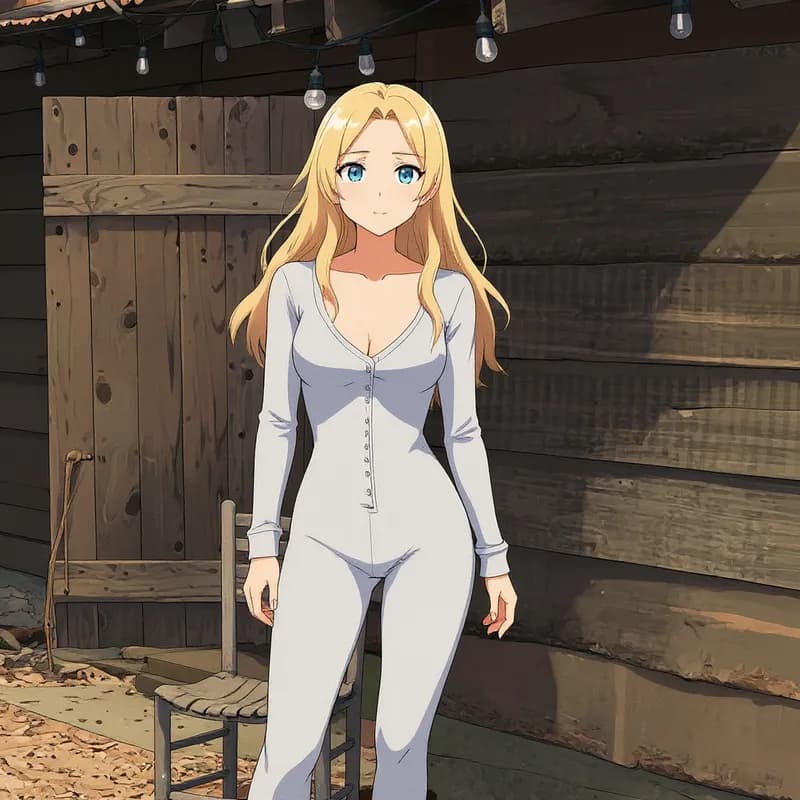
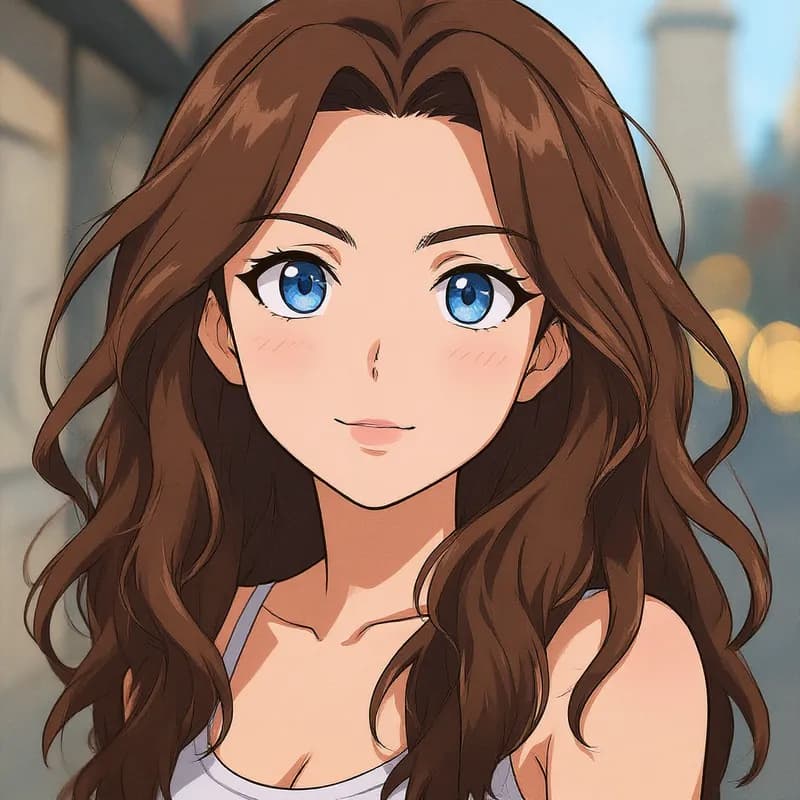
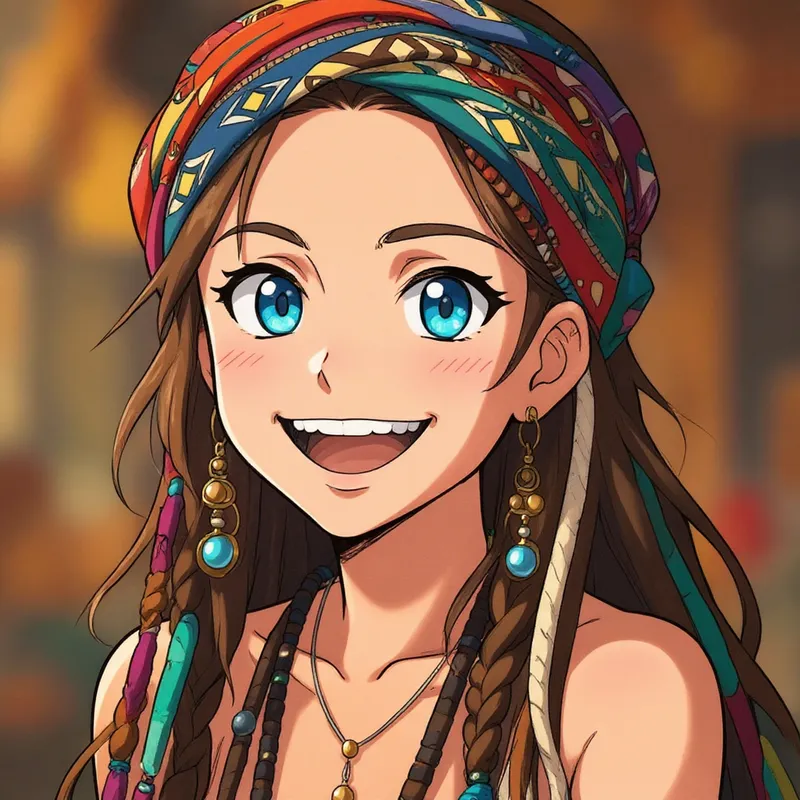
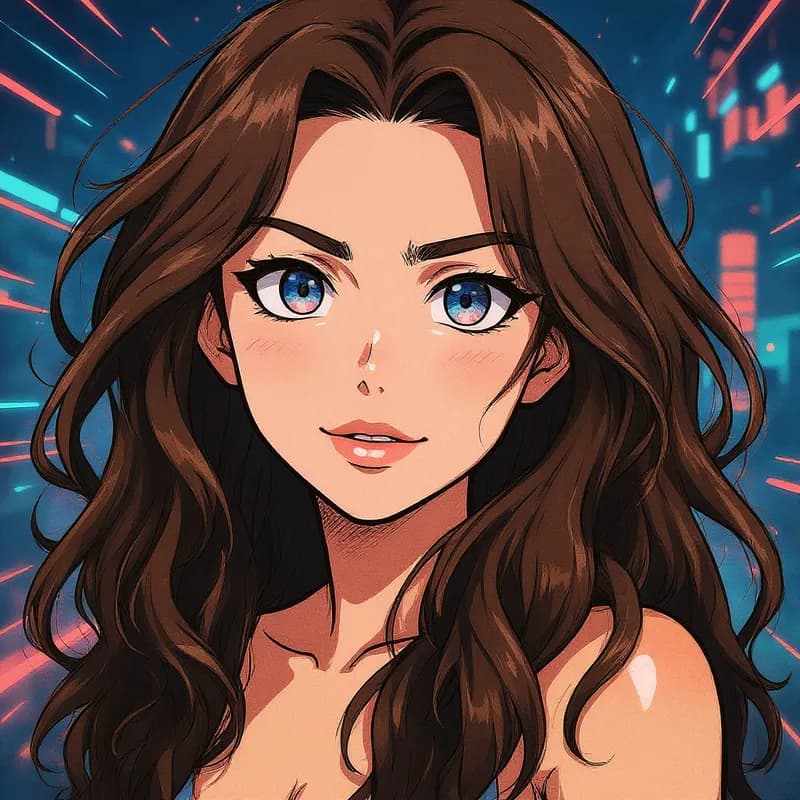
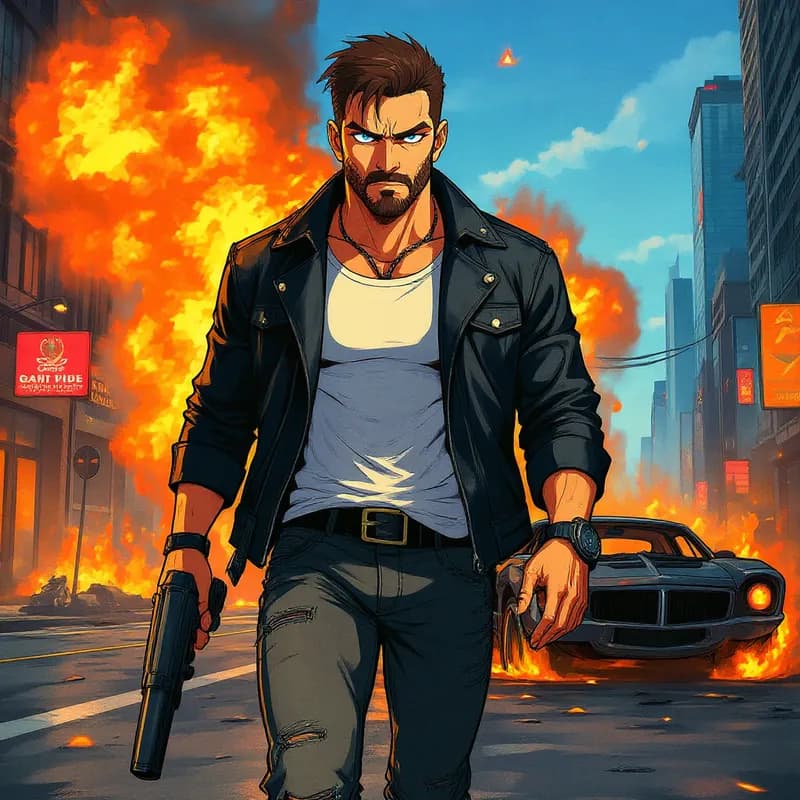
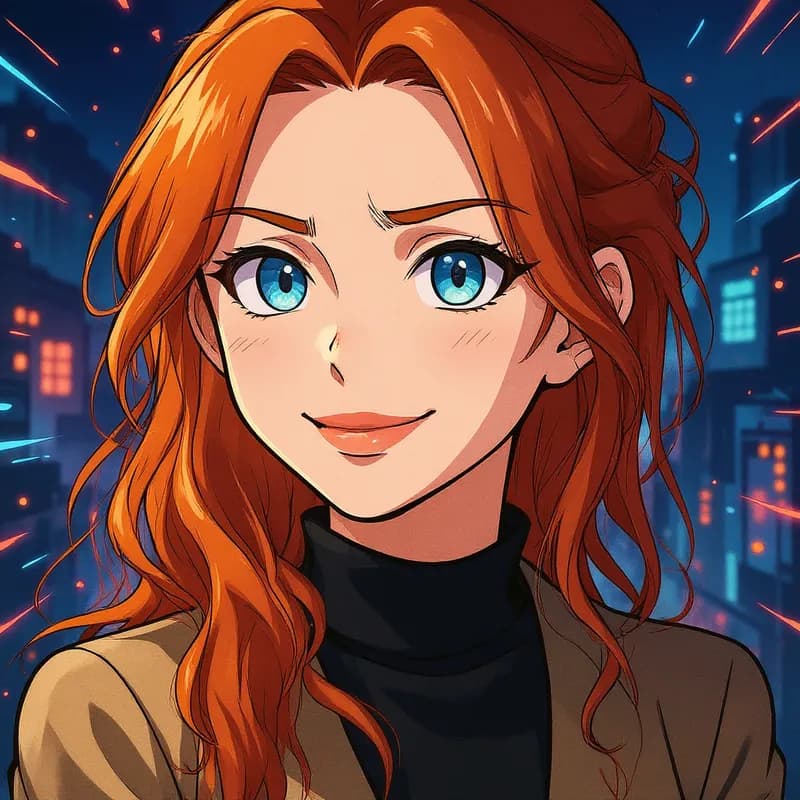
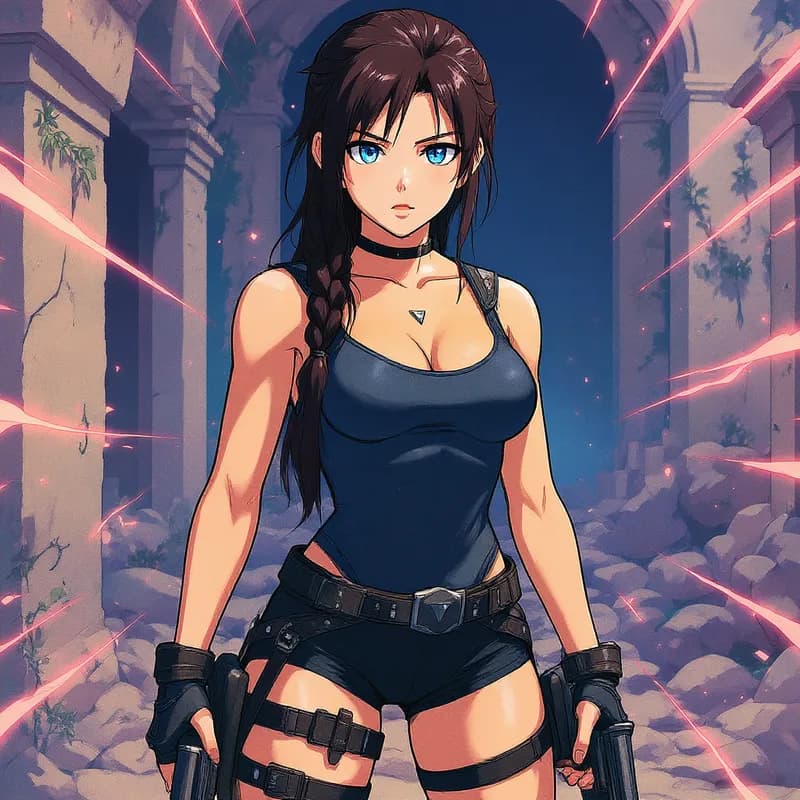
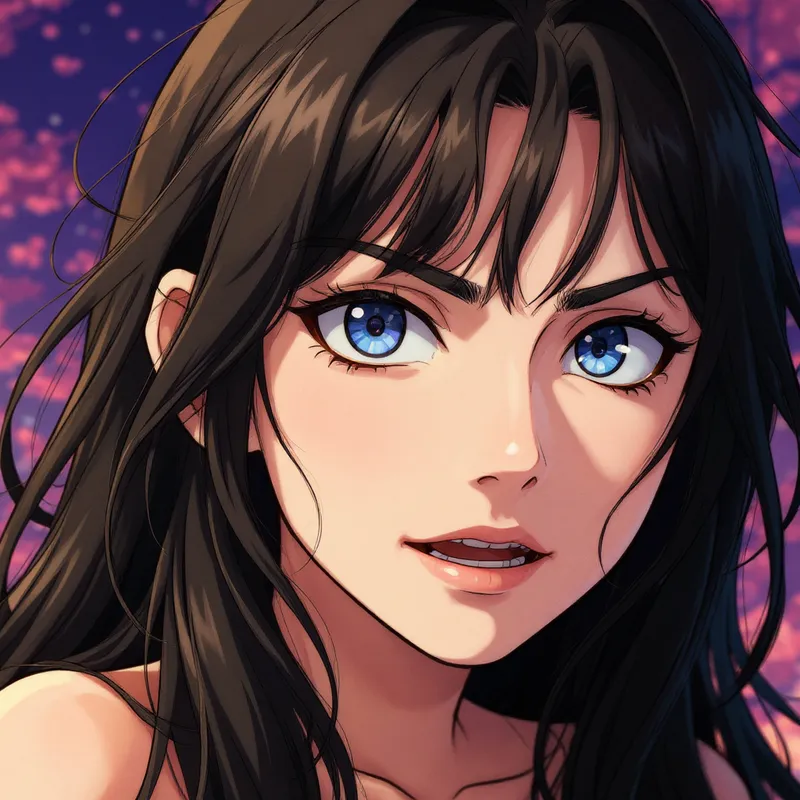
Anime Filter Examples
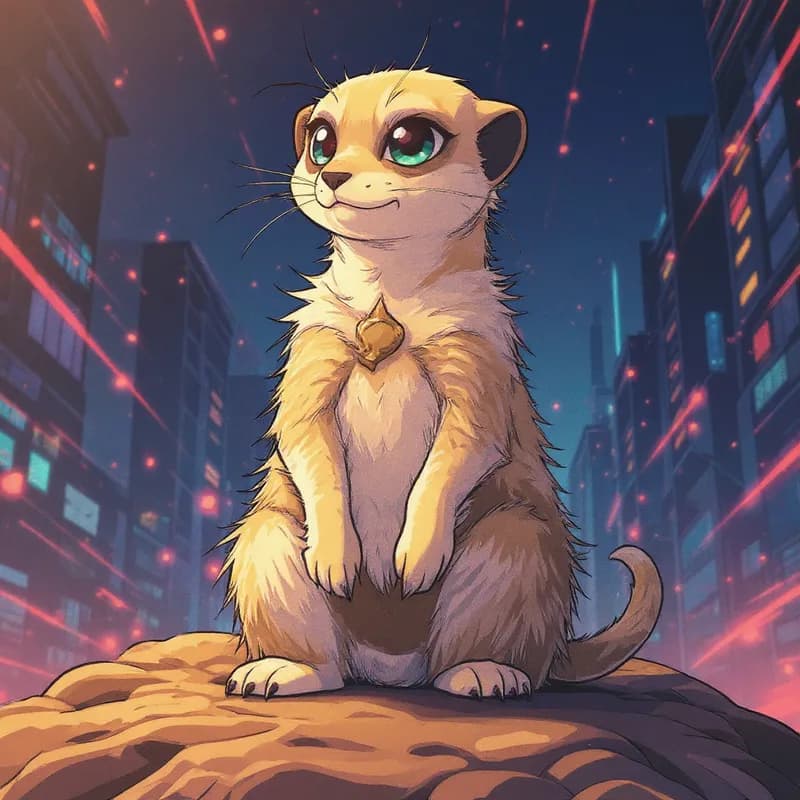
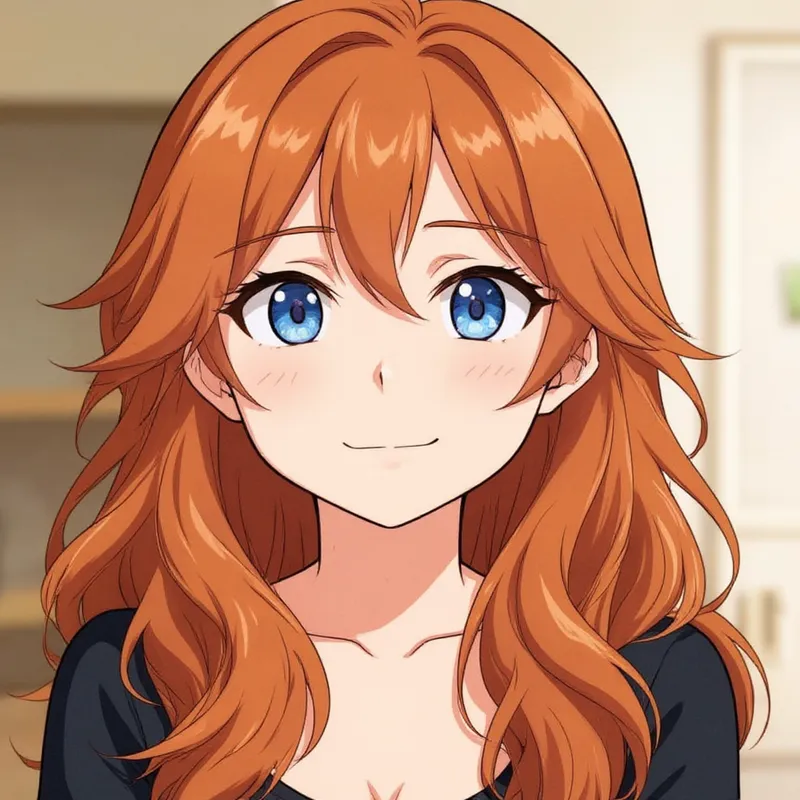
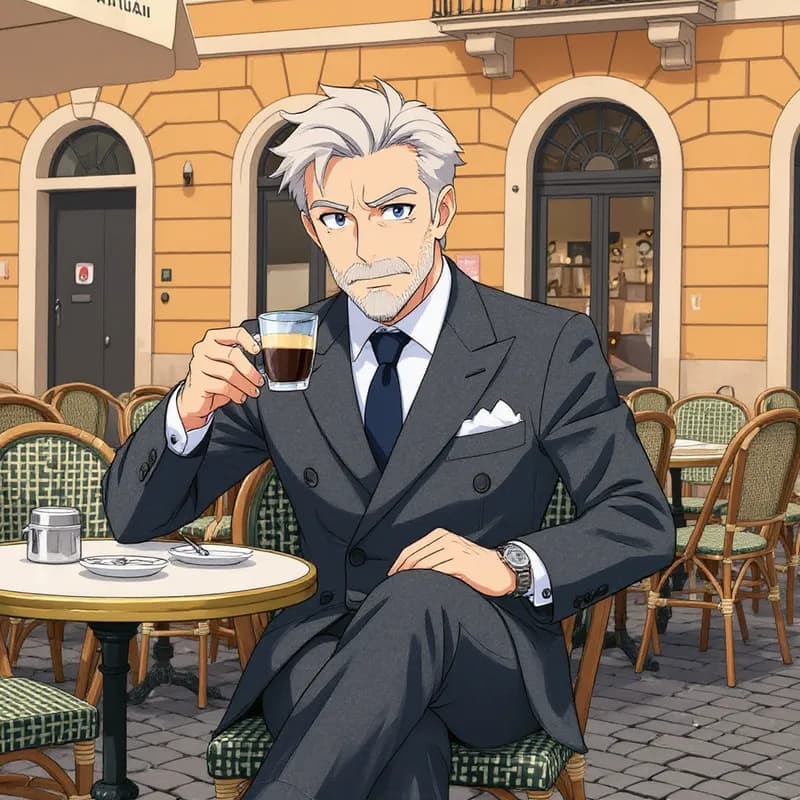
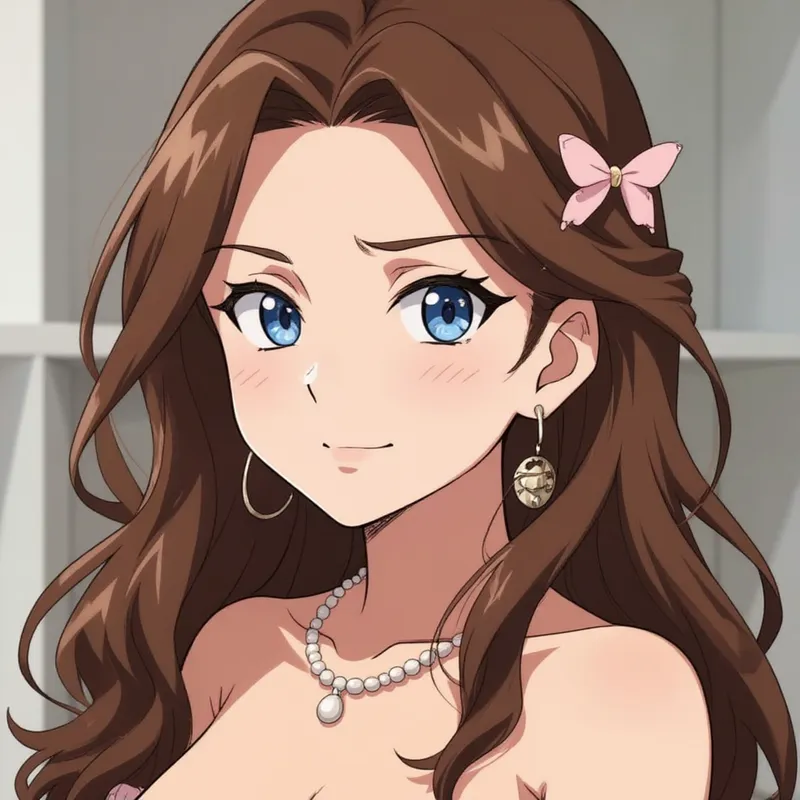
Photos turned into anime illustrations
More than a one-tap filter
Filters give you a look in one tap. When you want full control, open the AI Image Editor and change anything by typing — remove objects, swap backgrounds, retouch and upscale. Editing a portrait or an old picture? The AI Photo Editor is tuned for exactly that. You only pay for what you use — credits never expire, no subscription.