Webtoon Filter AI
Turn your photo into webtoon-style art with AI
Upload your photo
Drag and drop, or choose a file from your device.
Before & After: Webtoon Filter
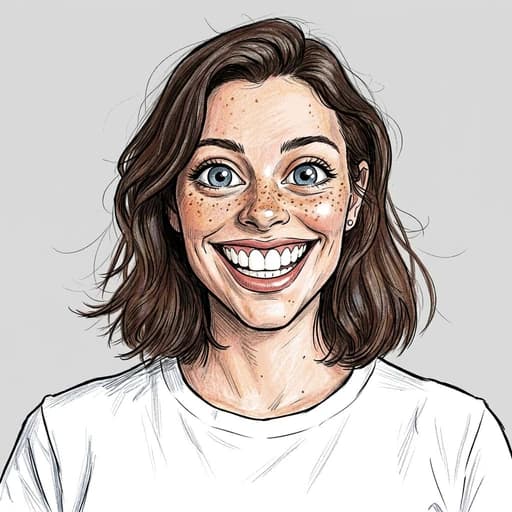
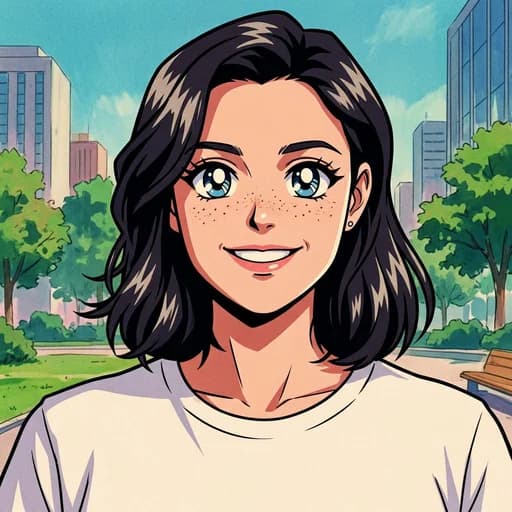
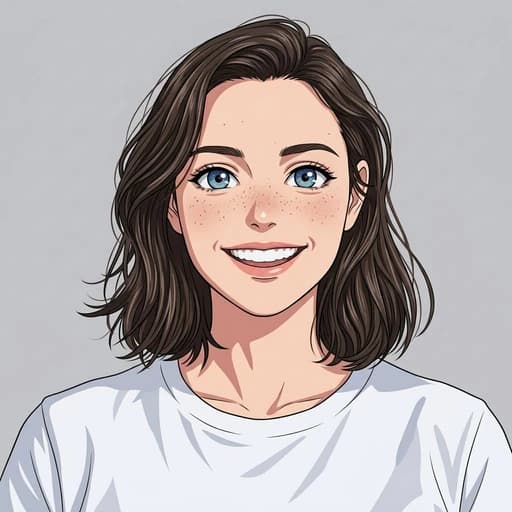
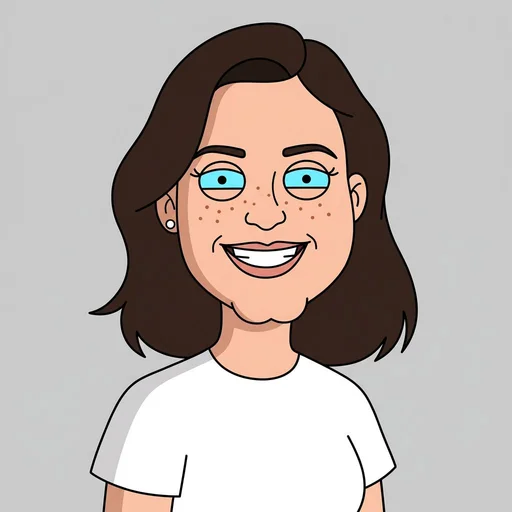
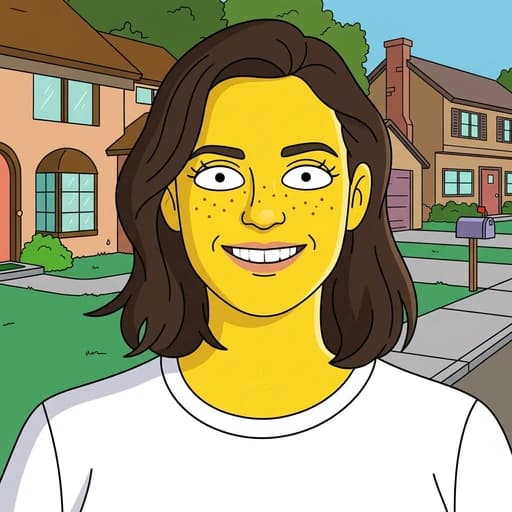
Example: left, original photo; right, webcomic illustration. Drag to compare.

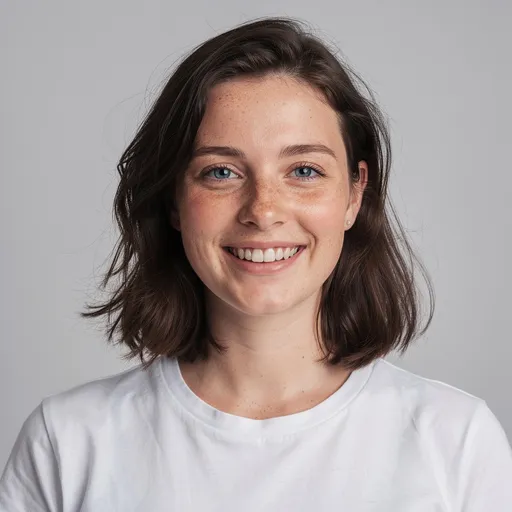
Before
After
Tap to compare
What this filter changes
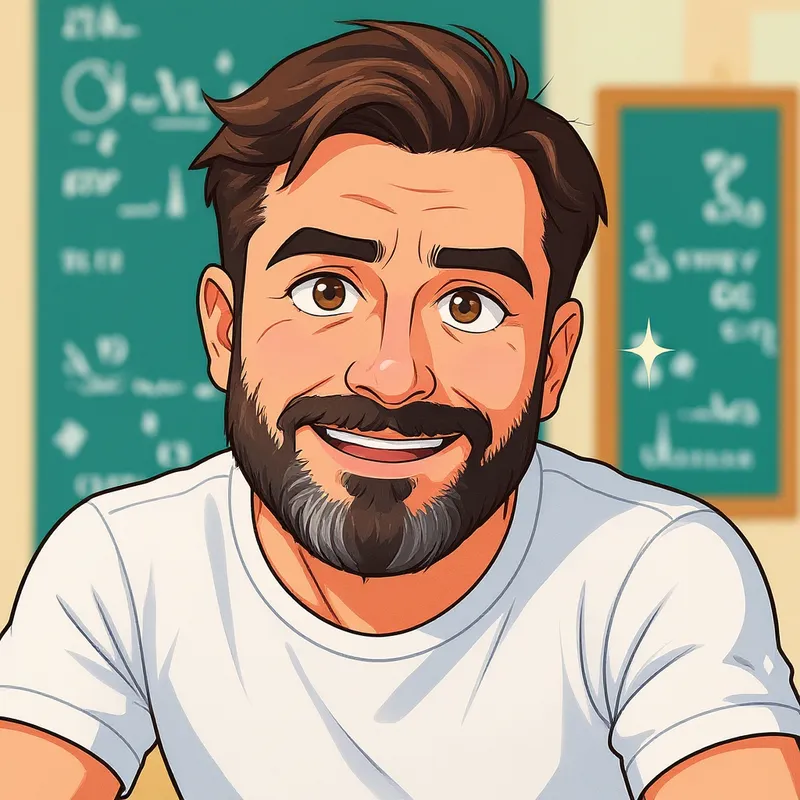
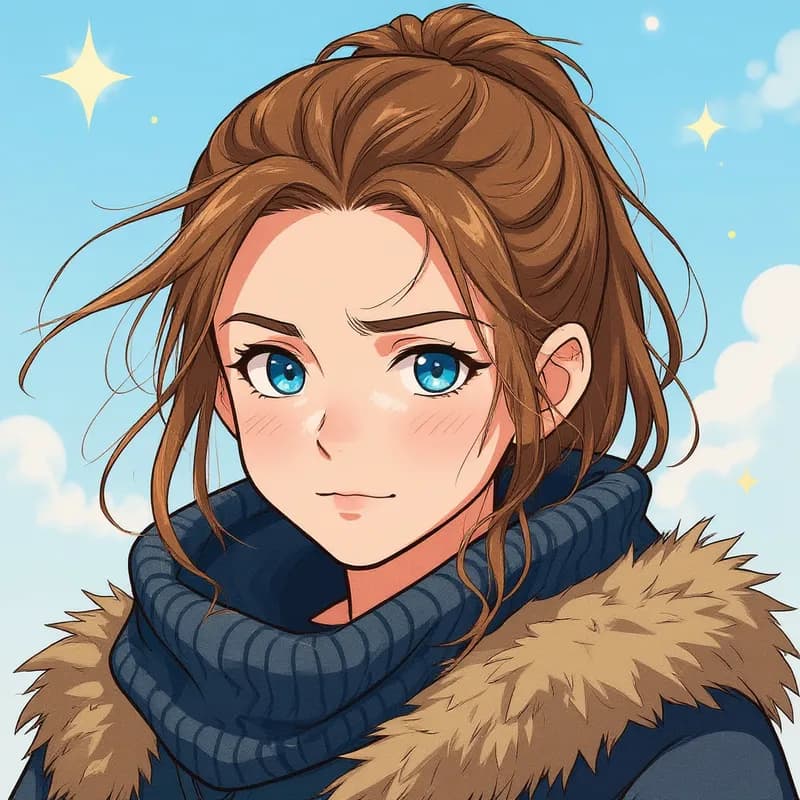
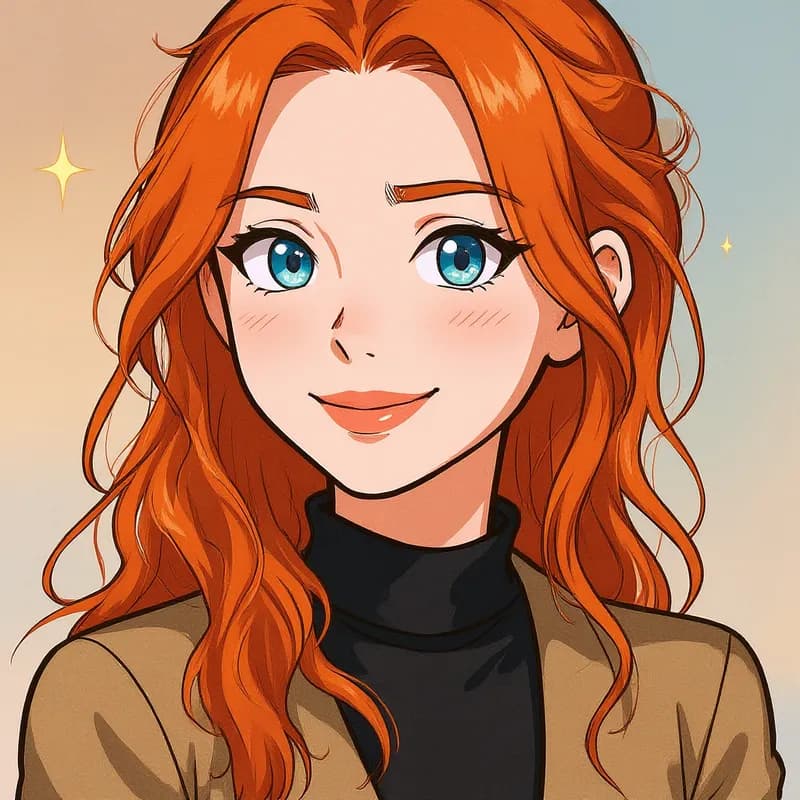
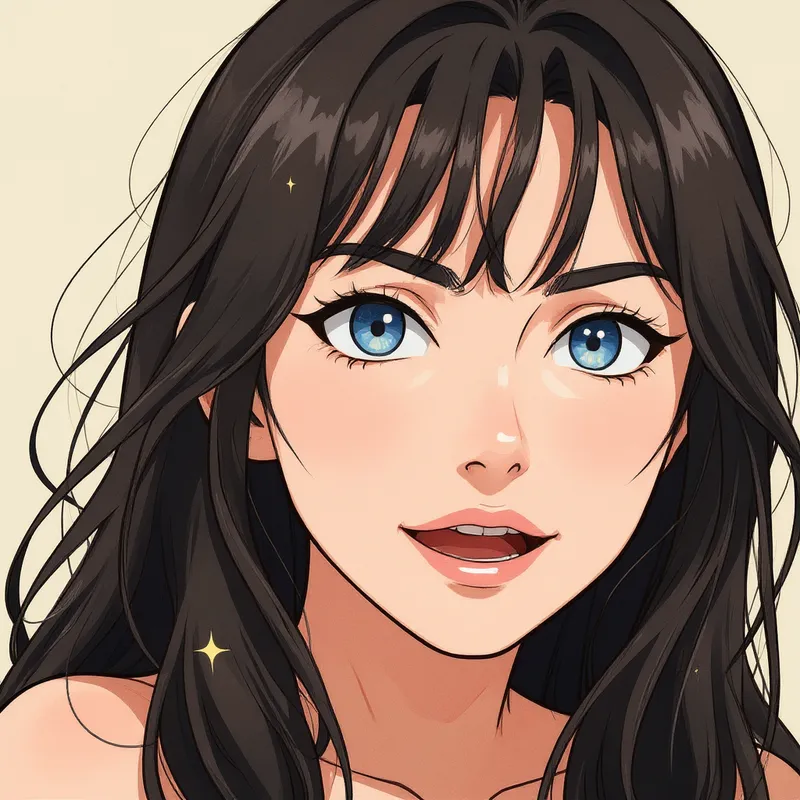
Redraw a photo with clean linework and flat cel shading, softer than halftone superhero comics. The webtoon filter creates one illustration, not a comic sequence with panels and dialogue.
Try it for: Character references. Explore a cel-shaded version of a photographed subject.
How to use this filter
Upload here, then continue in the editor.
1. Upload a photo
Use an evenly lit portrait.
2. Apply the webtoon filter
Generate a cel-shaded webcomic illustration in the editor.
3. Review and download
Check the linework and facial features, then download.
Tips & limitations
- Busy backgrounds may become flat shapes and colours.
- Character consistency across separate generations is not guaranteed.
Last reviewed by PicTools.AI editorial.
Webtoon Filter FAQs
Upload your photo to PicTools.AI. The AI transforms it into a webtoon-style illustration — clean lines, soft shading, and the digital manhwa aesthetic used in popular Korean webcomics. No drawing skills needed.
You can try PicTools.AI with a limited free allowance. Continue in the app to check the allowance available to your account. More edits require a credit pack or subscription.
A webtoon AI filter uses AI to recreate your photo in the digital illustration style of webtoons — the Korean webcomic format known for clean linework, expressive characters, and soft pastel-style coloring.
A clear portrait makes the stylized face easiest to inspect. The AI may simplify faces, clothing and backgrounds as it redraws the photo.
No. It creates one webcomic-style image from one photo; it does not build sequential panels, write dialogue or keep a character consistent across separate generations.
See More Webtoon Filter Examples ▾
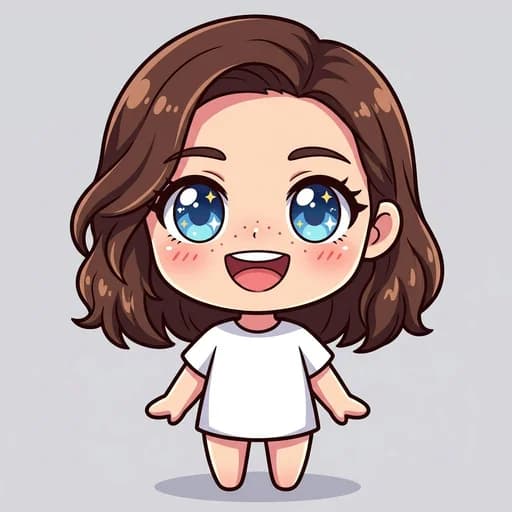
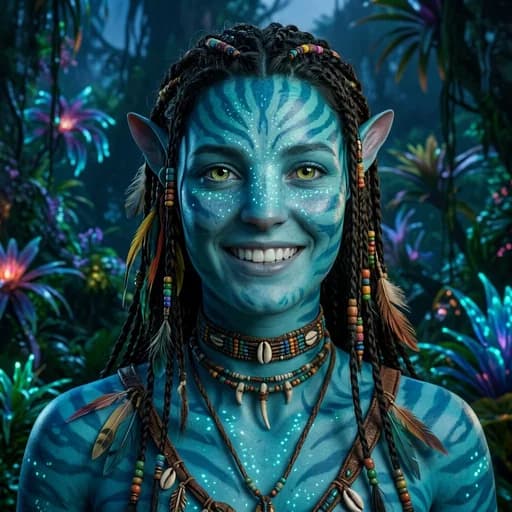
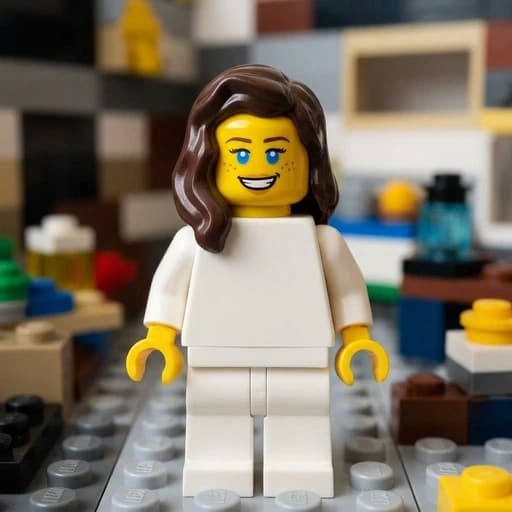
Webtoon Filter Examples
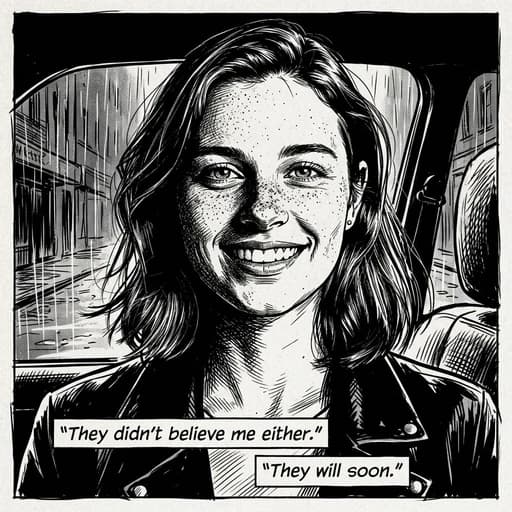
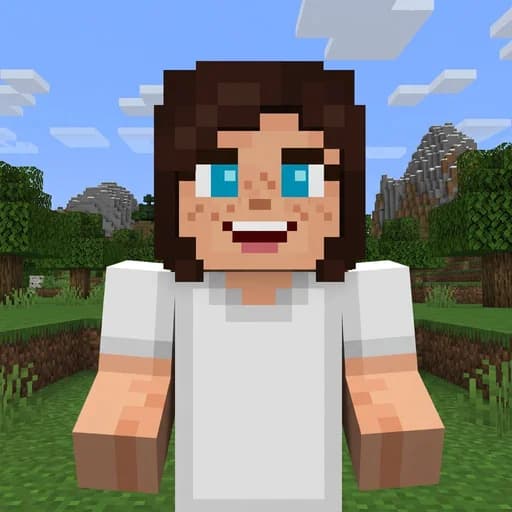
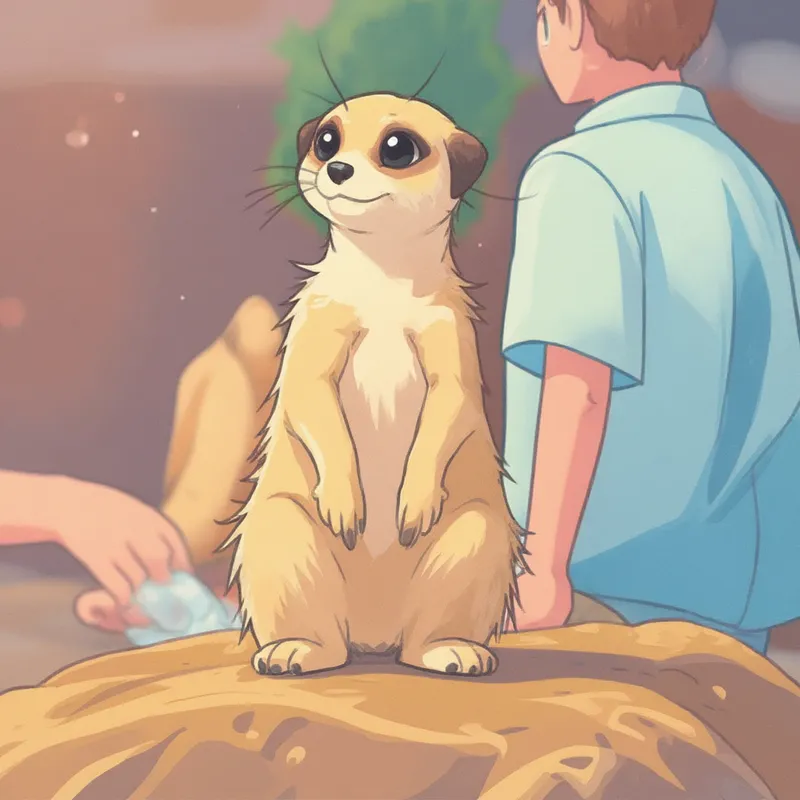
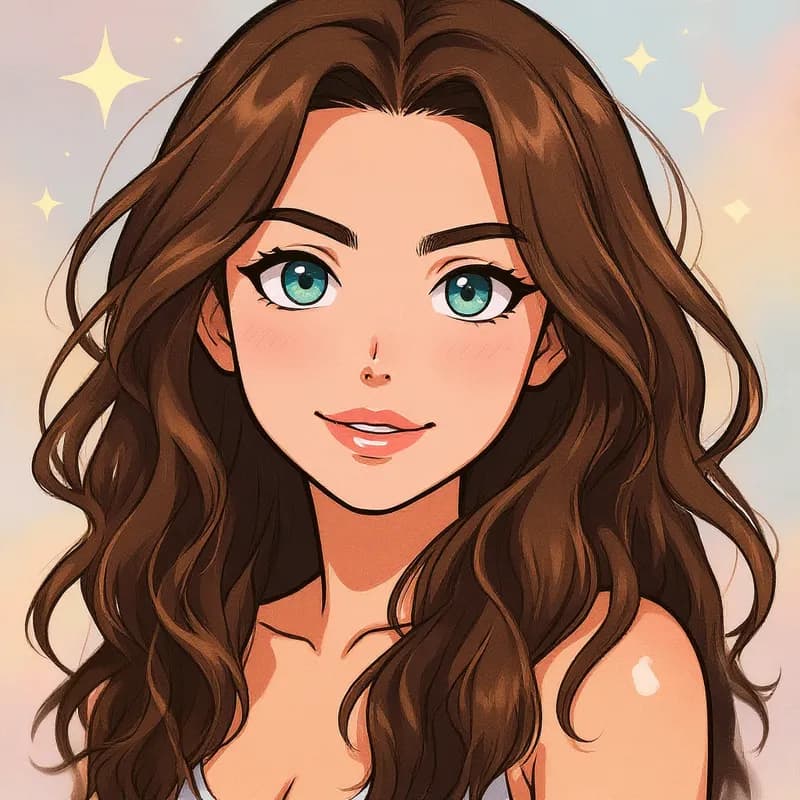
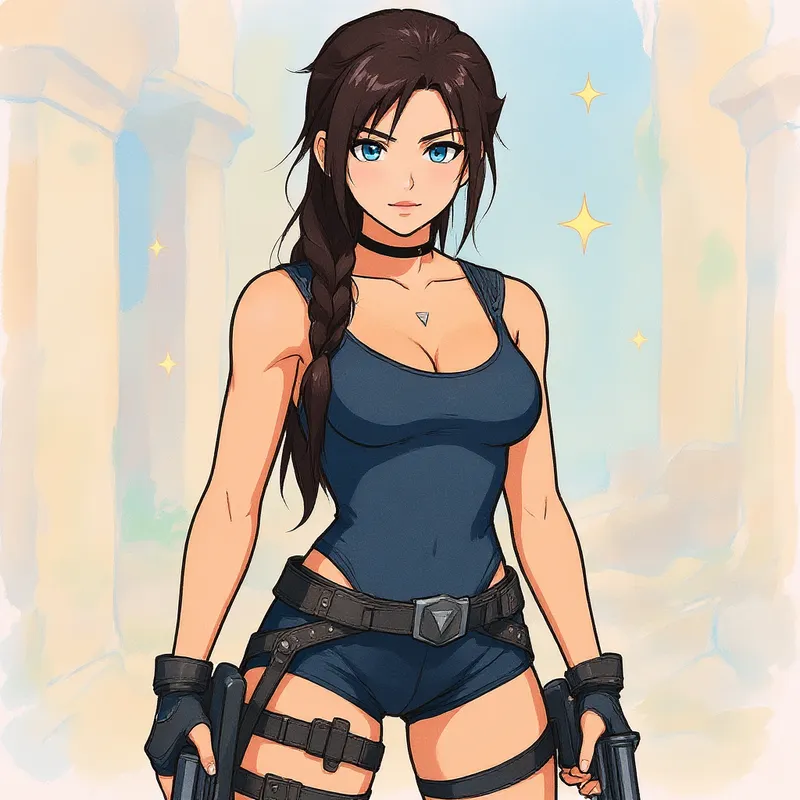
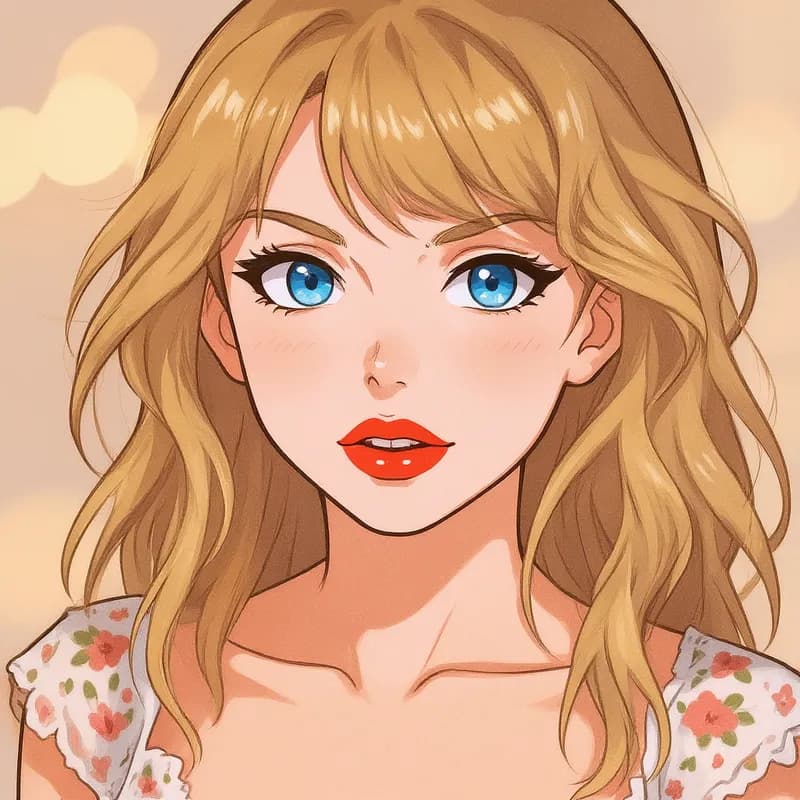
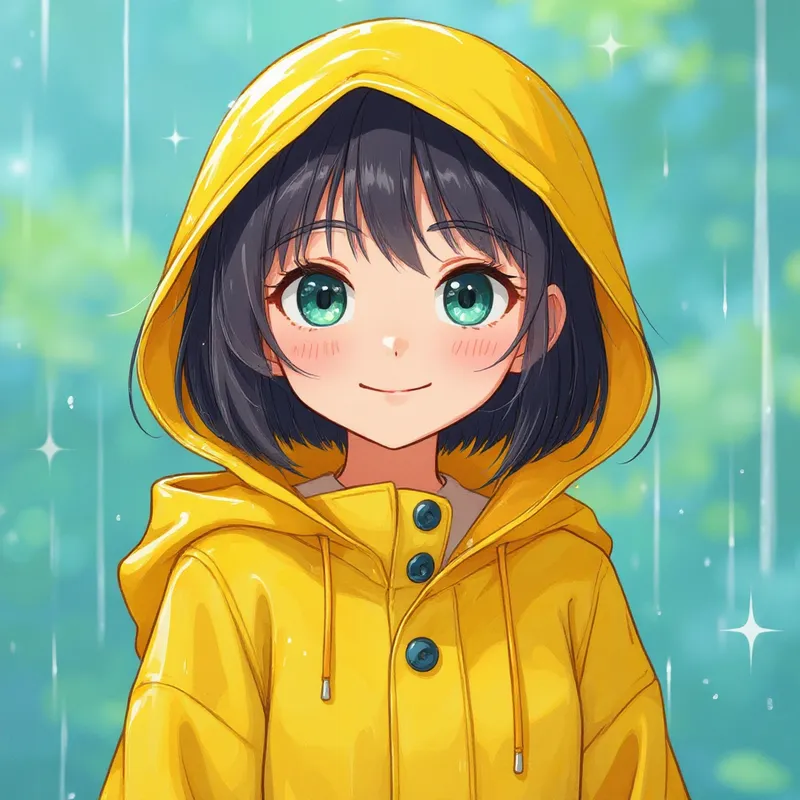
Photos turned into webtoon-style art with AI

More than a one-tap filter
Filters give you a look in one tap. When you want full control, open the AI Image Editor and change anything by typing — remove objects, swap backgrounds, retouch and upscale. Editing a portrait or an old picture? The AI Photo Editor is tuned for exactly that. You only pay for what you use — credits never expire, no subscription.