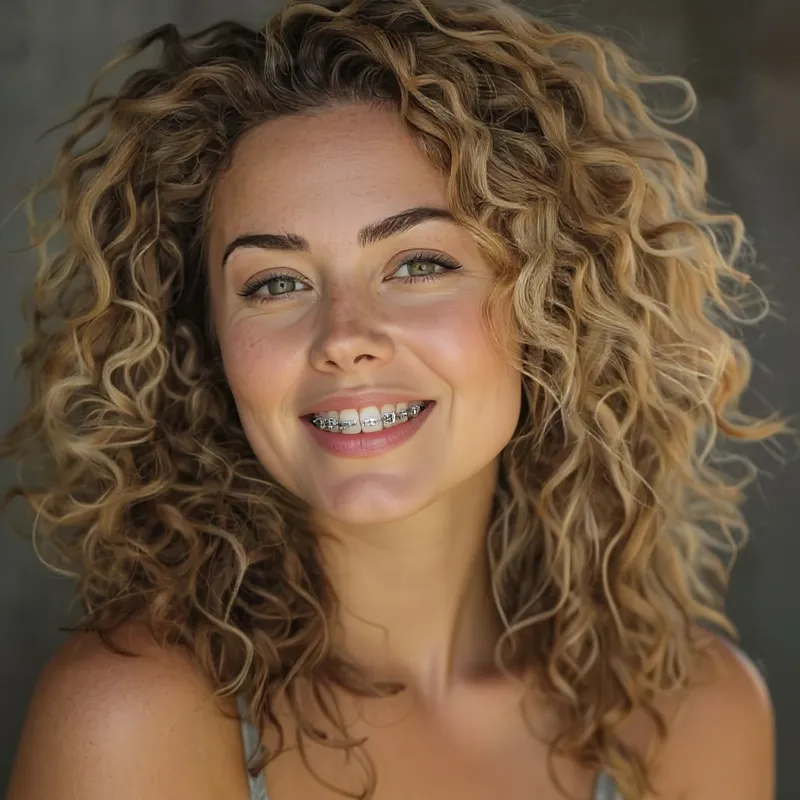
Braces AI Filter
Add a metal-braces look to your smile with AI
Upload your photo
Drag and drop, or choose a file from your device.
Before & After: Braces Filter
Example: left, original smile; right, AI-generated metal braces. Drag to compare.


Before
After
Tap to compare
What this filter changes
Add silver brackets and wire to visible teeth. This braces filter is a creative edit, not an orthodontic assessment or treatment simulation. Teeth and nearby facial details may change.
How to use this filter
Upload here, then continue in the editor.
1. Upload a smiling photo
Keep visible teeth in focus.
2. Apply the braces filter
Generate metal braces on the smile in the editor.
3. Review and download
Check the brackets, wire and smile, then download.
Tips & limitations
- Closed lips leave no visible teeth for the brackets.
- Bracket spacing and wire shape do not represent a real appliance fitting.
Last reviewed by PicTools.AI editorial.
Braces AI Filter FAQs
Upload a clear smiling portrait to PicTools.AI. The AI generates metal brackets and wire across the visible teeth for a creative photo edit.
You can try PicTools.AI with a limited free allowance. Continue in the app to check the allowance available to your account. More edits require a credit pack or subscription.
The filter creates an illustrative braces look on your photo. It is not an orthodontic assessment, appliance fitting or prediction of treatment results.
Visible upper and lower teeth give the AI a clear area on which to generate brackets and wire. Closed lips hide that target area.
It is intended to add braces, but generative edits can also change teeth, lips or nearby facial details. Compare the full result with the original.
See More Braces Filter Examples ▾
Braces AI Filter Examples
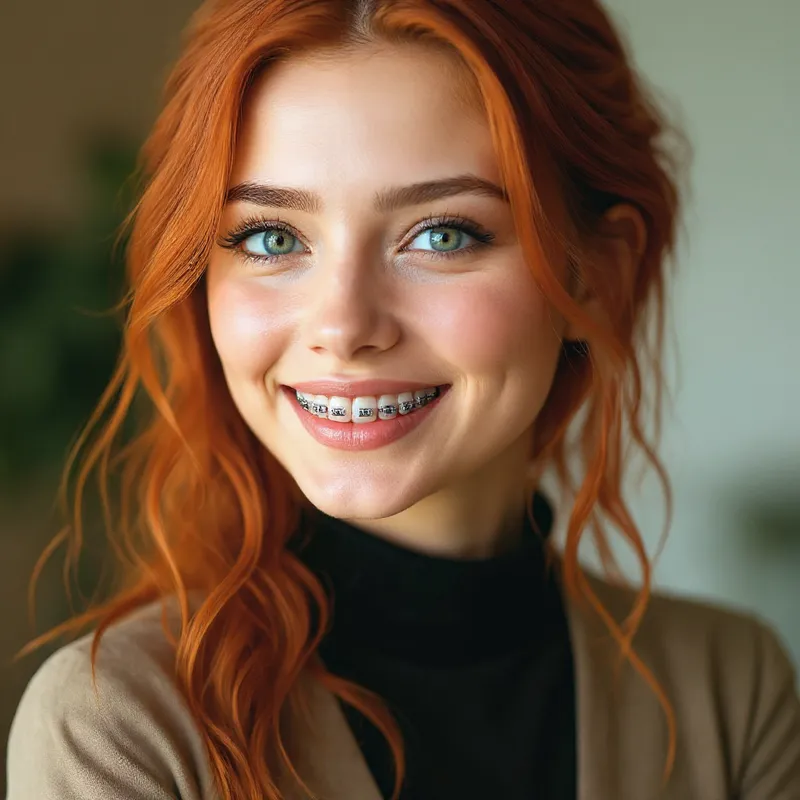
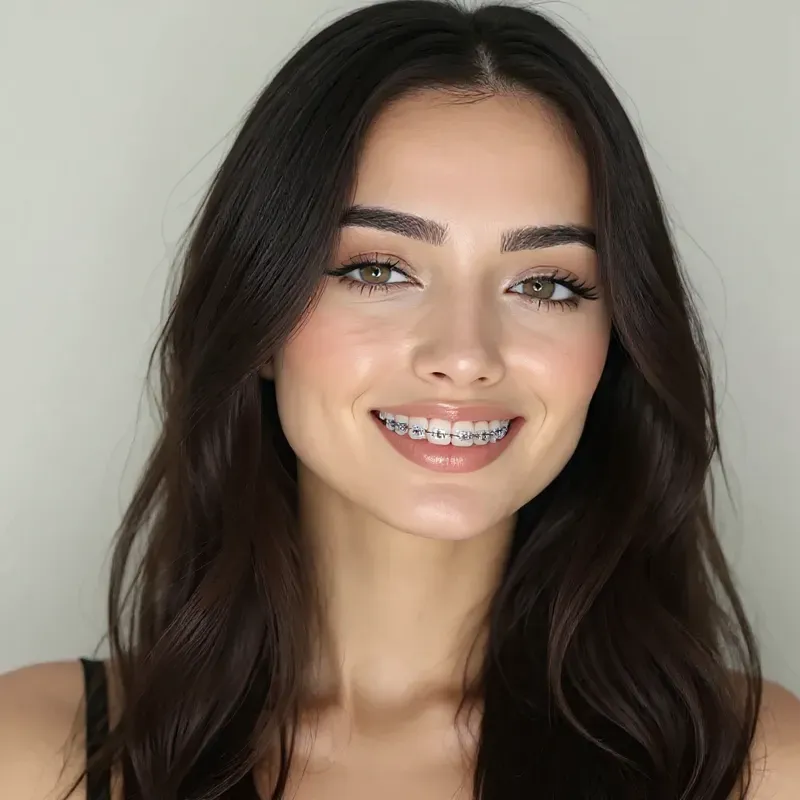
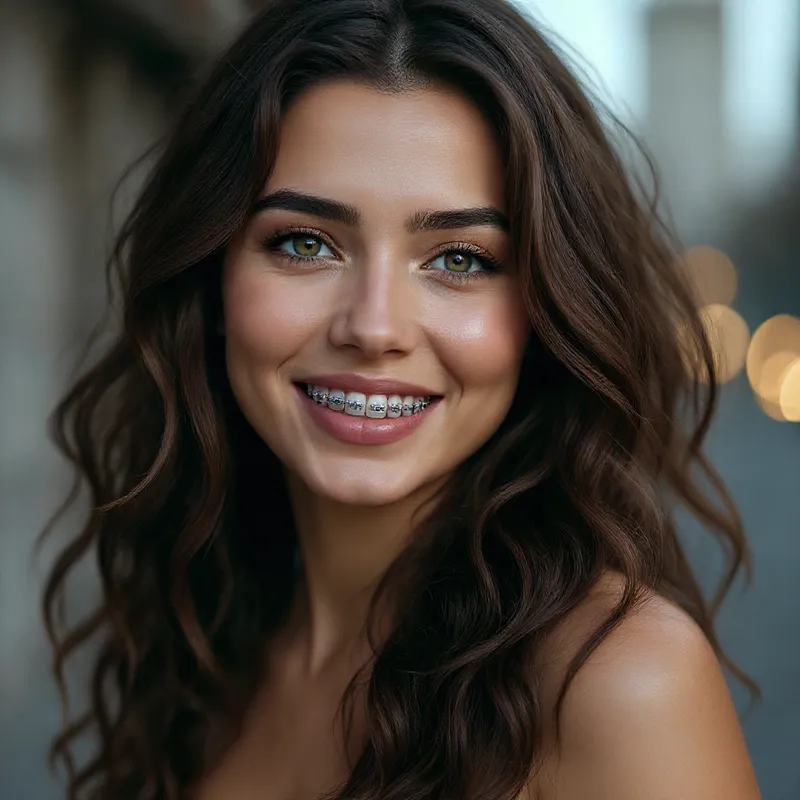
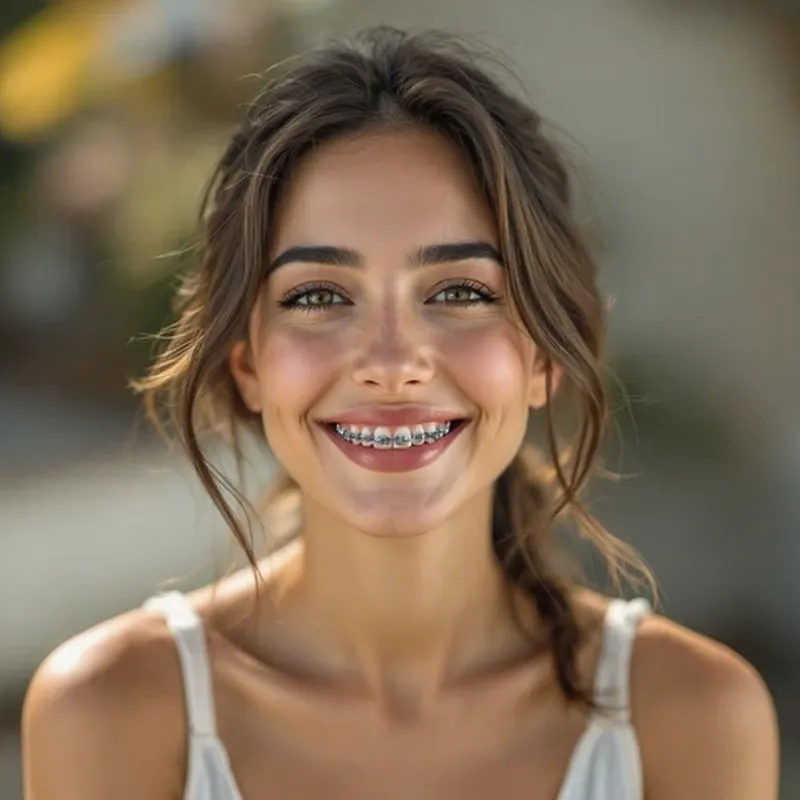
Smiles with AI-generated metal braces