Baby Filter Online
See your portrait as a baby version
Upload your photo
Drag and drop, or choose a file from your device.
Before & After: Baby Filter
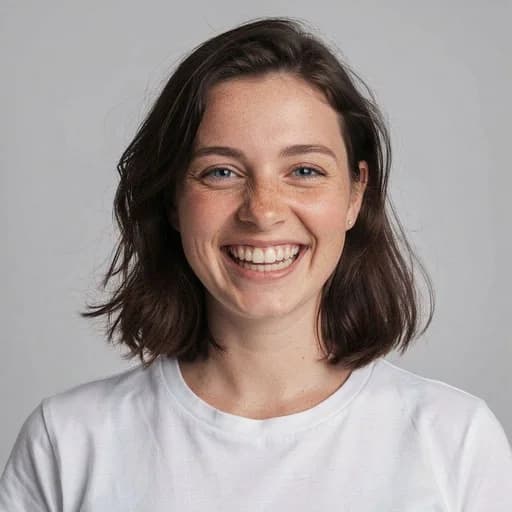
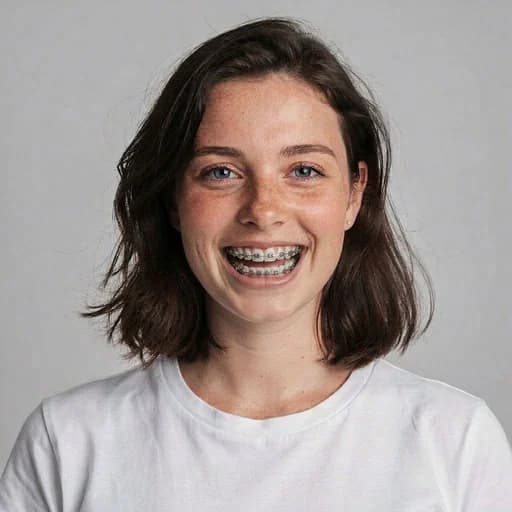
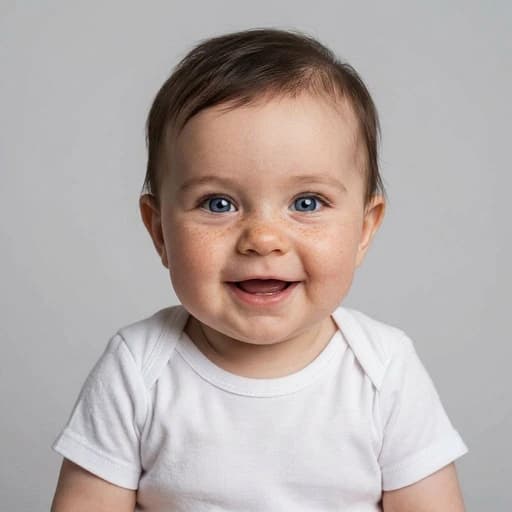
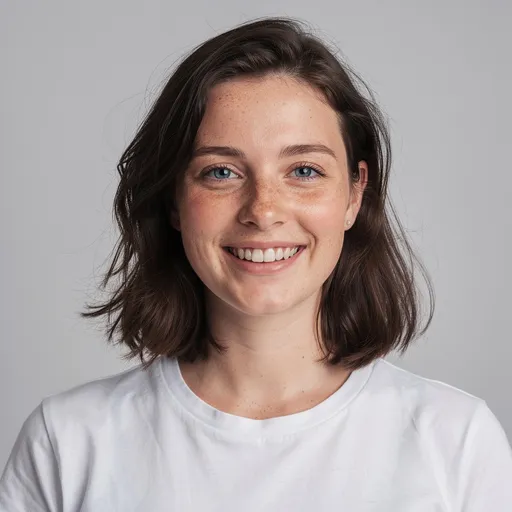
Example: left, adult portrait; right, AI-generated baby version. Drag to compare.
Before
After
Tap to compare
What this filter changes
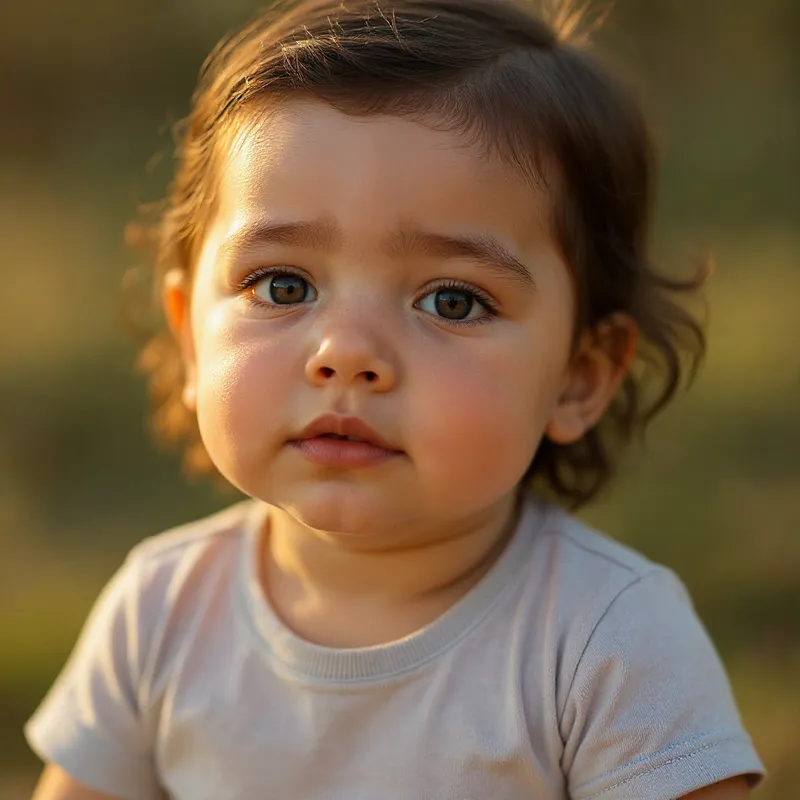
Turn a portrait into a baby version. In the example above, the adult becomes a smiling infant with shorter brown hair, round cheeks, blue eyes and freckles; a white T-shirt and plain gray background remain in the scene.
Try it for: A playful baby-version portrait. Share the generated infant image as a novelty portrait, separate from real childhood photos.
How to use this filter
Upload here, then continue in the editor.
1. Upload a portrait
Start with a photo of the person you want to see as an AI-generated baby.
2. Generate the baby version
The filter opens already selected in the editor; generate to see the infant portrait.
3. Check the features
Compare the eyes, freckles, smile and hair with your original photo.
Tips & limitations
- In this example, the body and haircut change along with the face. Label the result as AI-generated if you share it beside real childhood photos.
Last reviewed by PicTools.AI editorial.
Baby Filter FAQs
Upload a portrait and continue in the editor with the Baby filter selected. Generate a baby version, then compare it with your original photo.
You can try PicTools.AI with a limited free allowance. Continue in the app to check the allowance available to your account. More edits require a credit pack or subscription.
In the example above, blue eyes, freckles and a smile remain visible, but the face, haircut and body become those of an infant. It is an AI interpretation, not a real childhood photo.
In the example above, the adult becomes a baby with shorter hair and a smaller body. The adult white tee becomes an infant shirt; the plain gray background stays.
The Baby example turns the adult into a smiling infant. The Aging example keeps an adult portrait and adds gray hair and older-looking facial features.
See More Baby Filter Examples ▾
Baby Filter Examples
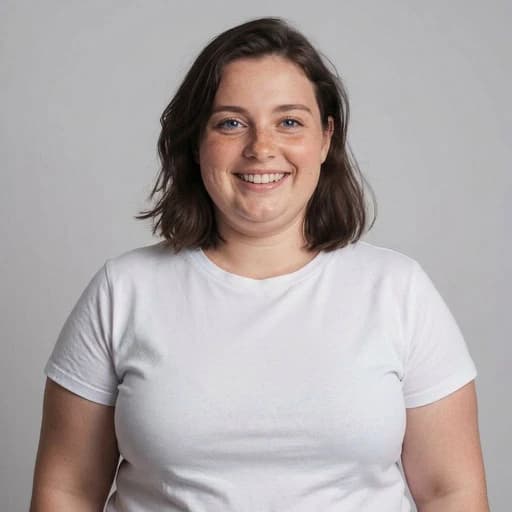
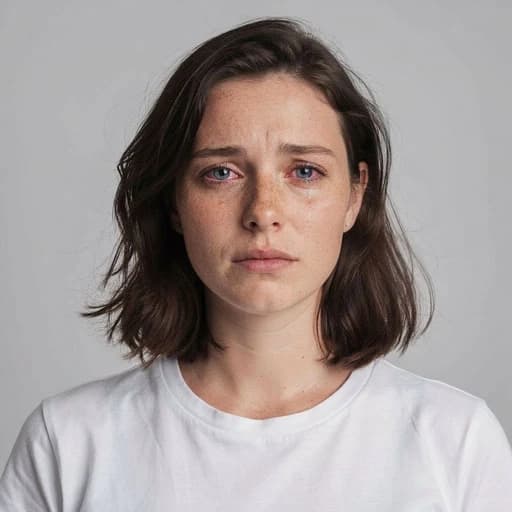
Portraits turned into baby versions