Relight Photo with AI
Upload your photo and fix lighting instantly with AI
Upload your photo
Drag and drop, or choose a file from your device.
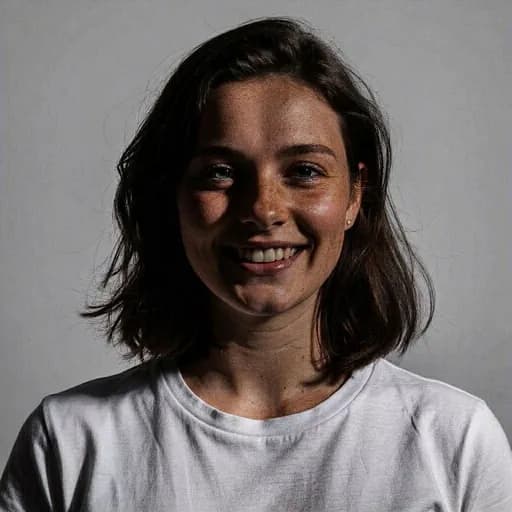
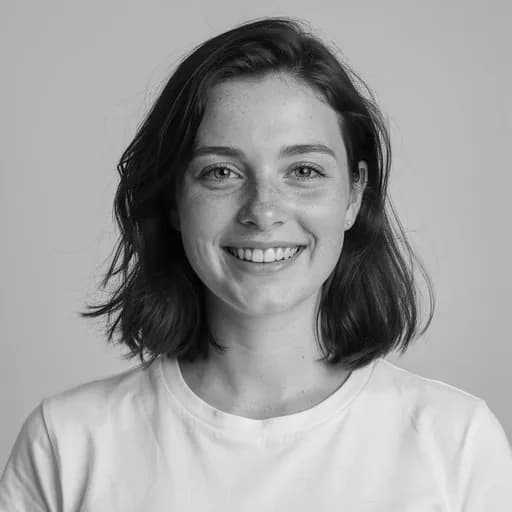
Before & After: Relight Photo
Tap or drag the slider to see the result.


Before
After
Tap to compare
Photo Relighting FAQs
Upload your photo and the AI adds professional studio lighting, removes harsh shadows, and balances exposure automatically.
You can try PicTools.AI with a limited free allowance. Continue in the app to check the allowance available to your account. More edits require a credit pack or subscription.
It applies soft key light, fill light, and rim light for professional portrait-quality lighting. Even, flattering, and natural-looking.
The AI simulates professional studio lighting conditions. Results work best on portraits and headshots where lighting has the most impact.
Yes. The AI balances lighting across the entire image, though it works best when faces are clearly visible.