AI Passport Photo Generator
Upload your photo and create a passport photo instantly with AI
Upload your photo
Drag and drop, or choose a file from your device.
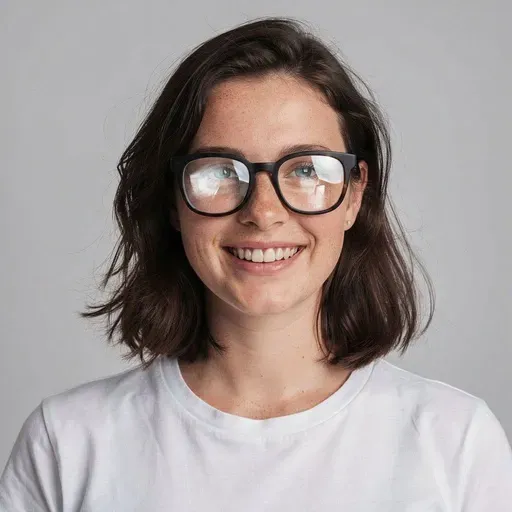
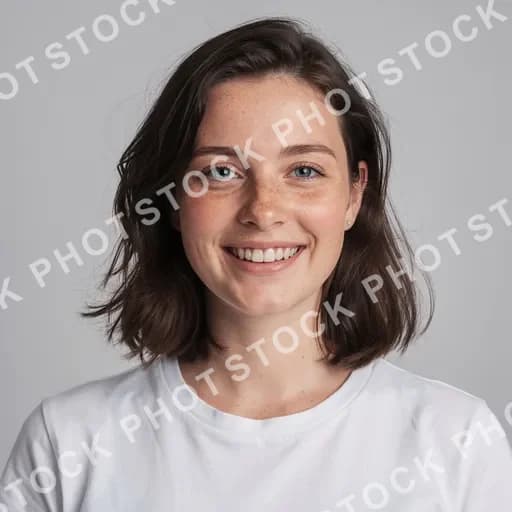
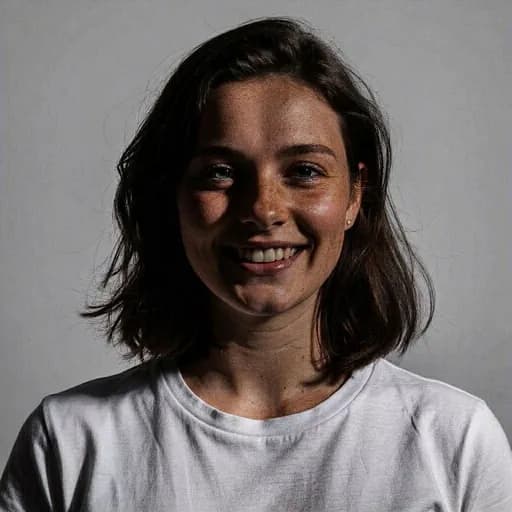
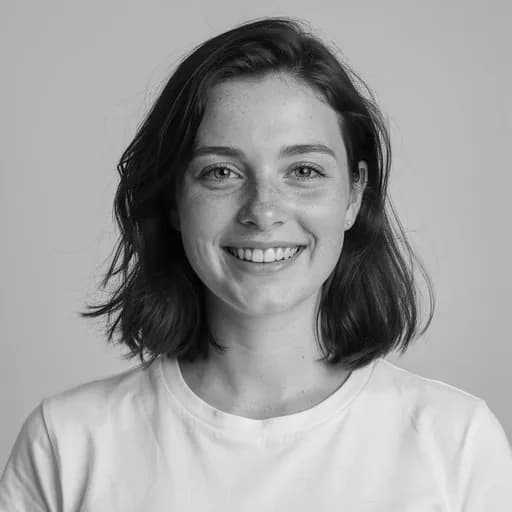
Before & After: Passport Photo
Tap or drag the slider to see the result.

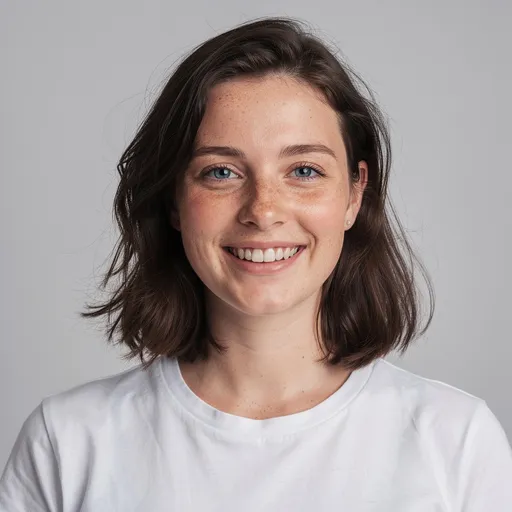
Before
After
Tap to compare
AI Passport Photo FAQs
Upload your photo and the AI adjusts the background, lighting, and framing to create a passport-style photo automatically.
You can try PicTools.AI with a limited free allowance. Continue in the app to check the allowance available to your account. More edits require a credit pack or subscription.
The passport photo tool creates passport-style headshot photos with a clean background and even lighting. Verify the result with your country or authority before submitting.
The AI applies a clean, plain background and adjusts lighting for even, professional results. Always verify the output meets your country-specific requirements.
You can use it to create passport-style and ID-style photos. Always check your country or authority requirements before submitting, as acceptance rules vary.
More than a one-tap filter
Filters give you a look in one tap. When you want full control, open the AI Image Editor and change anything by typing — remove objects, swap backgrounds, retouch and upscale. Editing a portrait or an old picture? The AI Photo Editor is tuned for exactly that. You only pay for what you use — credits never expire, no subscription.