Colorize Black and White Photos with AI
Upload a black and white photo and add realistic color instantly with AI
Upload your photo
Drag and drop, or choose a file from your device.
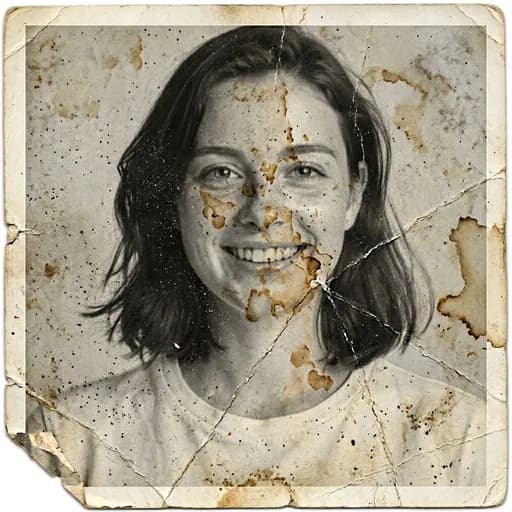
Before & After: Colorize Photo
Tap or drag the slider to see the result.


Before
After
Tap to compare
Photo Colorization FAQs
Upload a black and white photo and our AI adds realistic, natural-looking color to skin tones, hair, clothing, and background while keeping everything else — including any scratches or damage — exactly as it is.
No. Colorize only adds color and leaves everything else untouched. If your photo also has damage you want repaired, use the Restore Old Photo tool instead.
No. The AI is instructed to preserve facial features, identity, and expression exactly — only color is added.
The tool detects this and returns your photo unchanged.
You can try PicTools.AI with a limited free allowance. Continue in the app to check the allowance available to your account. More edits require a credit pack or subscription.