Pink Hair AI Filter
See your new look by applying the Pastel Pink Hair Effect with AI
Upload your photo
Drag and drop, or choose a file from your device.
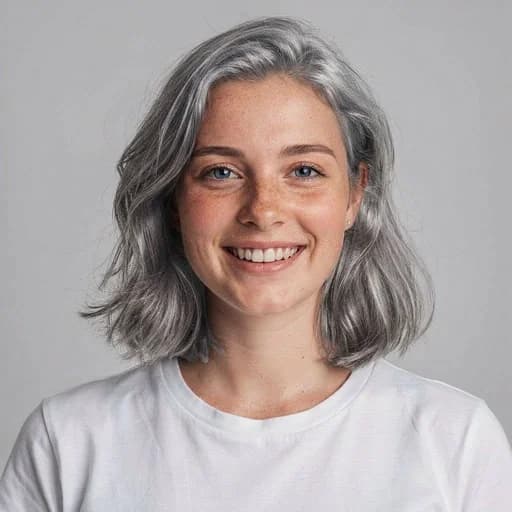
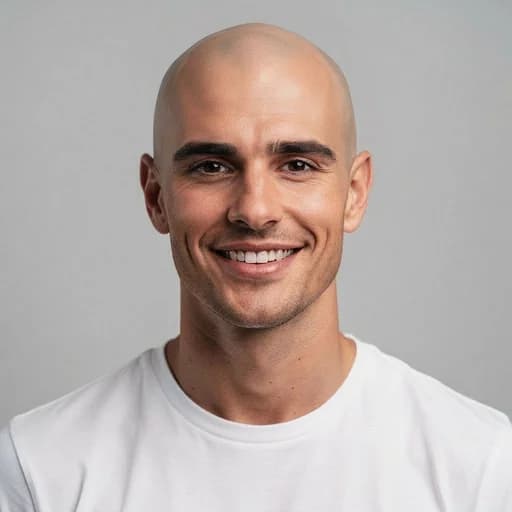
Before & After: Pink Hair AI Filter
Tap or drag the slider to see the result.


Before
After
Tap to compare
Pink Hair AI Filter FAQs
Upload your photo to PicTools.AI. The AI changes your hair to pink while keeping your face, skin tone, and the rest of the photo exactly the same. No editing skills needed.
You can try PicTools.AI with a limited free allowance. Continue in the app to check the allowance available to your account. More edits require a credit pack or subscription.
Yes. The AI applies a realistic pink hair color that matches your hair length and texture, so the result looks styled rather than fake.
The AI applies a vivid pastel-to-rose pink depending on your original hair color. On light hair it produces a soft pastel; on dark hair it leans more vivid. Either way, it adapts to your texture for a styled look.
Yes. The AI works on all hair colors. On darker hair the pink appears more vibrant, similar to a bleach-and-dye result.
No. The AI targets only the hair. Your face, skin, background, and lighting stay exactly the same.
Clear portraits with fully visible hair work best. Good lighting and a clear separation between hair and background produce the most vivid color result.
More than a one-tap filter
Filters give you a look in one tap. When you want full control, open the AI Image Editor and change anything by typing — remove objects, swap backgrounds, retouch and upscale. Editing a portrait or an old picture? The AI Photo Editor is tuned for exactly that. You only pay for what you use — credits never expire, no subscription.