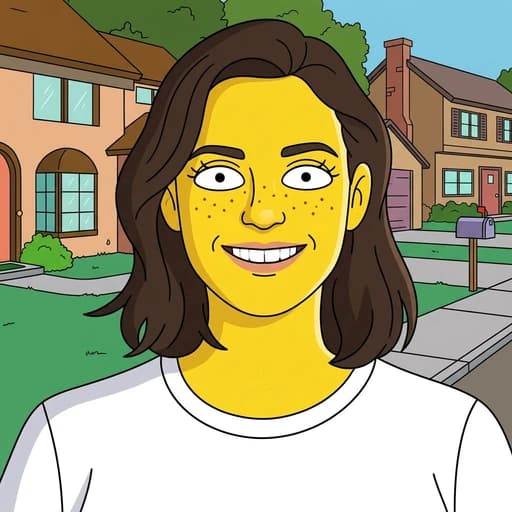
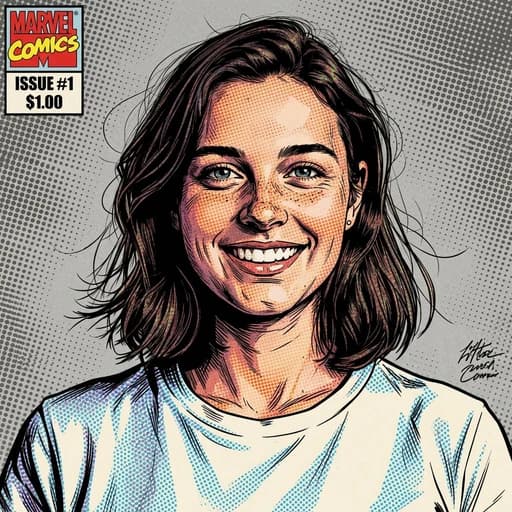
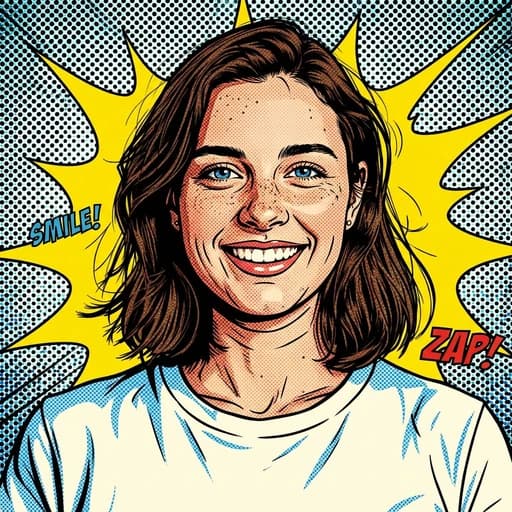
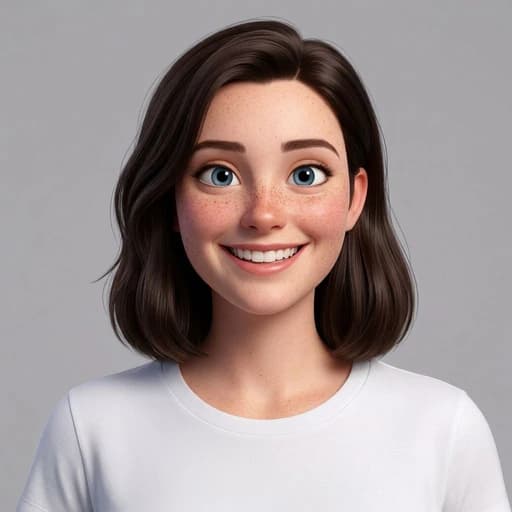
Tim Burton AI Filter
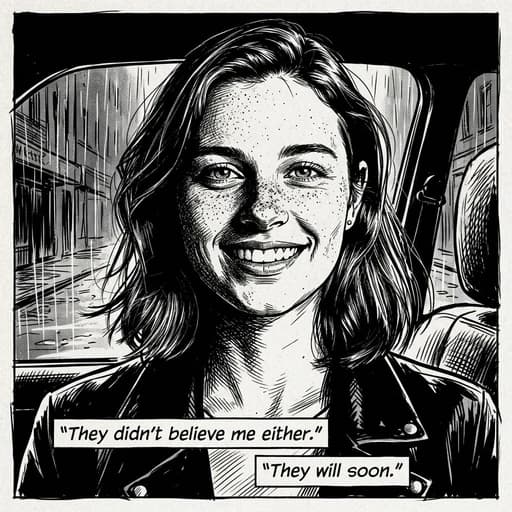
Turn your photo into a Tim Burton-inspired Character instantly with AI
Upload your photo
Drag and drop, or choose a file from your device.
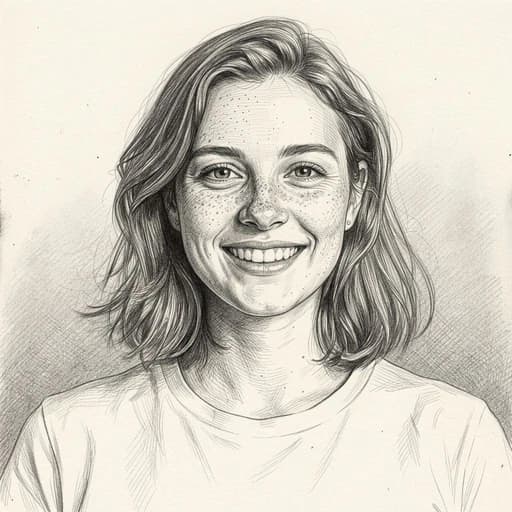
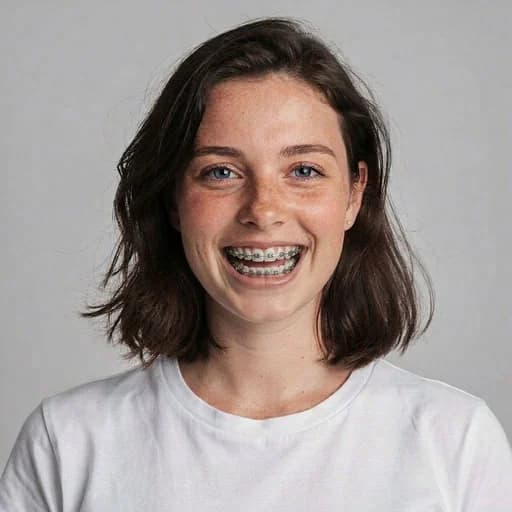
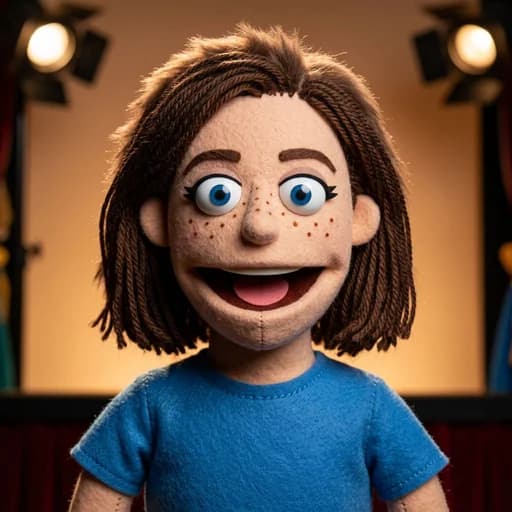
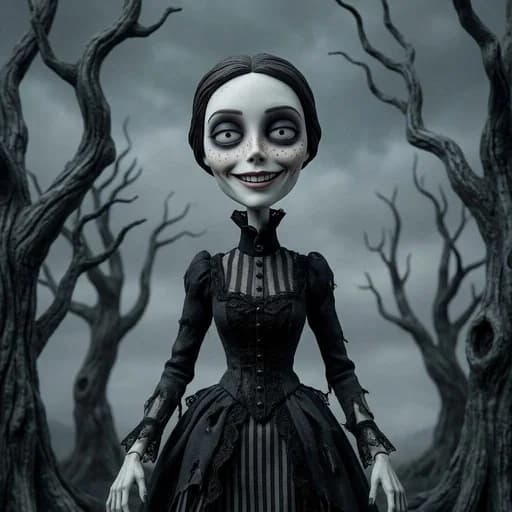
Before & After: Tim Burton AI Filter
Tap or drag the slider to see the result.
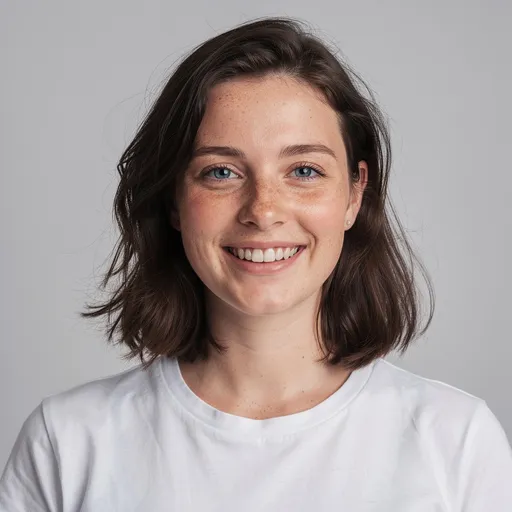
Before
After
Tap to compare
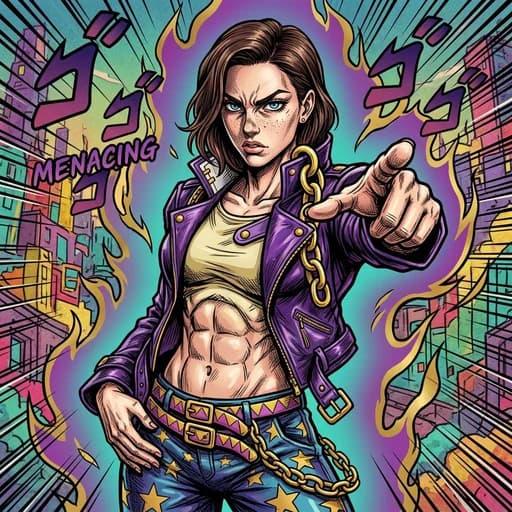
This filter creates an original, Tim Burton-inspired stylization of your photo using AI. PicTools.AI is not affiliated with, endorsed by, or sponsored by the rights holders of Tim Burton.
Tim Burton AI Filter FAQs
It's easy. Upload your photo to PicTools.AI. The AI analyzes your image and instantly transforms it into a Tim Burton-inspired character. No design skills or complex editing software required.
You can try PicTools.AI with a limited free allowance. Continue in the app to check the allowance available to your account. More edits require a credit pack or subscription.
Yes. PicTools.AI works entirely in your browser, so you can use the Tim Burton filter on your iPhone, Android, tablet, or computer. No app download needed.
You can use the generated Tim Burton-inspired image for commercial projects if you have the necessary rights to the uploaded photo and your use respects our Terms and third-party rights, including trademarks and the likeness of real people. However, please be mindful of trademarks if your image closely resembles a specific protected character.
Clear images with good lighting work best. For the best results, close-up portraits or selfies are recommended as the AI can accurately map facial features to the new style.
PicTools.AI supports all major formats, including JPG, PNG, WebP, BMP, GIF, and TIFF. Just upload your photo to start—no conversion needed.
Yes. Your privacy is our priority. Images are processed securely for the sole purpose of generating your result, are not shared publicly, and are never used to train AI models. See our Privacy Policy for storage, retention and deletion details.
No. PicTools.AI is an independent platform. This filter is an artistic style inspired by the visual aesthetic associated with Tim Burton, but it is not endorsed by, sponsored by, or affiliated with any official brand or studio.
More than a one-tap filter
Filters give you a look in one tap. When you want full control, open the AI Image Editor and change anything by typing — remove objects, swap backgrounds, retouch and upscale. Editing a portrait or an old picture? The AI Photo Editor is tuned for exactly that. You only pay for what you use — credits never expire, no subscription.