Free AI Photo Editor with Prompt
Edit any photo online in seconds. Change outfits, retouch faces, swap backgrounds.
AI Prompt Editor Examples
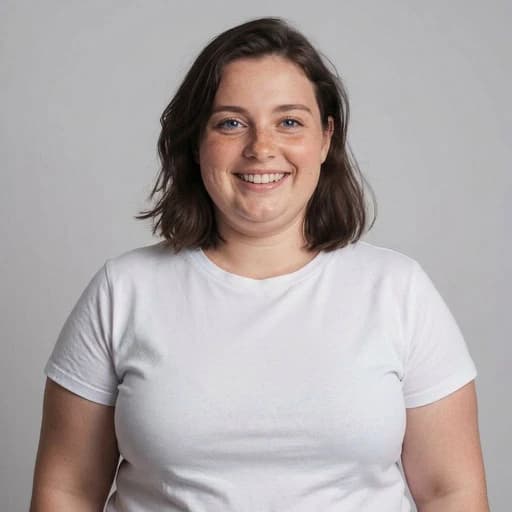
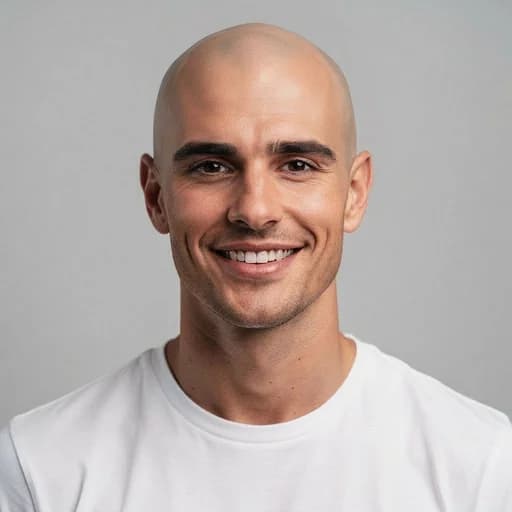
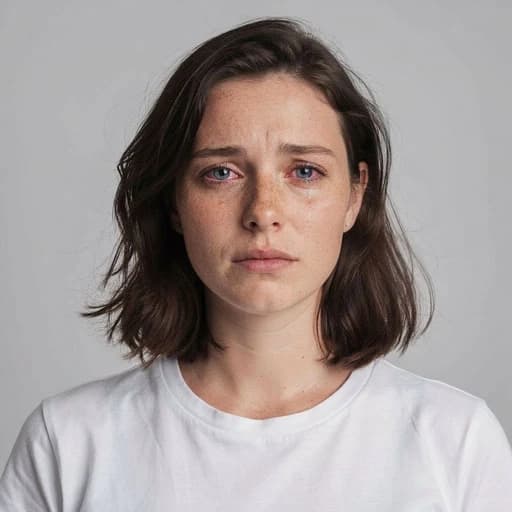
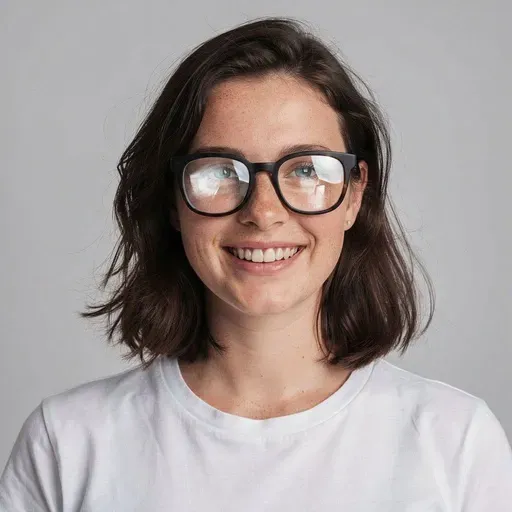
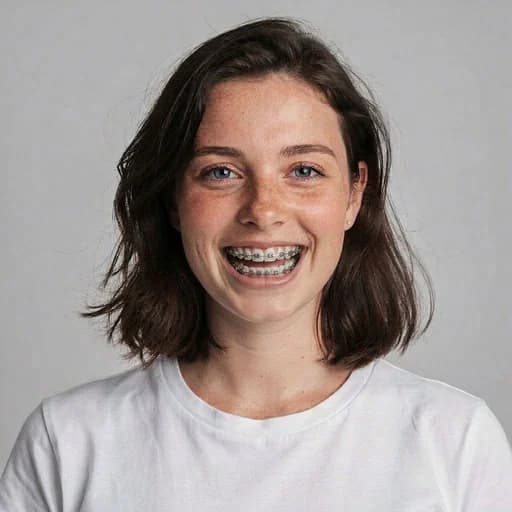
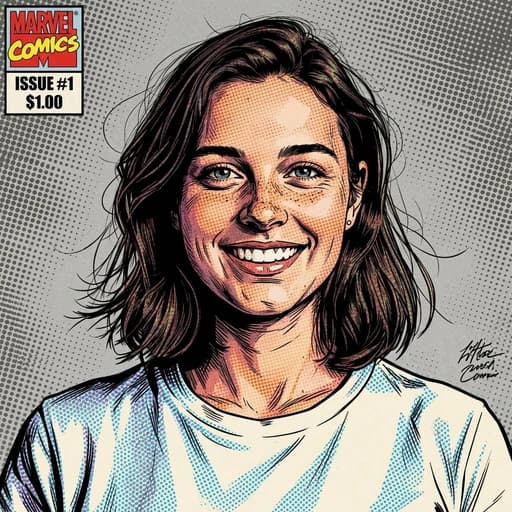
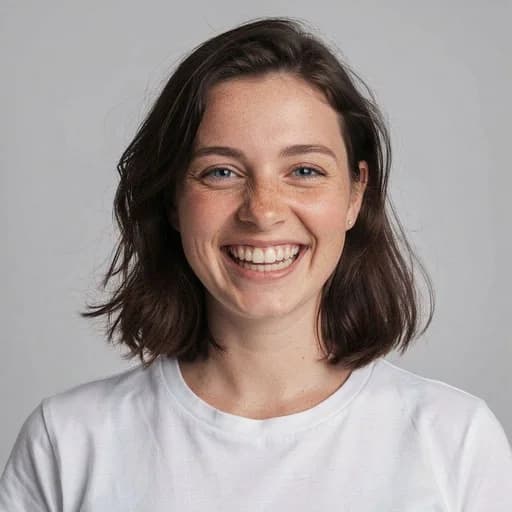
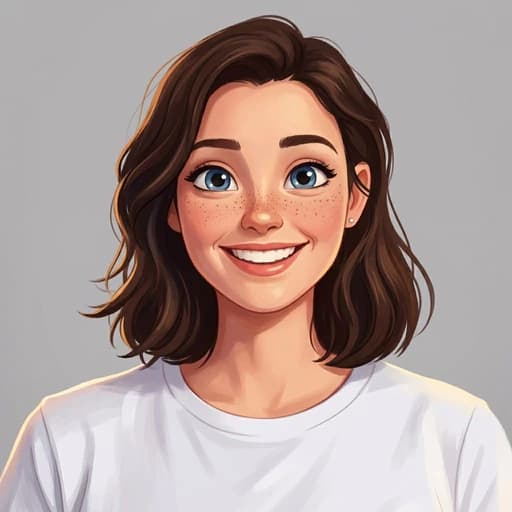
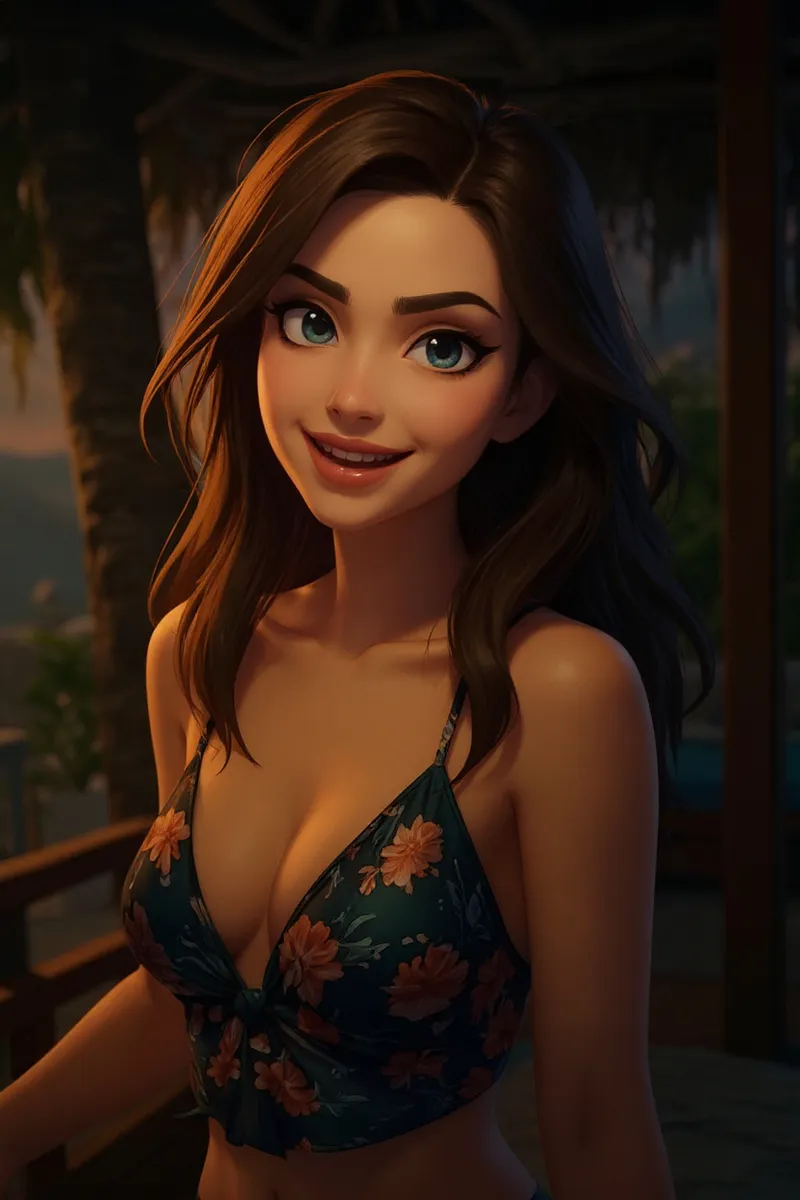
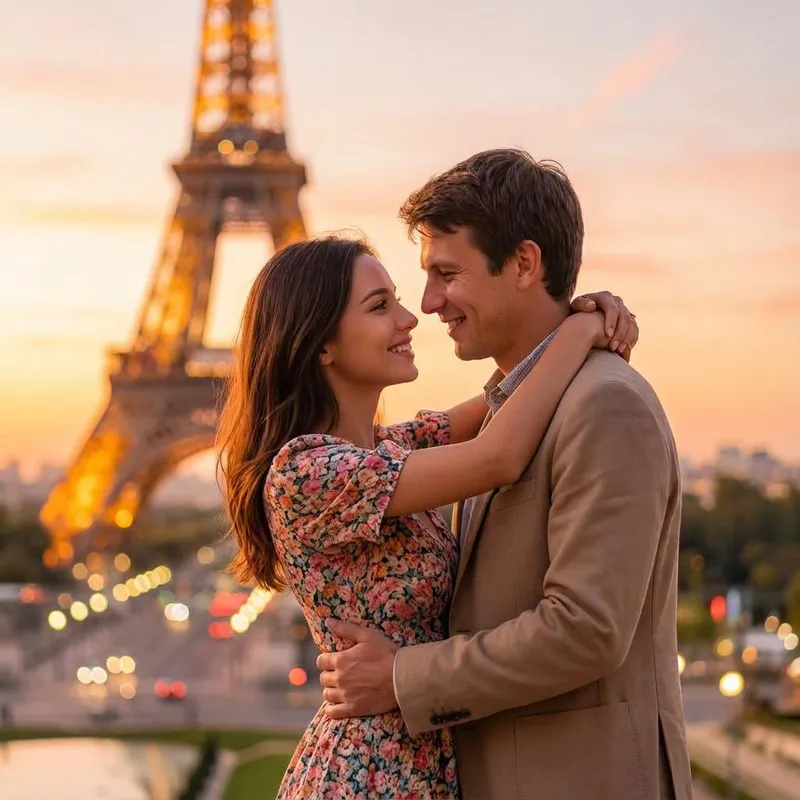
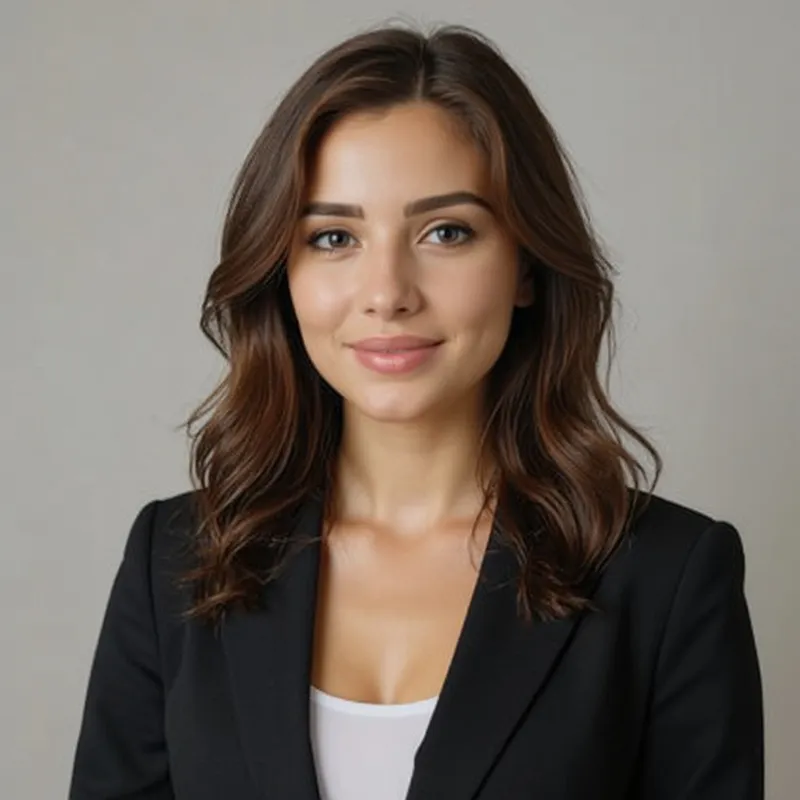
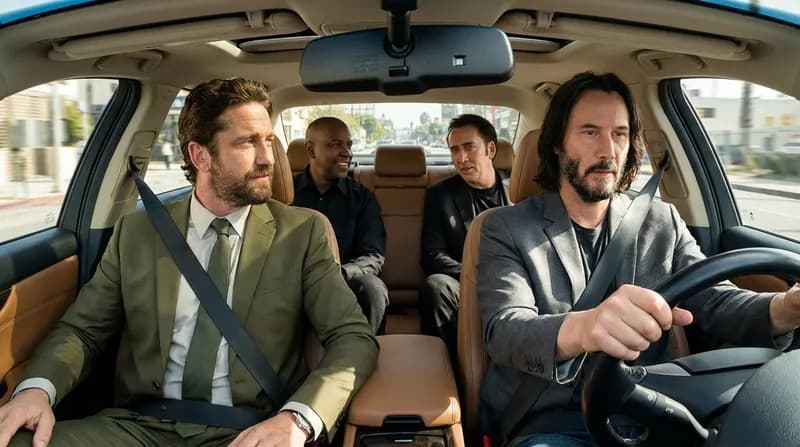
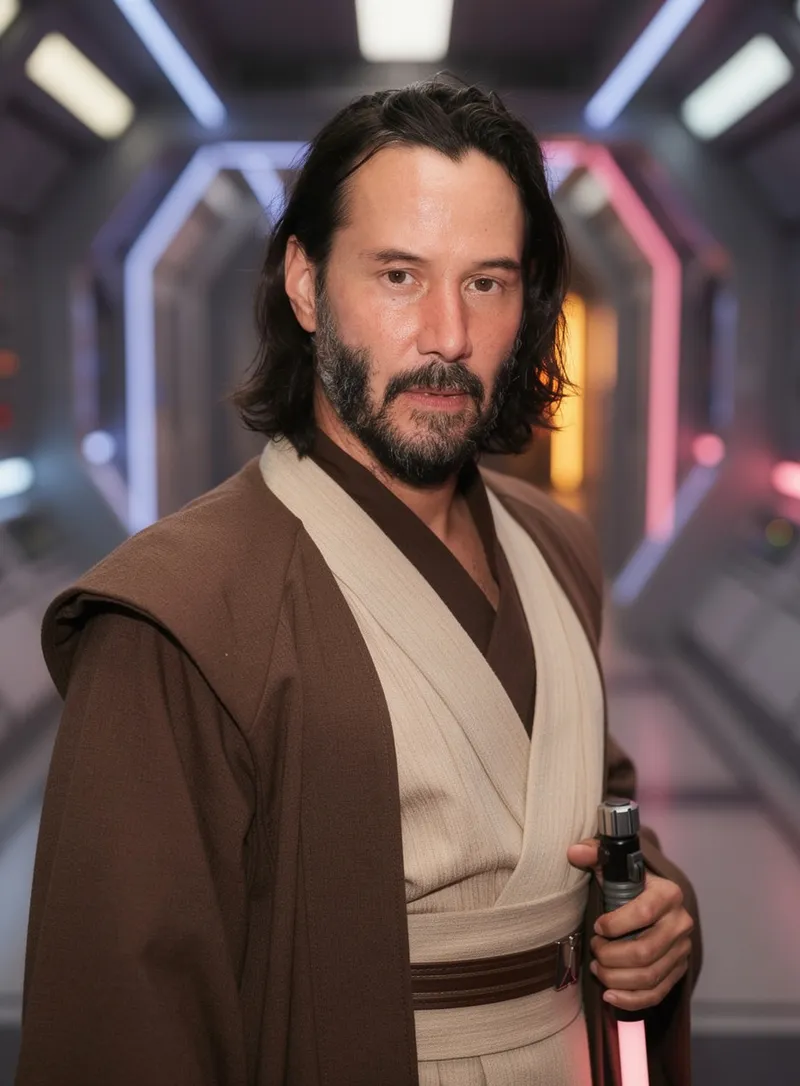
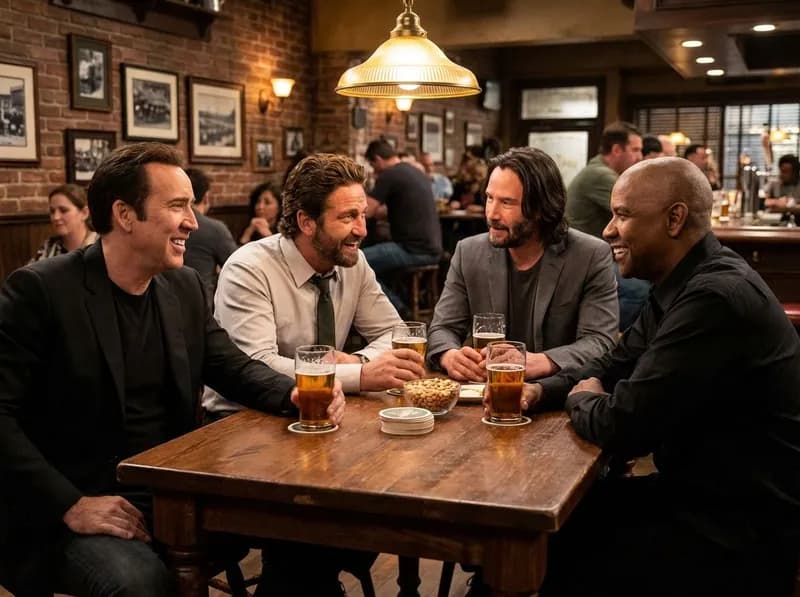
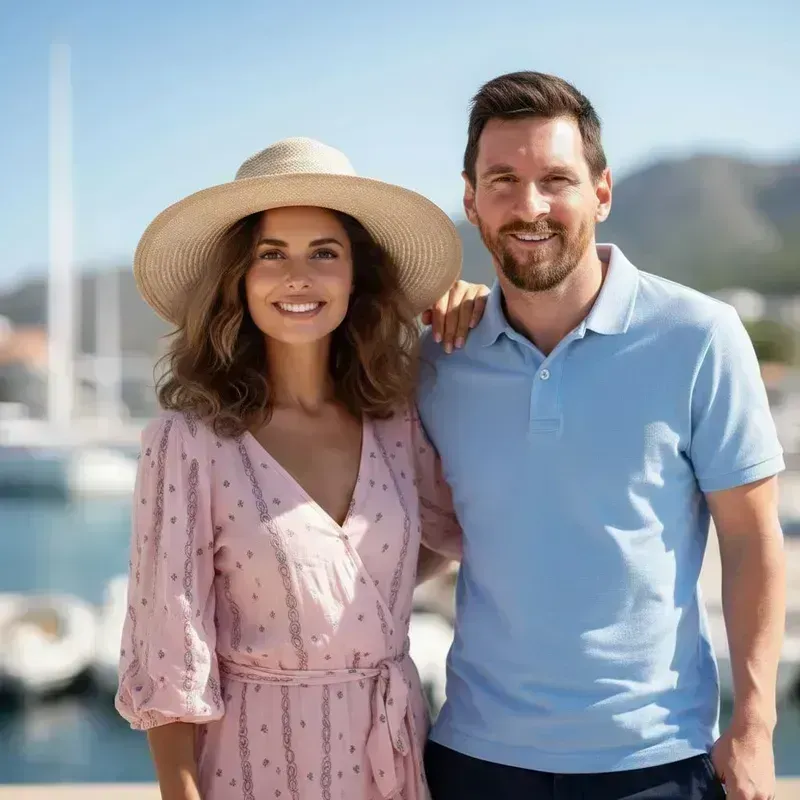
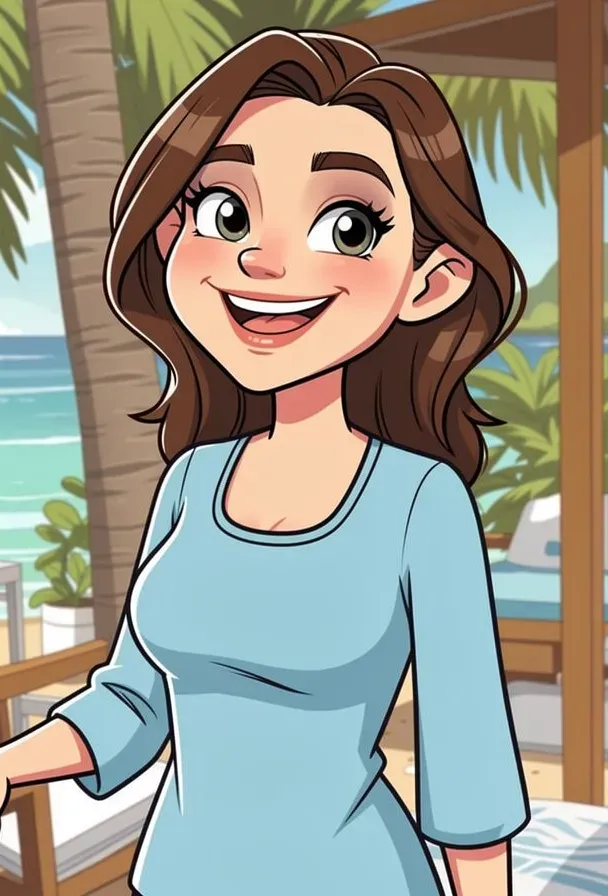
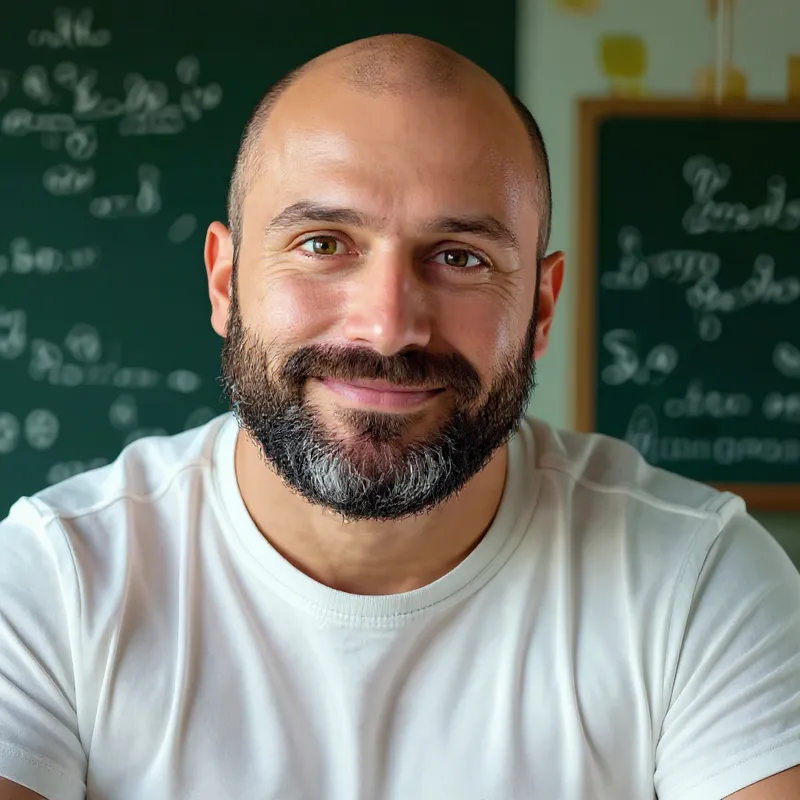
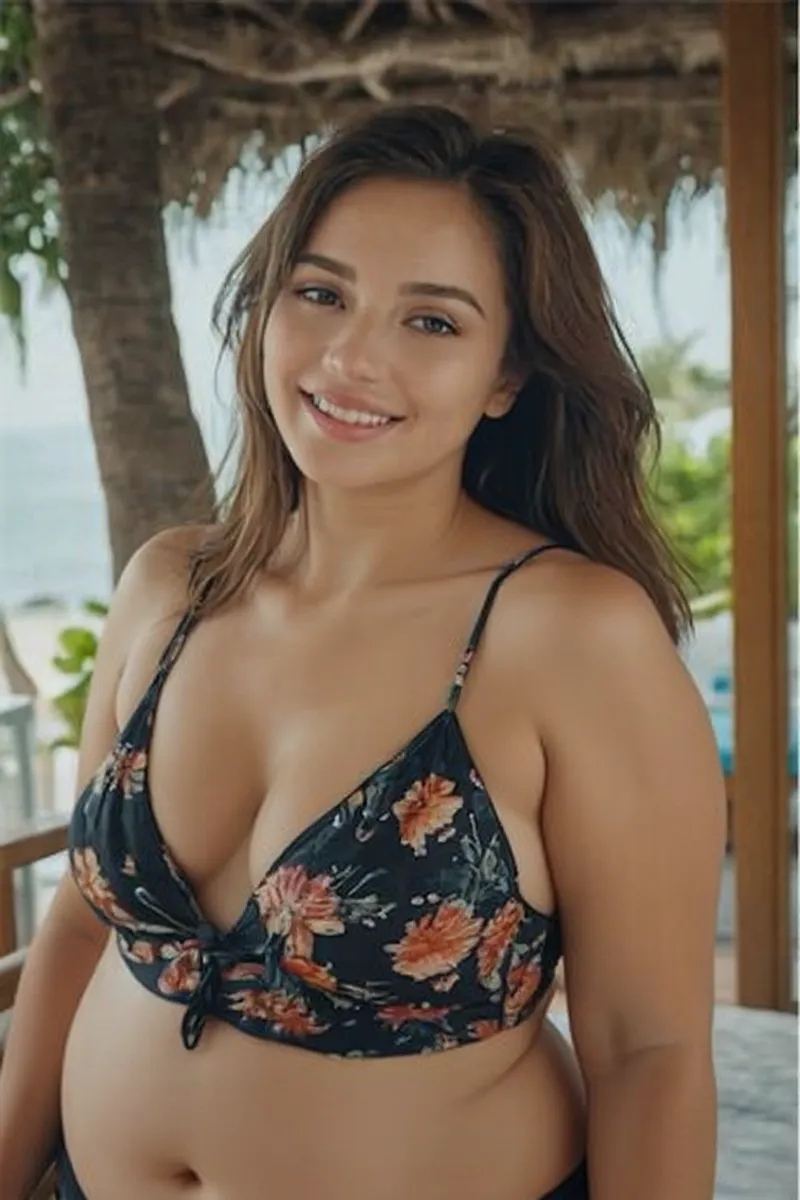
Photos transformed with our AI
AI Prompt Editor FAQs
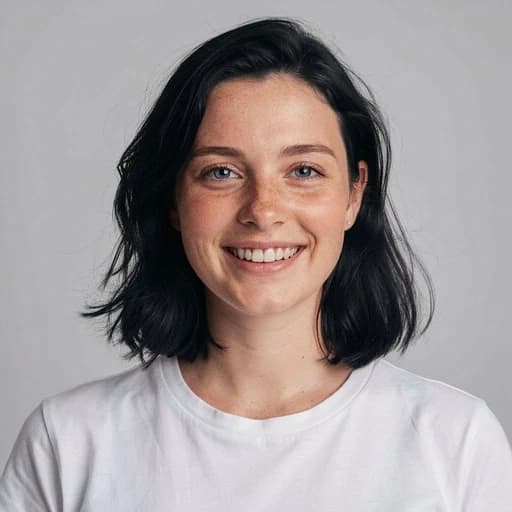
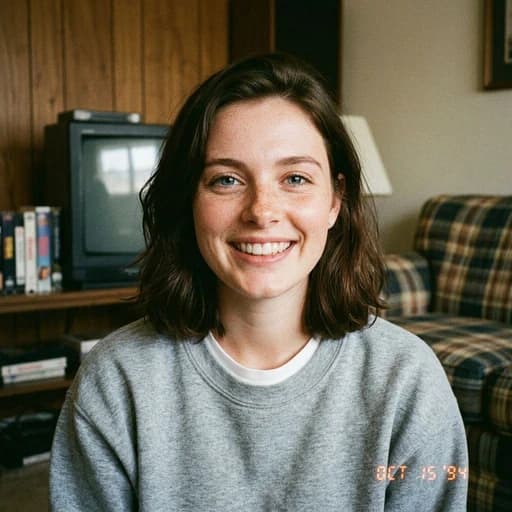
Upload your photo and type what you want to change. This AI photo editor prompt tool applies your edit directly to the image — remove the background, change it to a new scene, remove unwanted people or objects, clean up or replace text on signs, restore old family photos, try new hairstyles or hair colors, test different outfits, or redesign your room or workspace.
How it works
- Upload your image.
- Type a clear prompt that describes what to change.
- The AI applies all requested edits in one step to your original image.
Optional controls
- Multi-image: upload up to 4 photos to blend people, outfits, or products into a single scene.
- Ideas: ready-made prompts you can use as a starting point and then customize.
- Filter: one-click creative styles and realistic transformations for your image.
- Ratio: sets the aspect ratio (square, landscape, or portrait) before you apply the edit.
Pro tips
- Add constraints for consistency, for example “keep the same face and identity”, “preserve camera angle and framing”, or “keep pose and proportions”.
- When replacing text in signs or labels, use quotation marks, for example replace "SALE" with "NEW". Keep the new text similar in length to preserve layout and alignment.
Yes. Sign up to get free credits and start editing right away.
AI image processing has real costs, so we include a limited number of free credits so you can try the editor. When you need more, you can subscribe for monthly or annual credits, or buy credit packs anytime. See pricing for details.
Yes. Each image you edit uses 1 credit.
If you blend multiple images (up to 4), it costs 1 credit per image.
Free and paid credits work the same.
If an edit fails due to a technical error or is blocked by content safety filters, credits are not deducted.
See pricing for details.
PicTools.AI supports all major image formats, including JPG, PNG, WebP, BMP, GIF, and TIFF.
You can upload these formats directly with no file conversion needed before editing. High-resolution images are supported.
Yes. All images you upload and edit with PicTools.AI stay private and secure.
We don’t share, publish, or use your images to train AI models.
Each edit is processed securely and linked only to your account.
You can delete any image from your history at any time. When you delete an image, we remove it from your account and our systems.
Yes, you can use the images you edit with PicTools.AI for commercial purposes.
Make sure your usage complies with our Terms of Use and respects third-party rights, including trademarks and the likeness of real people.
PicTools.AI is not responsible for how users choose to use their edited images.
No. PicTools.AI is an independent tool that lets you edit images with AI by describing what you want.
Some filters are inspired by well-known visual styles, but PicTools.AI isn’t affiliated with, sponsored by, or endorsed by any company, brand, or animation studio.